

By:Gunnar Kallstrom , Updated June 2, 2026 Head of Information Systems and Cybersecurity Research
Updated June 2, 2026The best VPN services for Android should also offer class-leading security and privacy features, along with an app experience that doesn’t feel like a copy-and-paste from another platform. For this review, I conducted in-depth, hands-on testing of several of the best VPN providers to see how they perform on Android devices.

AES-256 encryption, no-logs policies, kill switches, and advanced protections like multi-hop and threat blocking.
Large worldwide server coverage ensures reliable speeds and access to geo-restricted content.
Works across desktop and mobile devices, browsers, and often smart TVs or routers.
Fair pricing with trials or money-back guarantees, plus intuitive apps that are easy to use.
| Starting Price (4.5/5) | Security (5/5) | Servers (#) in Countries (#) (5/5) | UX (4.9/5) | Compatibility (5/5) | Connectivity (4.8/5) | Top Features |
|---|---|---|---|---|---|---|
| $12.99 per month | Double VPN, kill switch, no logs policy | 8,900+ servers in 180+ locations | Clean, responsive app, supports side-by-side mode, app remains highly usable in compact window, home screen widget offers status info and recent server access | Mac, Windows, Linux, Android, iOS, Chrome, Firefox, Edge | Up to 10 devices at one time | — Robust server list — Onion over VPN — 10 devices at once — Router support for “unlimited” connected devices |
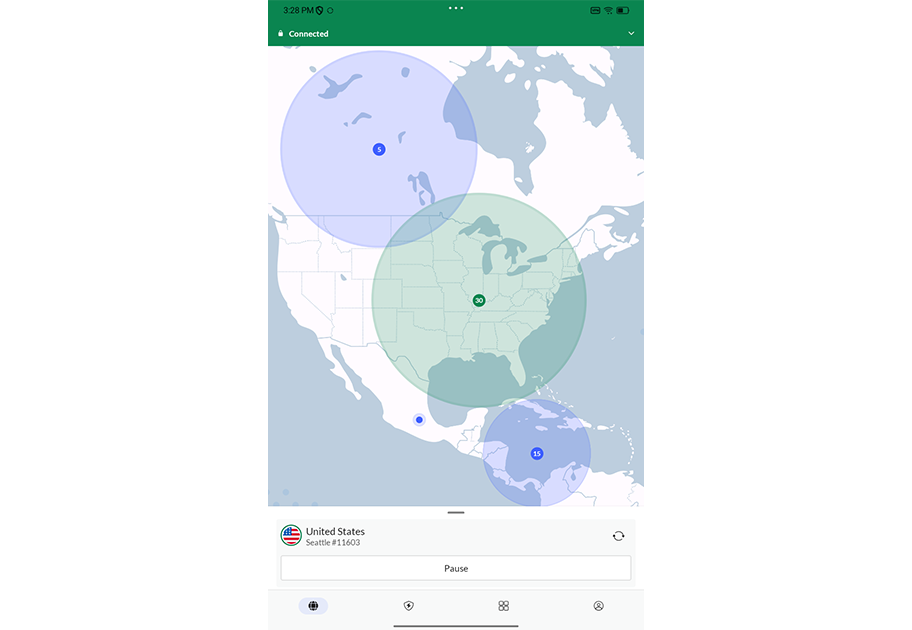
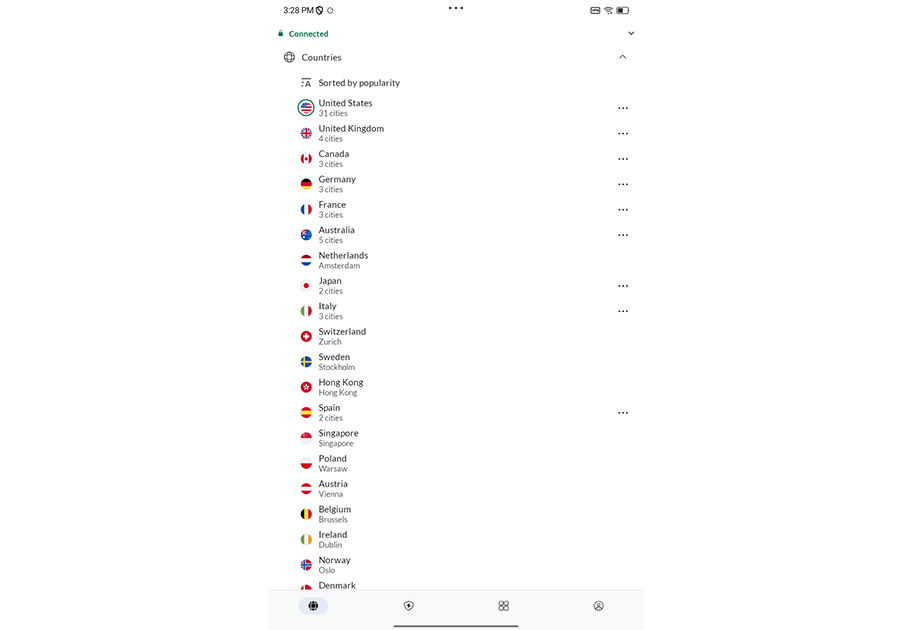
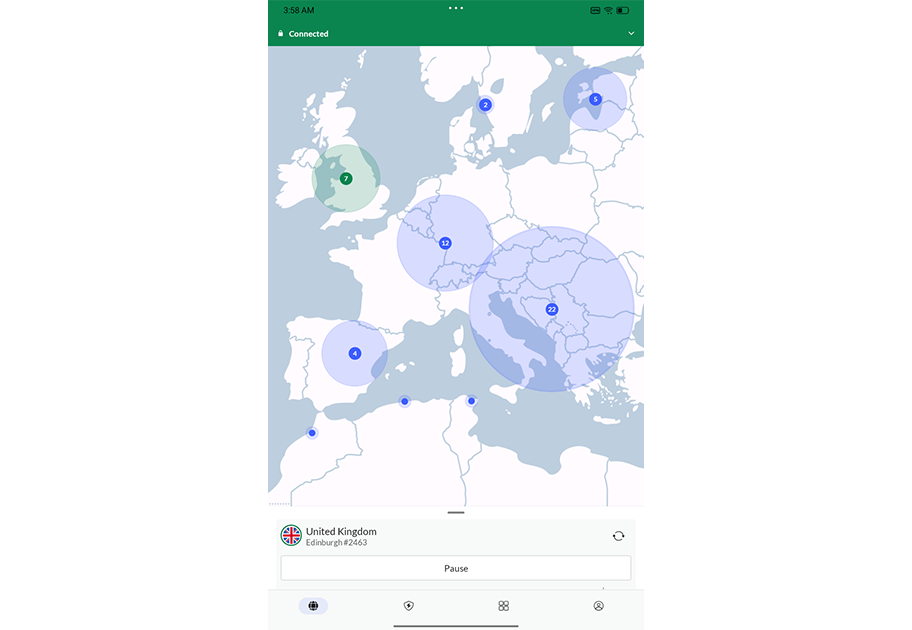
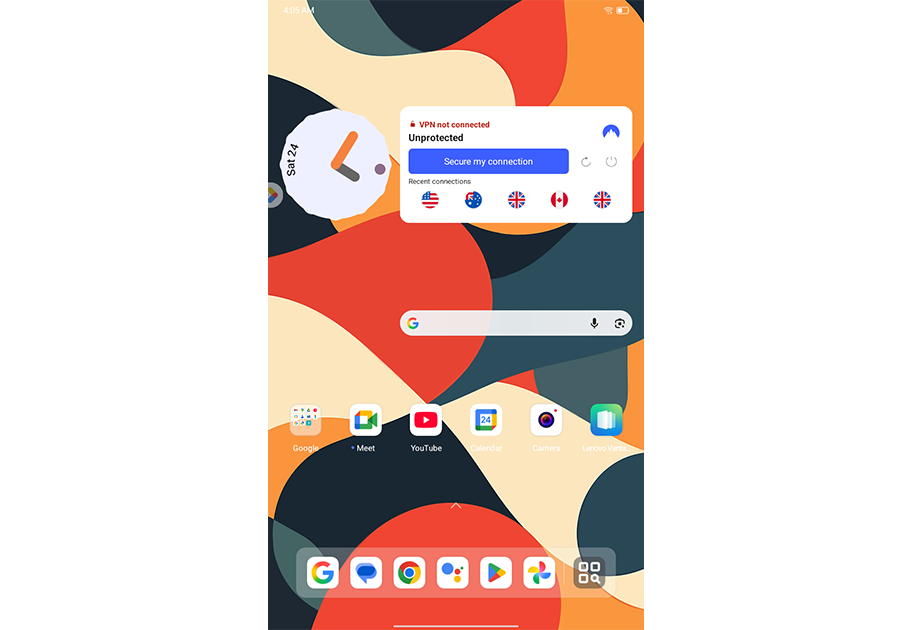
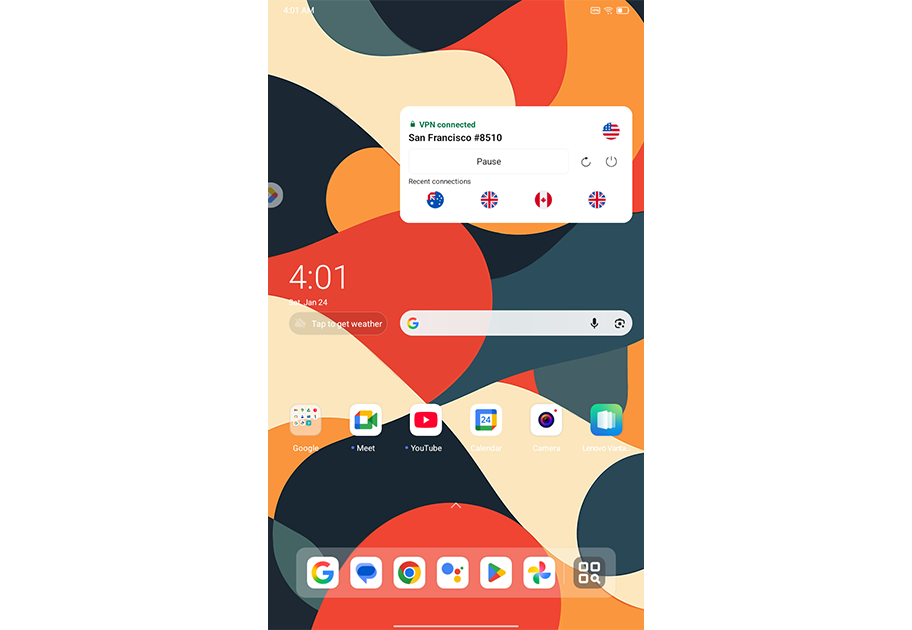
Sometimes, a solid VPN provider offers a great user experience on desktop or laptop devices but falls short on mobile devices. Thankfully, NordVPN avoids this pitfall thanks to a solid feature set and a cleanly designed Android app.
Most options are tucked away in dropdown menus that respond swiftly to touch input. And the app maintains a good use of limited screen real estate even in side-by-side mode. There’s also a useful home screen widget that you can resize from a tiny icon to a large banner. In its largest layout, the widget displays your current connection status, a connect/disconnect button, and a list of recent servers.
Who is NordVPN best for?
Those looking for a solid VPN service that offers a consistently strong app experience, whether you’re using an Android phone, Windows desktop, or MacBook, should give NordVPN a good, long look.
Recent upgrades to NordVPN:
NordVPN is actively increasing its sizable server count, including virtual locations. These allow users to access a geographic area even though the server is located in another location. NordVPN added around 30 such options in December 2025, bringing the total number of virtual locations to over 180.
NordVPN’s Pricing:
NordVPN pricing starts at $12.99 per month with the Basic plan. That gives you access to over 8,900 servers across 180+ locations. Plus, the Complete and Prime plans offer upgrades such as anti-malware tools, ad blockers, password managers, and secure cloud storage.
One- and two-year plans offer significant discounts, but the price does jump back up considerably once the promotional period ends.
Pros and cons of NordVPN
| Starting Price (4.5/5) | Security (5/5) | Servers (#) in Countries (#) (5/5) | UX (4.6/5) | Compatibility (5/5) | Connectivity (5/5) | Top Features |
|---|---|---|---|---|---|---|
| $1.99 per month | Double VPN, kill switch, RAM-only servers, no logs policy | 4,500+ servers in 100 locations | Efficient app layout, easy access to features and options, useful home screen widgets | Mac, Windows, Linux, Android, iOS, Chrome, Firefox, Edge | Unlimited devices at once | — Alternative ID feature — Unlimited devices at one time — Optional identity theft coverage — Optional antivirus |
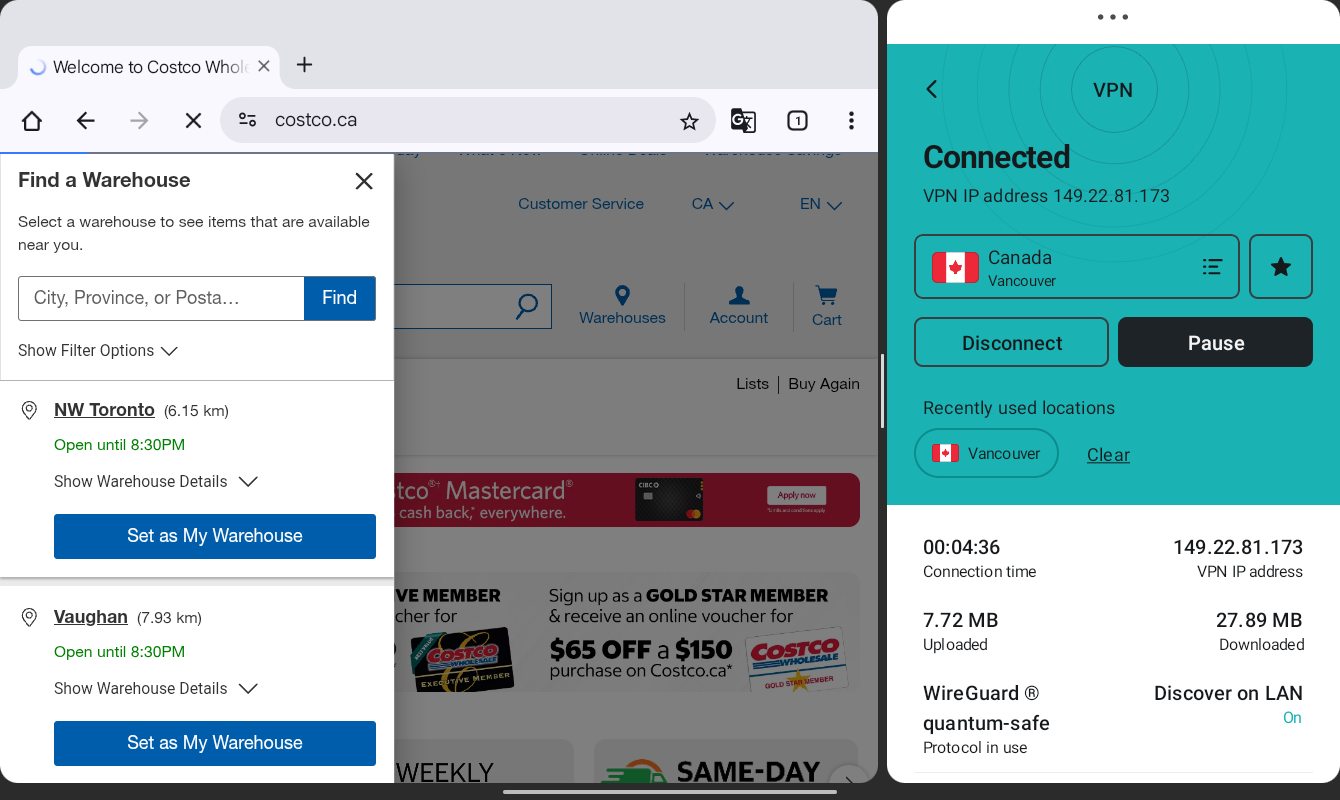
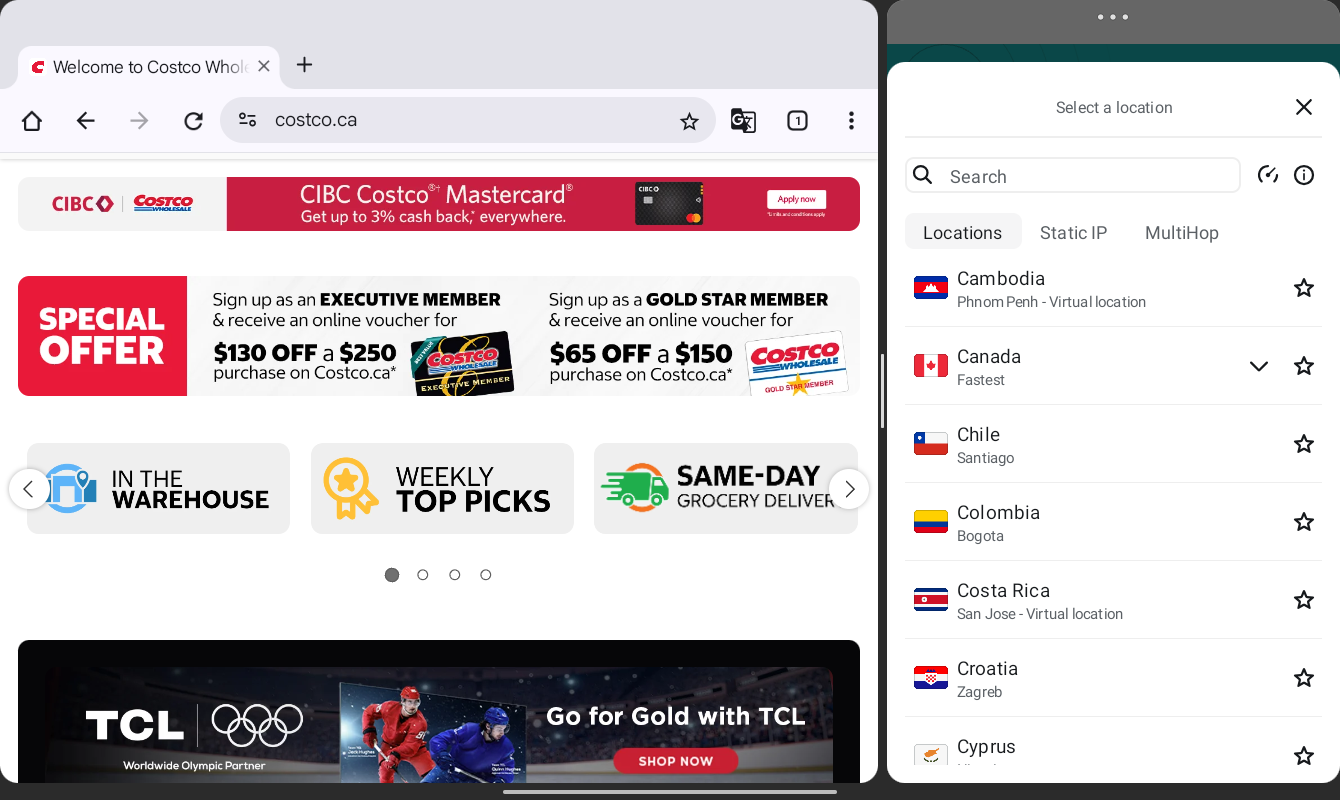
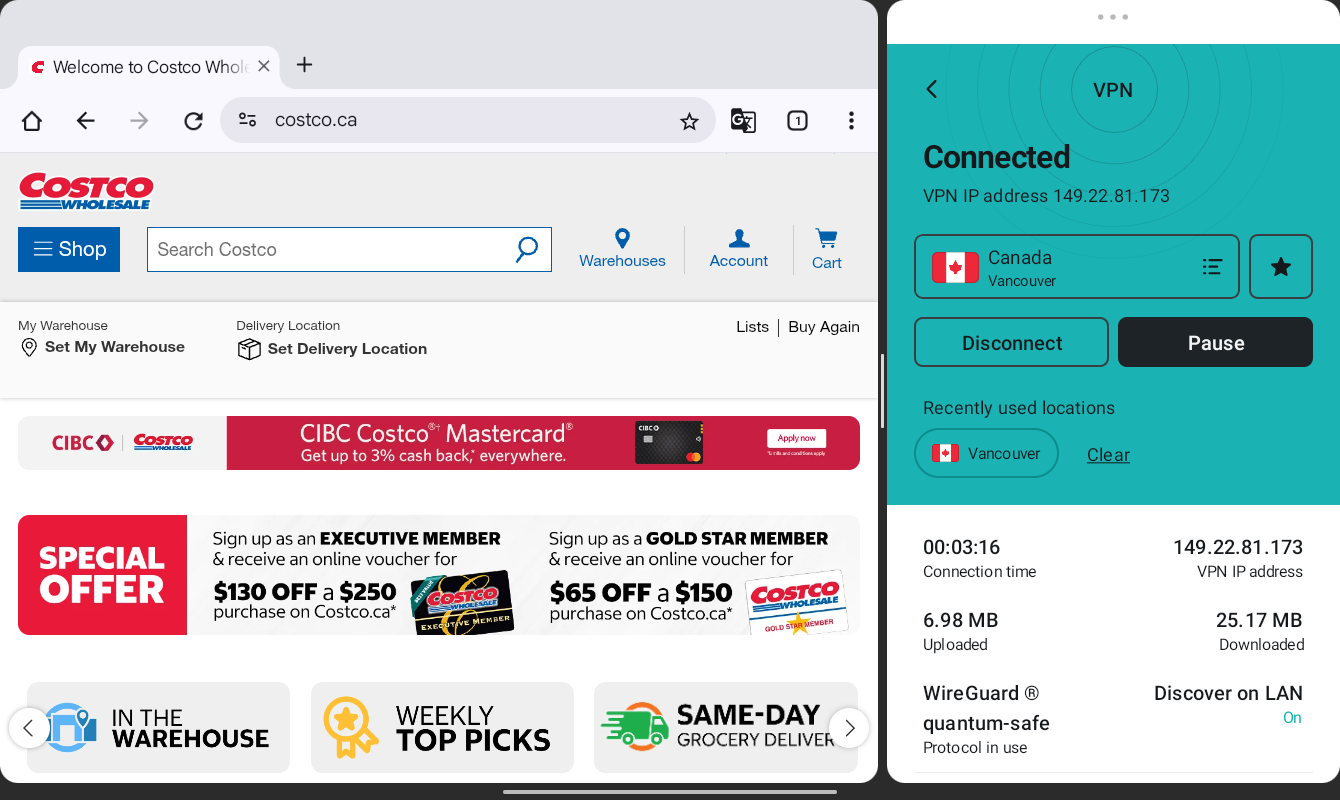
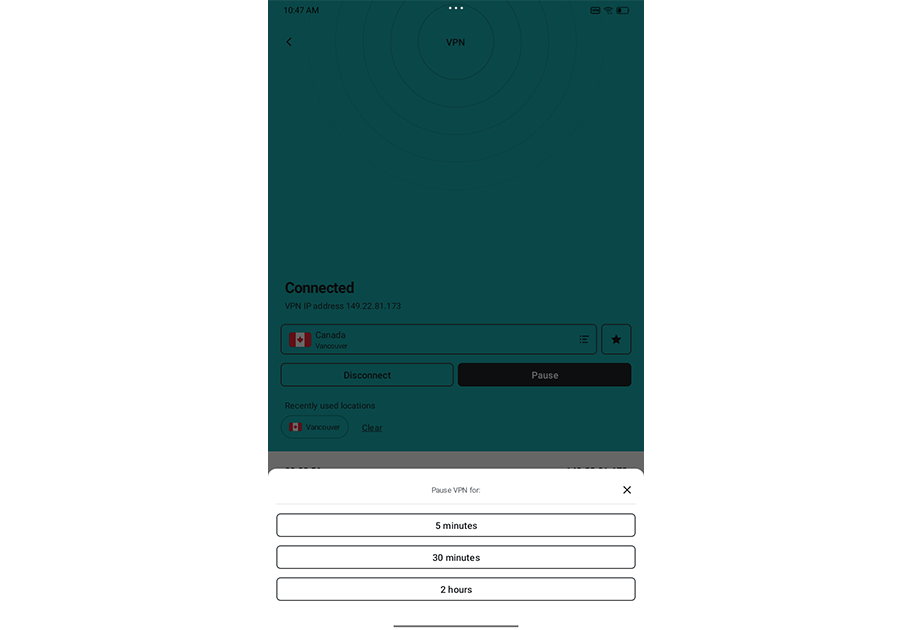
Firing up Surfshark’s Android app presents you with a clean appearance and efficient layout. Whether you’re in full-screen mode or side-by-side with a browser, the Surfshark app remains well-organized and easy to navigate. The lengthy server list (4,500+ RAM-only servers) is a click away, and you can easily designate favorites or filter to static IP and multihop options.
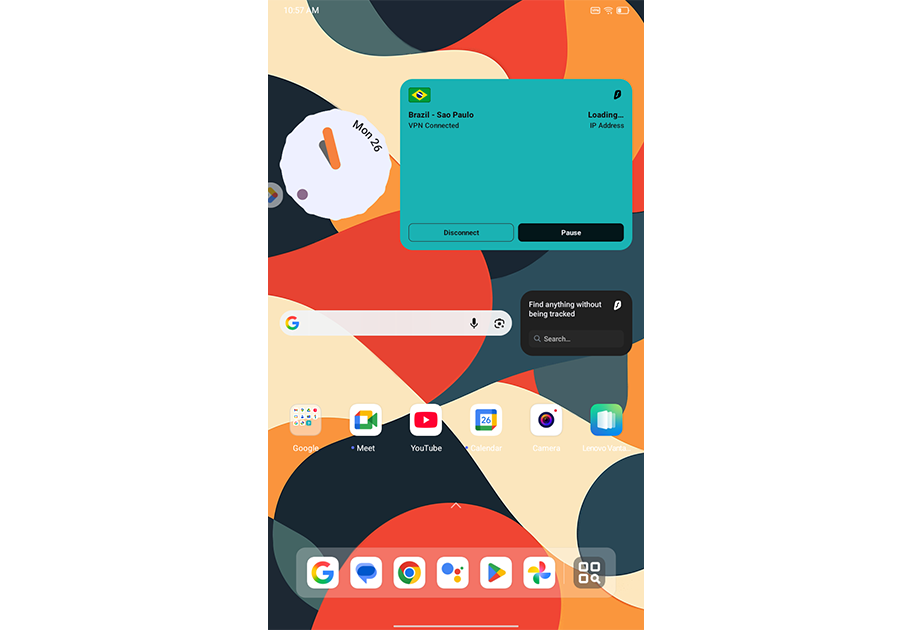
The settings menu grants you access to additional features, like two flavors of kill switch tools, an adware/malware blocker, and Bypasser — Surfshark’s version of split tunneling. Surfshark also offers several home-screen widget options that provide at-a-glance views of your current connection status and recent connections. There’s also a dedicated widget for Surfshark Search, a secure search tool included with the service’s premium plans.
Who is Surfshark best for?
With its bundled plans, One and One+, Surfshark offers a comprehensive suite of security and privacy options beyond just its solid VPN feature set. Add to that support for an unlimited number of devices at one time, and it could be an appealing fit for those looking for robust online security.
Recent upgrades to Surfshark:
Surfshark recently discontinued support for devices running on older versions of Android. The current version of its app runs on Android versions all the way back to 2015-era Android 6 (aka Marshmallow). So if you haven’t updated in a while, now might be a good time for Surfshark users.
Surfshark’s Pricing:
Surfshark’s monthly pricing starts at $15.45, which trails some competitors. But the one- and two-year options offer appealing discounts. The basic Starter plan gets you robust VPN tools, like Surfshark’s Alternative ID feature. The premium One and One+ plans add security perks beyond just a VPN, like antivirus, safe search tools, and more.
Pros and cons of Surfshark
| Starting Price (4.8/5) | Security (5/5) | Servers (#) in Countries (#) (5/5) | UX (4.7/5) | Compatibility (4.6/5) | Connectivity (4.8/5) | Top Features |
|---|---|---|---|---|---|---|
| $2.99 per month | No-logs policy, double VPN, kill switch, split tunneling | 15,000+ servers in 129+ countries | Modern, well-organized app, easy to use even in narrow side-by-side mode, clever “decoy” icons | Mac, Windows, Linux, Android, iOS, Chromebook, Chrome, Firefox, Android TV, Fire TV | Up to 10 devices at one time | — NetShield ad blocker — Decoy icons to hide your VPN browsing — Optional secure cloud storage — Optional secure email |
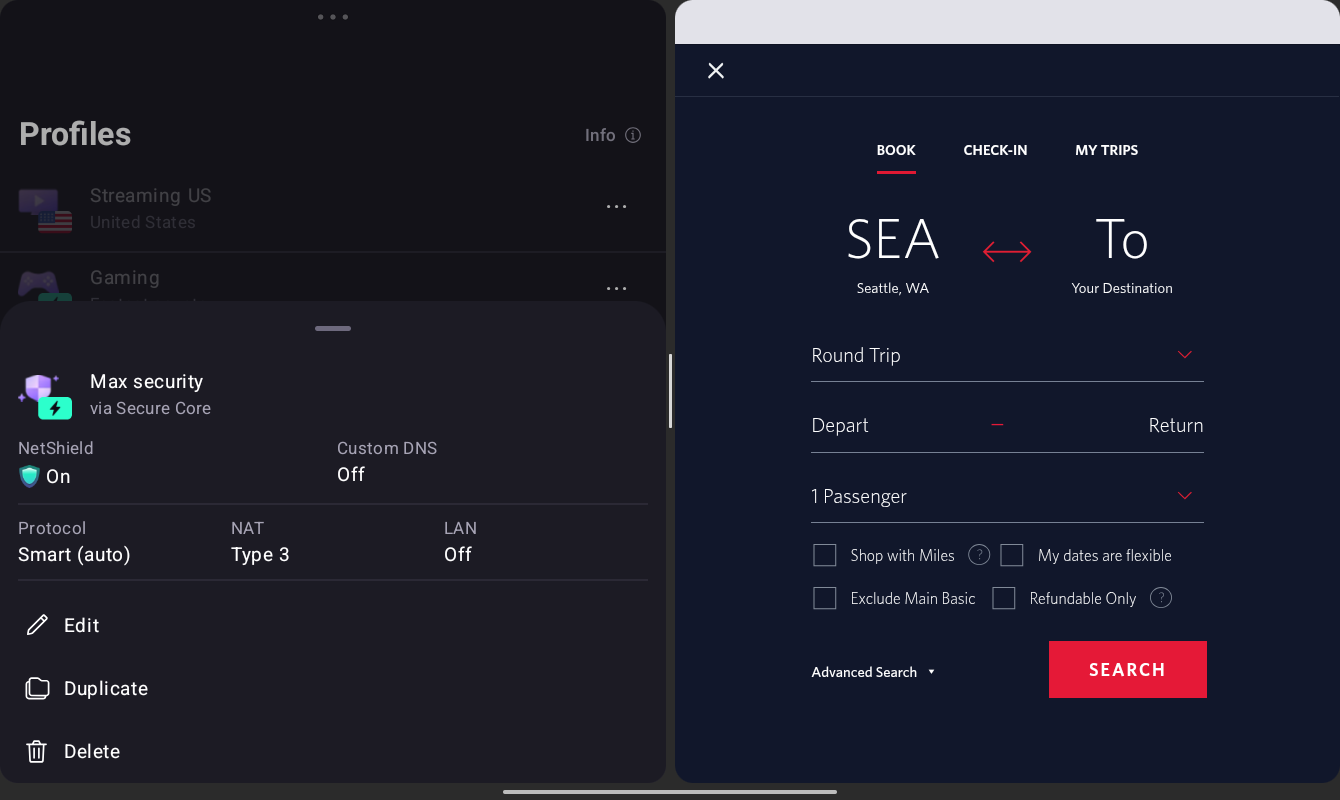
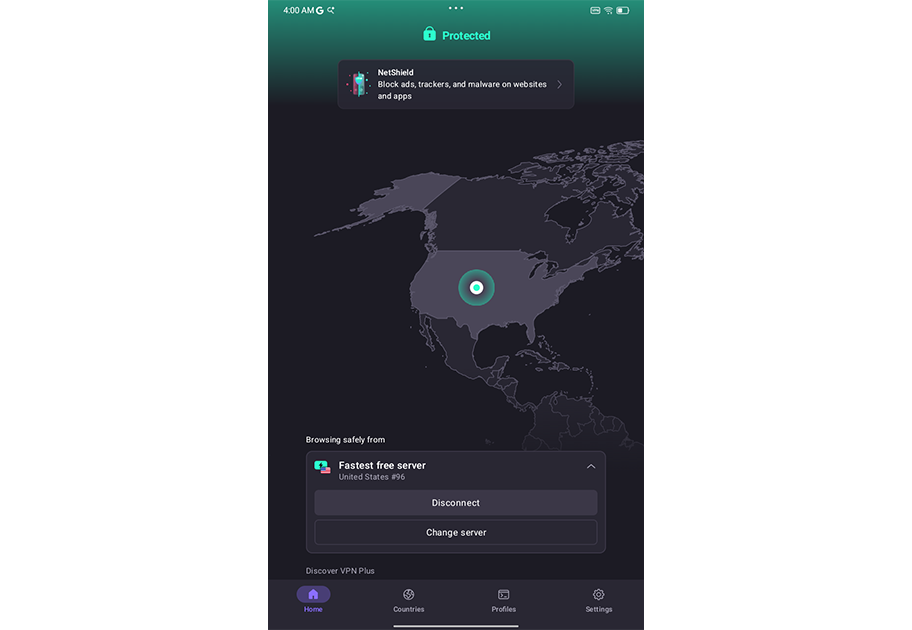
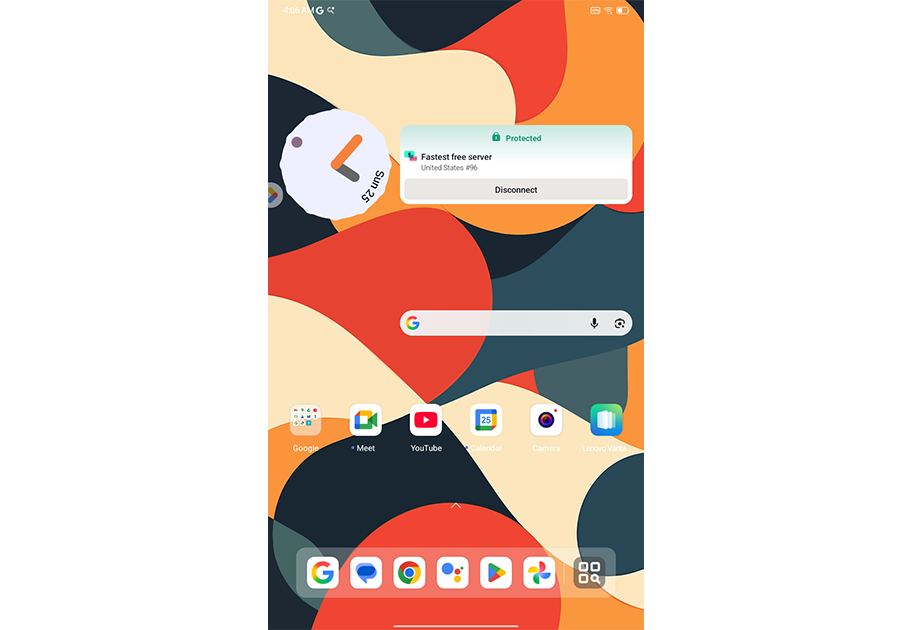
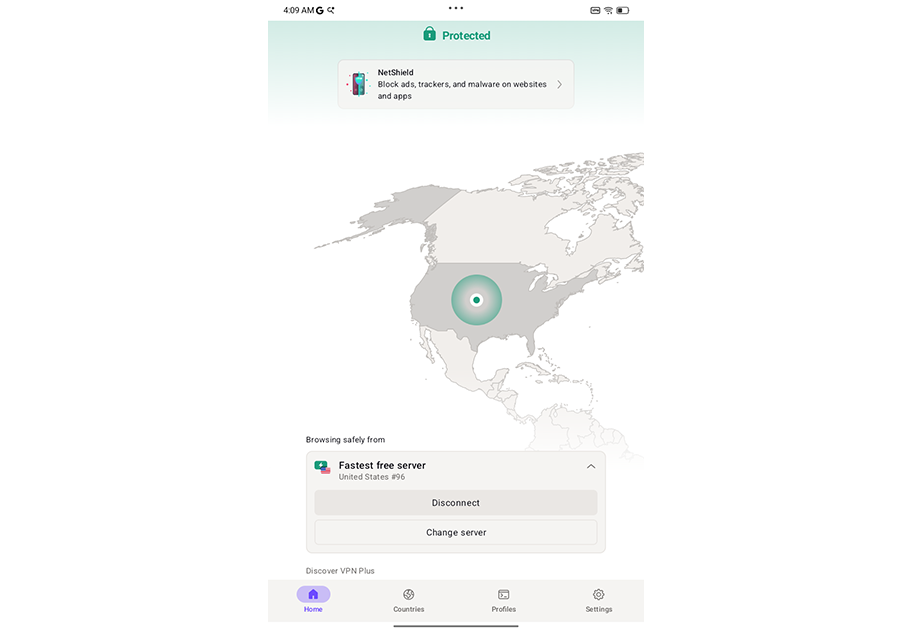
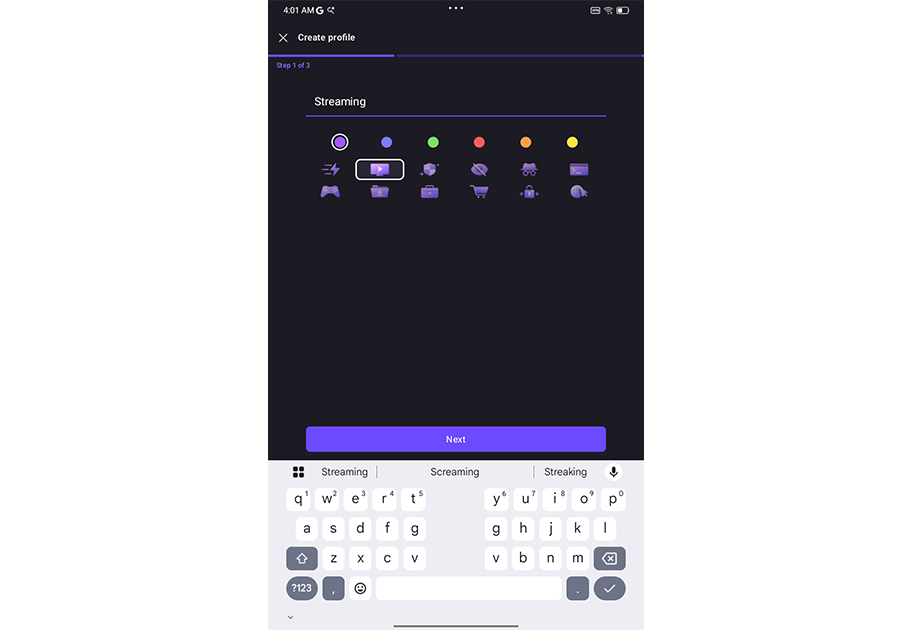
If you only need to secure your Android device, and you can handle somewhat pared-back server speeds, Proton VPN’s free plan might be just about enough for your specific use case. That said, available options and features open up dramatically on the service’s paid plans.
Regardless, Android users get an elegant, modern-looking VPN app that’s pleasant to use and navigate. The app is full of pleasing transition fades and animations as you explore menus and options, including a dedicated area for creating custom profiles.
Other features include split tunneling, a kill switch, and Tor over VPN for added privacy. Appearance options range from the traditional (light and dark modes) to the sneaky (alternate app icons that disguise the VPN behind, say, a fake weather app).
Who is Proton VPN best for?
Proton VPN’s truncated free plan still offers a usable online experience, which may be enough for certain Android users. It also serves as a good introduction to the company’s paid plans if you need more features.
Recent upgrades to Proton VPN:
In early 2026, Proton VPN announced it would drop support for manually downloaded OpenVPN config files created before September 2023. Those still using OpenVPN configurations were urged to download newer config files before the end of February 2026.
Proton VPN Pricing:
Proton VPN’s cut-back free plan offers access to servers in 10 locations, limits server speeds, and restricts you to just one device. The VPN Plus plan starts at $9.99 per month and allows up to 10 devices at once, grants access to more than 15,000 servers, and includes malware protection — among other perks. The Proton Unlimited plan adds upgrades such as 500GB of secure storage and expanded Proton Mail features. Families can opt for Proton Duo or Proton Family plans, which support more than one user on the account.
Pros and cons of Proton VPN
| Starting Price (4.6/5) | Security (5/5) | Servers (#) in Countries (#) (4.6/5) | UX (4.7/5) | Compatibility (4.9/5) | Connectivity (5/5) | Top Features |
|---|---|---|---|---|---|---|
| $1.33 per month | No-logs policy, kill switch, double VPN/multi-hop, RAM-only servers | Servers in 90+ countries | Clean, configurable Android app, easy to navigate, no light/dark mode support | Mac, Windows, Linux, Android, iOS, Chrome, Firefox, FireTV, Chromecast, Apple TV, Roku TV, Chromebook, PlayStation, Xbox, Switch, Steam Deck, Routers | Unlimited devices at one time | — Highly configurable Mac app — Split tunneling support — Competitive pricing — Well-established name |
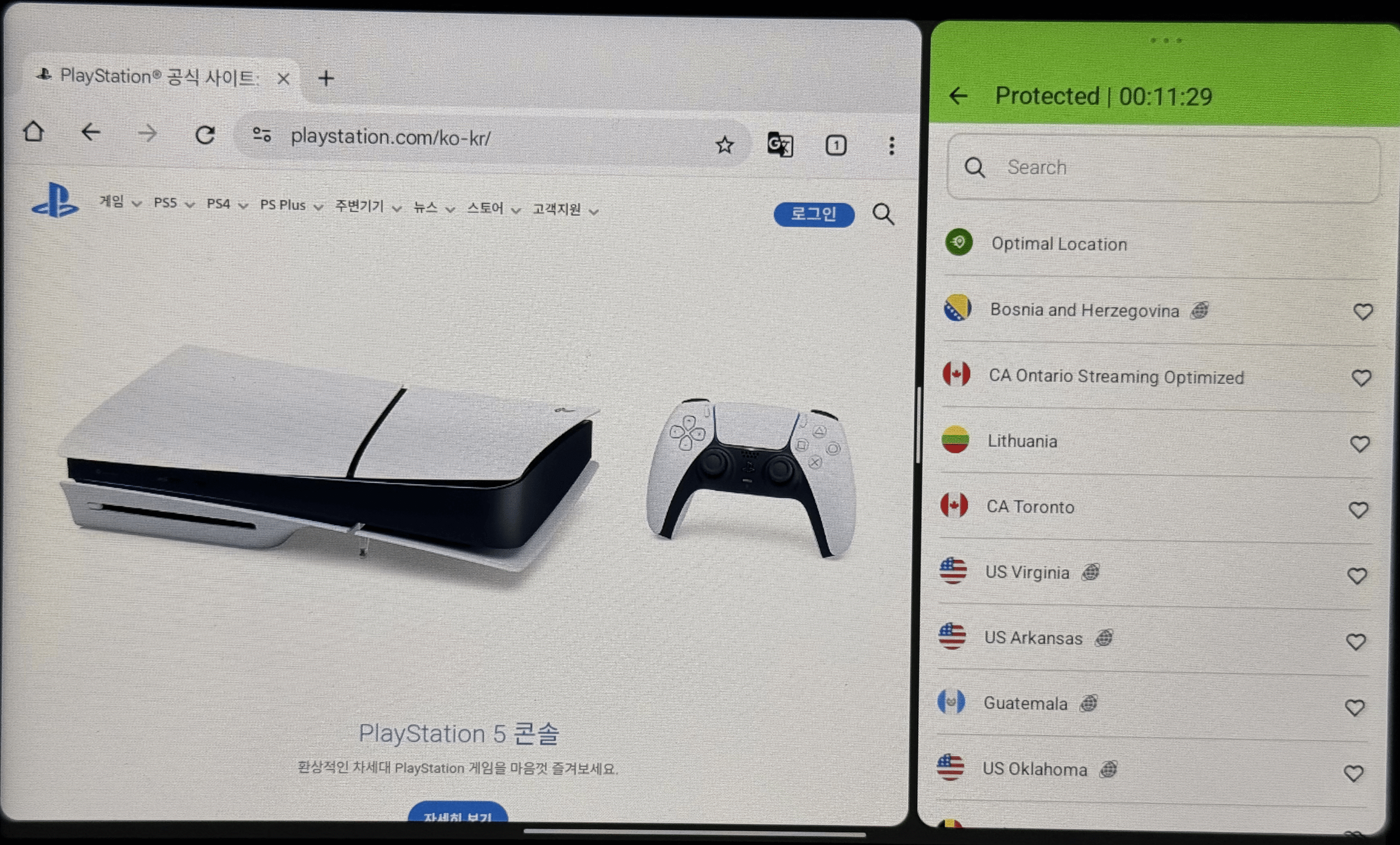
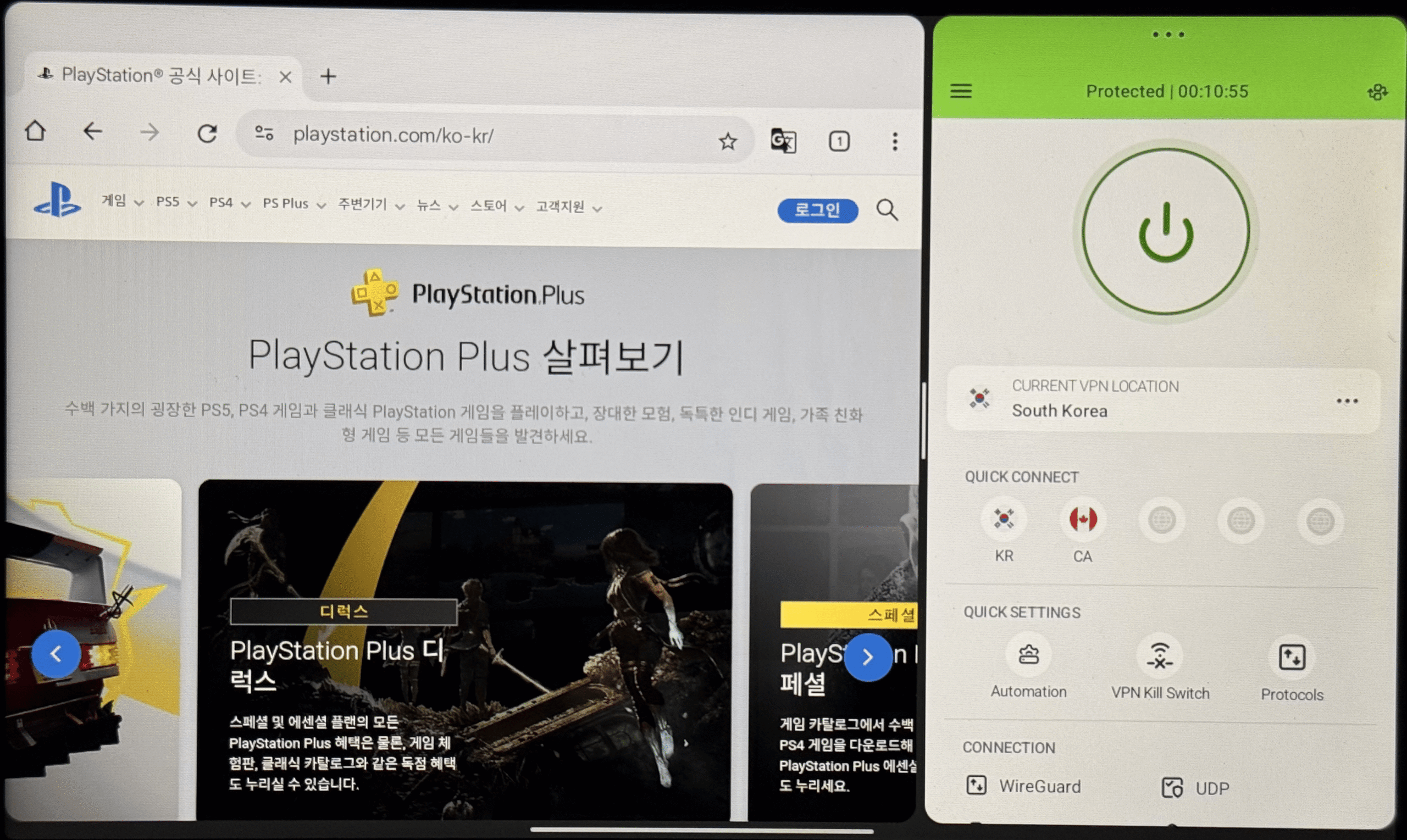
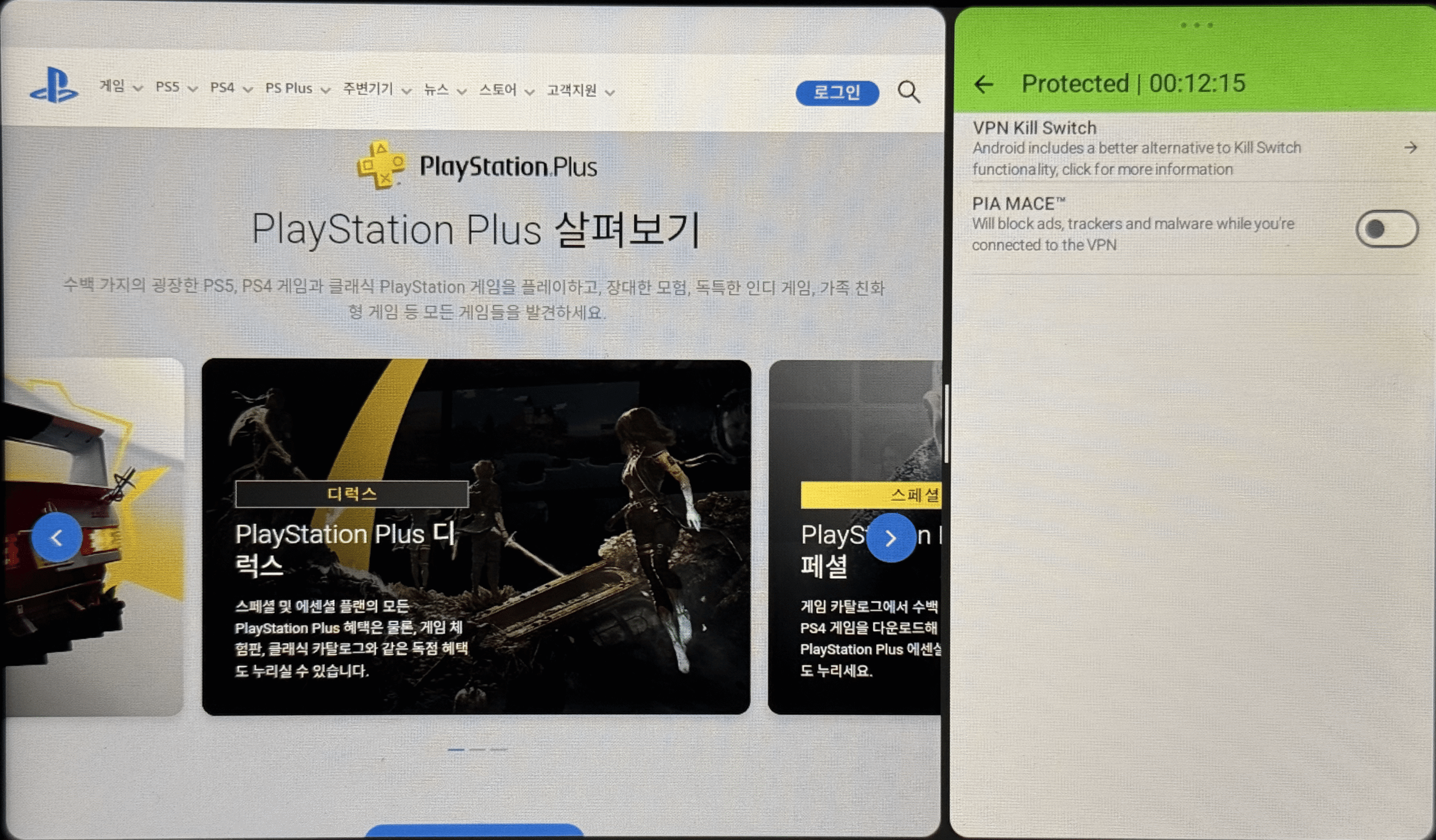
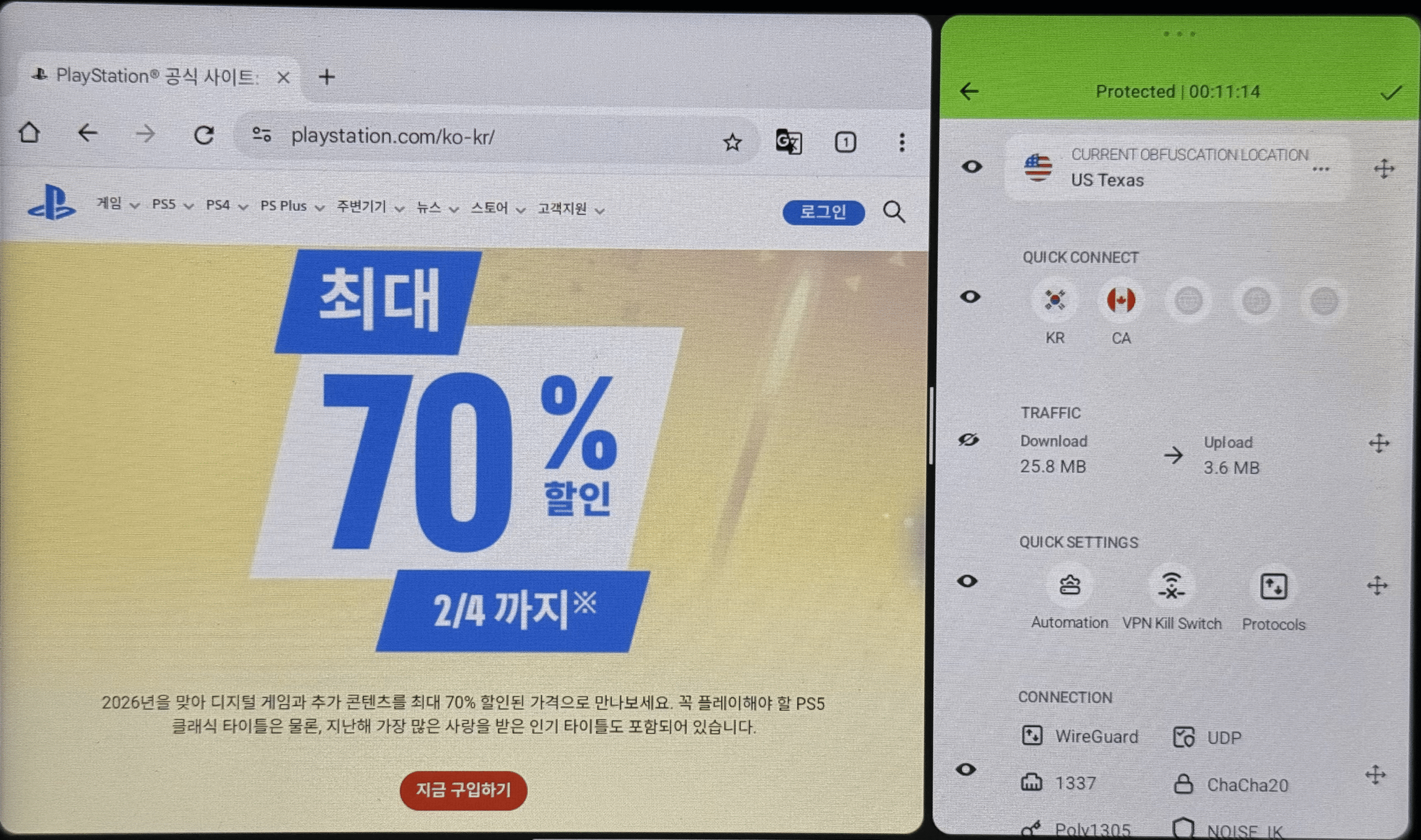
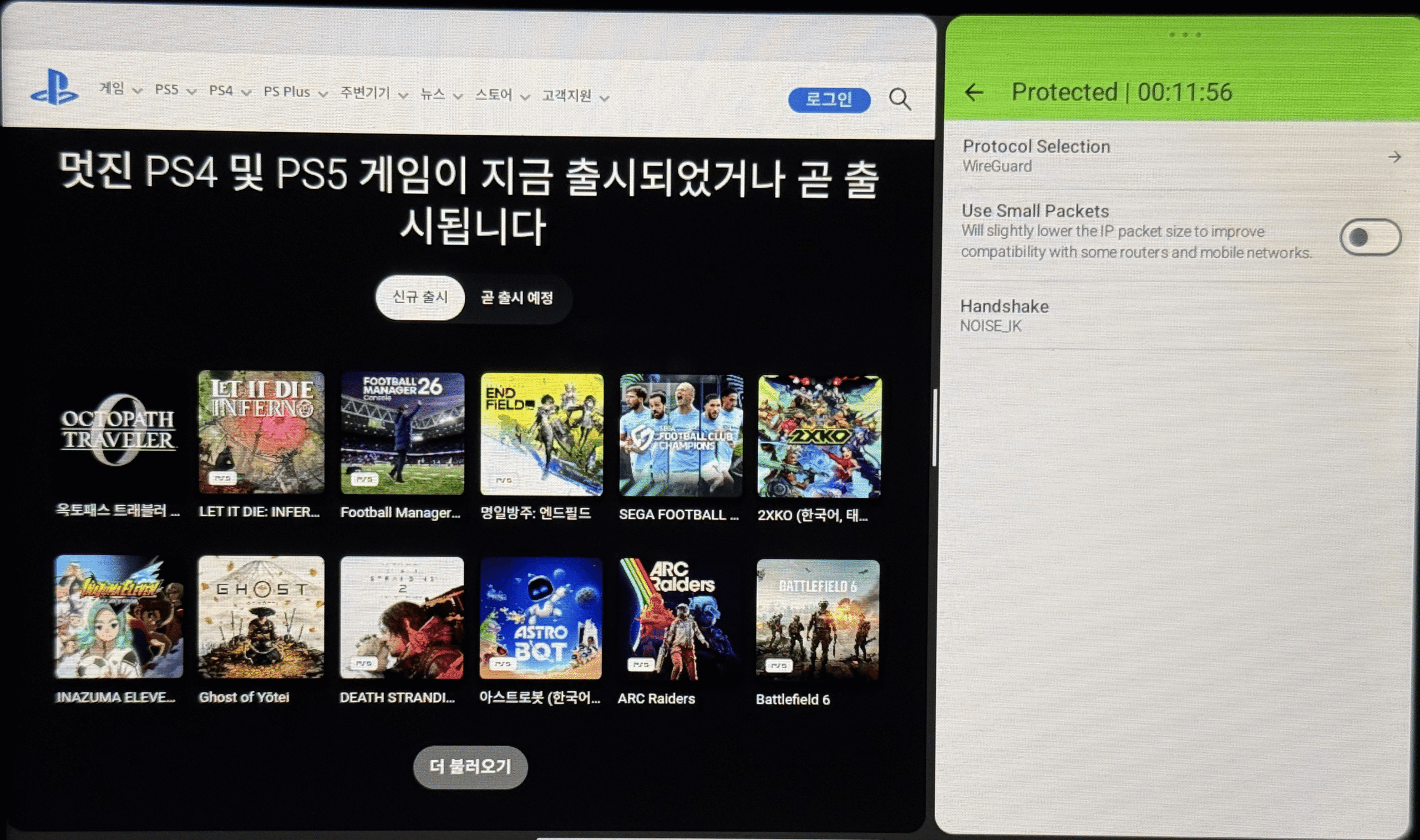
The deep customization options in the desktop Private Internet Access apps are also available in the Android app. Users can quickly rearrange menus and choose which settings get top billing in the app.
Those adjustable options include a list of recent server connections, the current status, a traffic monitor for up/down traffic, and more. A full server list is a quick tap away, and you can easily set favorites that will display at the top of the list.
Elsewhere, you get access to a kill switch feature and a dedicated Per App menu that lets you dictate which apps can bypass the VPN. It’s not the cleanest or slickest app experience, but the customization options should appeal to a wide audience. There’s also a fairly basic home screen widget that offers current status, upload/download speeds, and a connect/disconnect button.
Who is Private Internet Access best for?
Anyone interested in a competitively priced VPN service with solid long-term pricing and a highly customizable Android app should take a look at Private Internet Access.
Recent upgrades to Private Internet Access:
While there haven’t been many major updates to Private Internet Access’ available features in recent months, the 2024 change to support an unlimited number of simultaneous devices was certainly welcome.
Private Internet Access’ Pricing:
There’s no free plan, but Private Internet Access’ monthly pricing starts at $11.95. You can also opt for long-term one-year or three-year (plus four months) options. Regardless of the term length, you can add antivirus monitoring or dedicated IP support for an additional fee. Of note, the one-year plan currently jumps from $39.95 per year to $49.99 after the first 12 months. The three-year plan currently maintains a $79 rate every three years.
Pros and cons of Private Internet Access

| Starting Price (4.5/5) | Security (5/5) | Servers (#) in Countries (#) (5/5) | UX (4.4/5) | Compatibility (4.7/5) | Connectivity (5/5) | Top Features |
|---|---|---|---|---|---|---|
| $12.99 per month | Double hop, RAM-only servers, kill switch | 3,200+ servers in 150+ locations | Easy-to-use interface, quick access to link checker and QR checker tools, robust help menu options, several home screen widget choices | Mac, Windows, Linux, Android, iOS, Chrome, Fire TV, Apple TV, Routers | Unlimited devices at once | — Optional cloud storage — Optional file sharing — Built-in link checker and QR code checker — Optional secure browser |
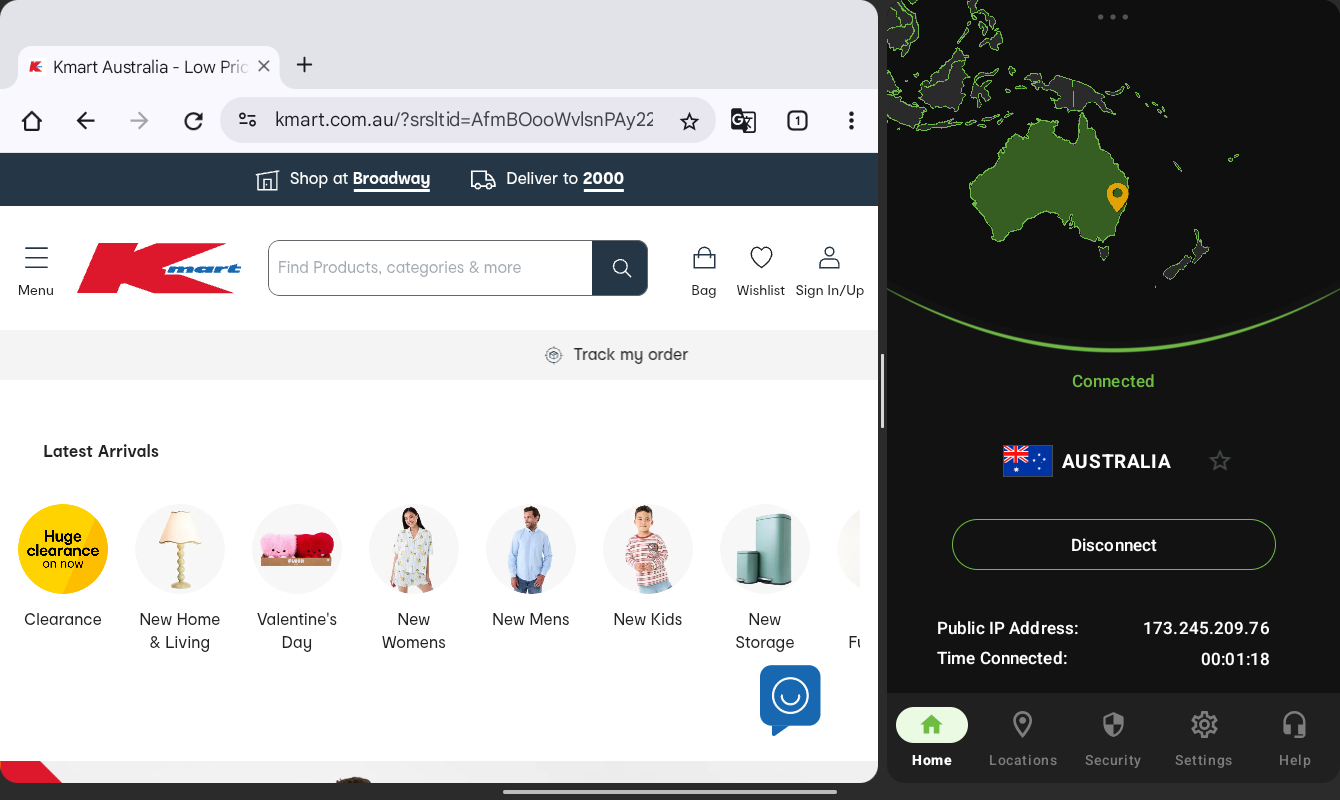
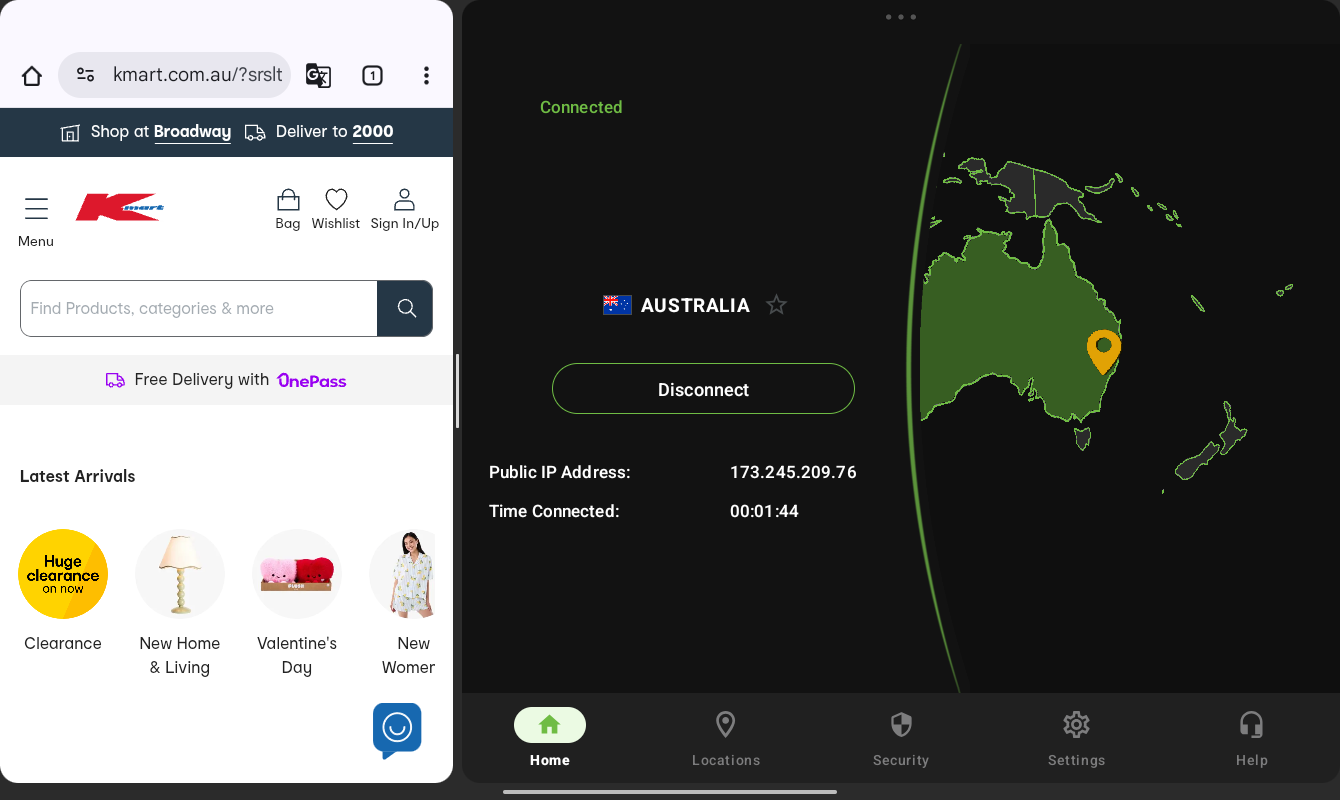
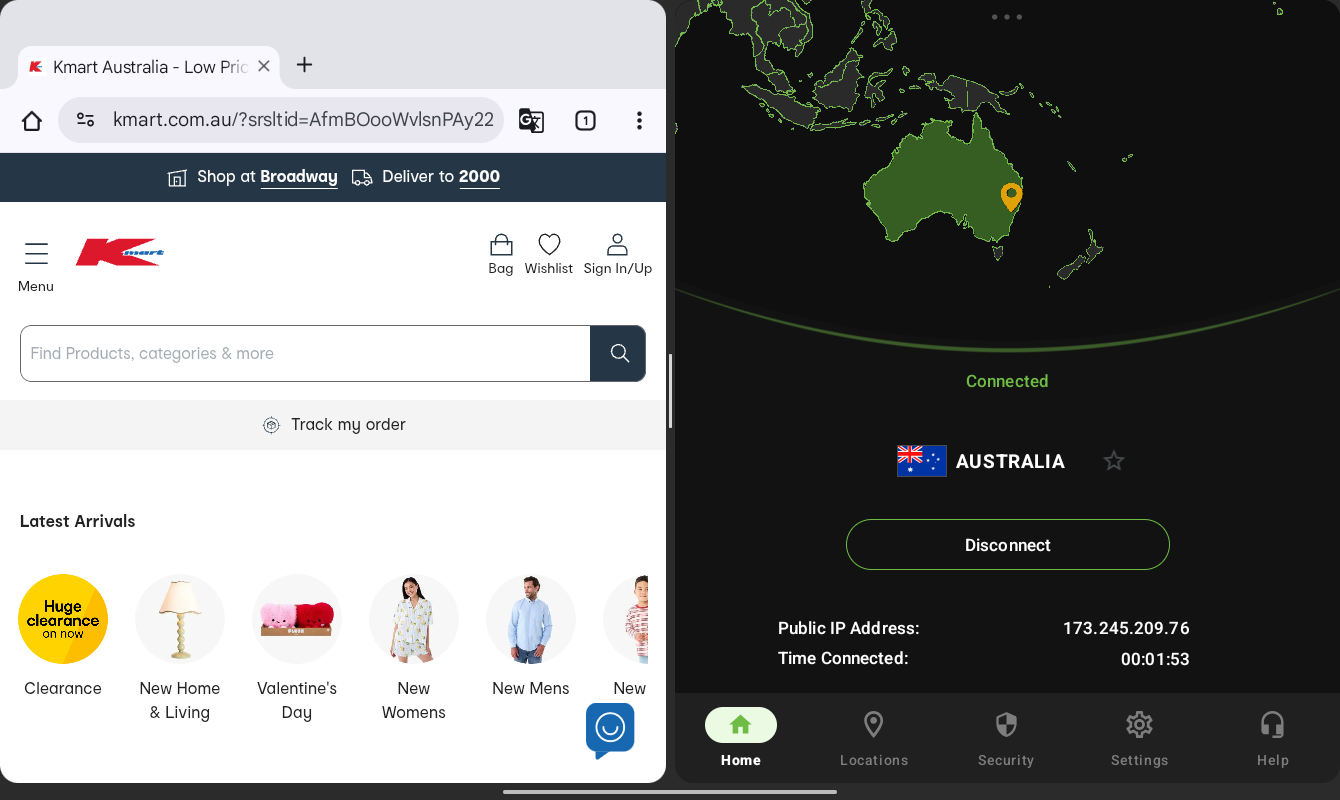
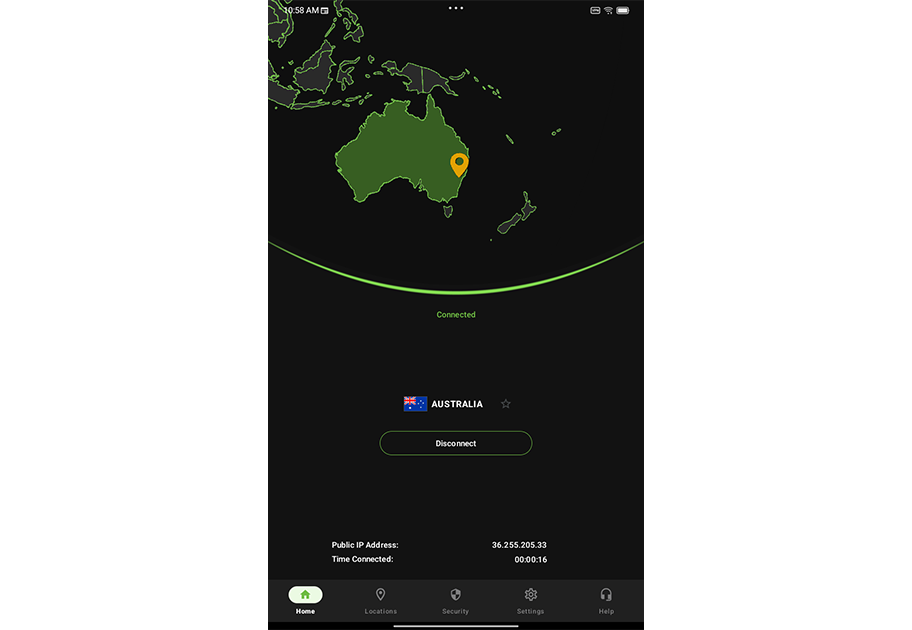
IPVanish’s Android experience includes an efficiently designed app that rearranges itself well whether it’s in full-screen or the variable side-by-side windows. While there’s no support for light or dark modes, the vibrant neon-green accents stand out well against the dark backgrounds.
The menus offer easy access to features such as split tunneling, a kill switch, and a dedicated section for link and QR code checkers. A help menu also grants quick access to several customer support methods.
Server selection is as easy as scrolling through the long list and tapping on your selection. Designating favorites and sorting by cities instead of countries is as simple as well.
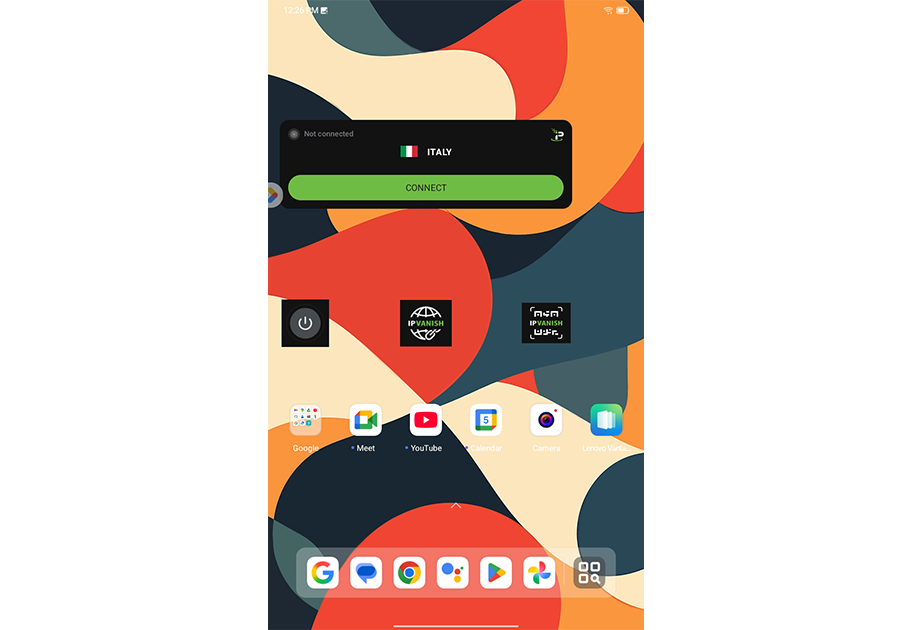
Elsewhere, IPVanish offers several home-screen widget options, including dedicated options for the link checker and QR code checker. However, even the largest widget doesn’t offer access to recent servers, unlike some rival services. Also, there’s no way to directly open the full app from the widget, forcing you to take an extra step.
Who is IPVanish best for?
Thanks to its solid server count, strong security features, and available upgrades, IPVanish could be a good fit for users who value a well-designed app and unlimited device support.
Recent upgrades to IPVanish:
IPVanish has been updating its various apps to include RAM-only server filtering. In late 2025, the service announced the feature was available on the Android app. However, it’s worth noting that RAM-only filtering wasn’t yet available on one of the Android devices I used for testing.
IPVanish Pricing:
Pricing for IPVanish is rather simple, especially compared to some rivals. There’s the Essential plan that starts at $12.99 per month. The higher-end Advanced plan adds on secure browser support, cloud backups, and secure file sharing for $14.99 per month.
Pros and cons of IPVanish

| Starting Price (5/5) | Security (5/5) | Servers (#) in Countries (#) (4.6/5) | UX (4/5) | Compatibility (5/5) | Connectivity (4.8/5) | Top Features |
|---|---|---|---|---|---|---|
| Free | No-logs policy, kill switch, double VPN/multi-hop | 2,600+ servers in 91 locations | Clean interface, dedicated menu for streaming-friendly servers, buggy home screen widgets | Mac, Windows, Linux, Android, iOS, Chrome, Firefox, Edge, Apple TV, Fire TV, Android TV | Up to 10 devices at one time | — Streaming-optimized servers — Lifetime pricing guarantee maintains payment rate — Flexible payment options, including crypto — Free plan option |
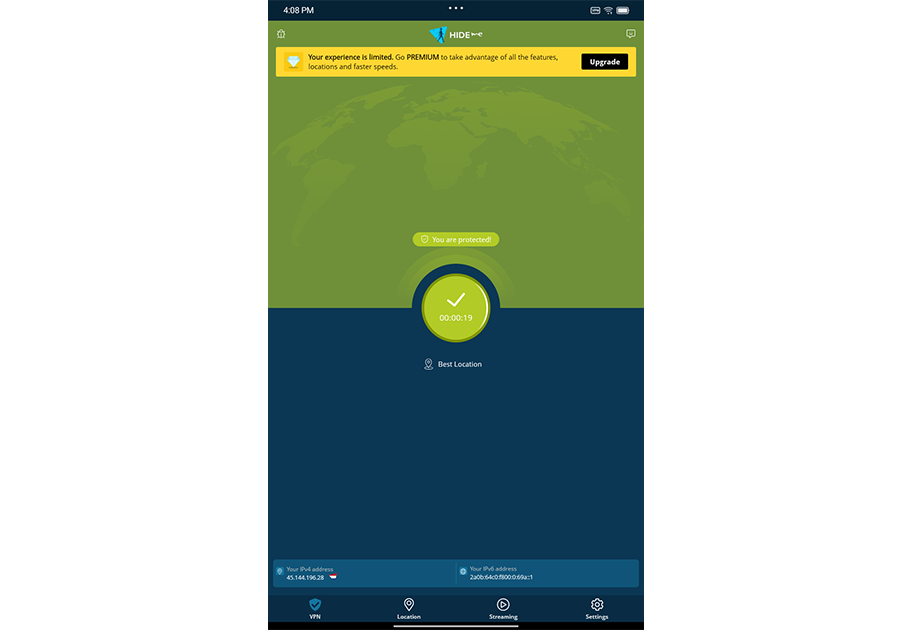
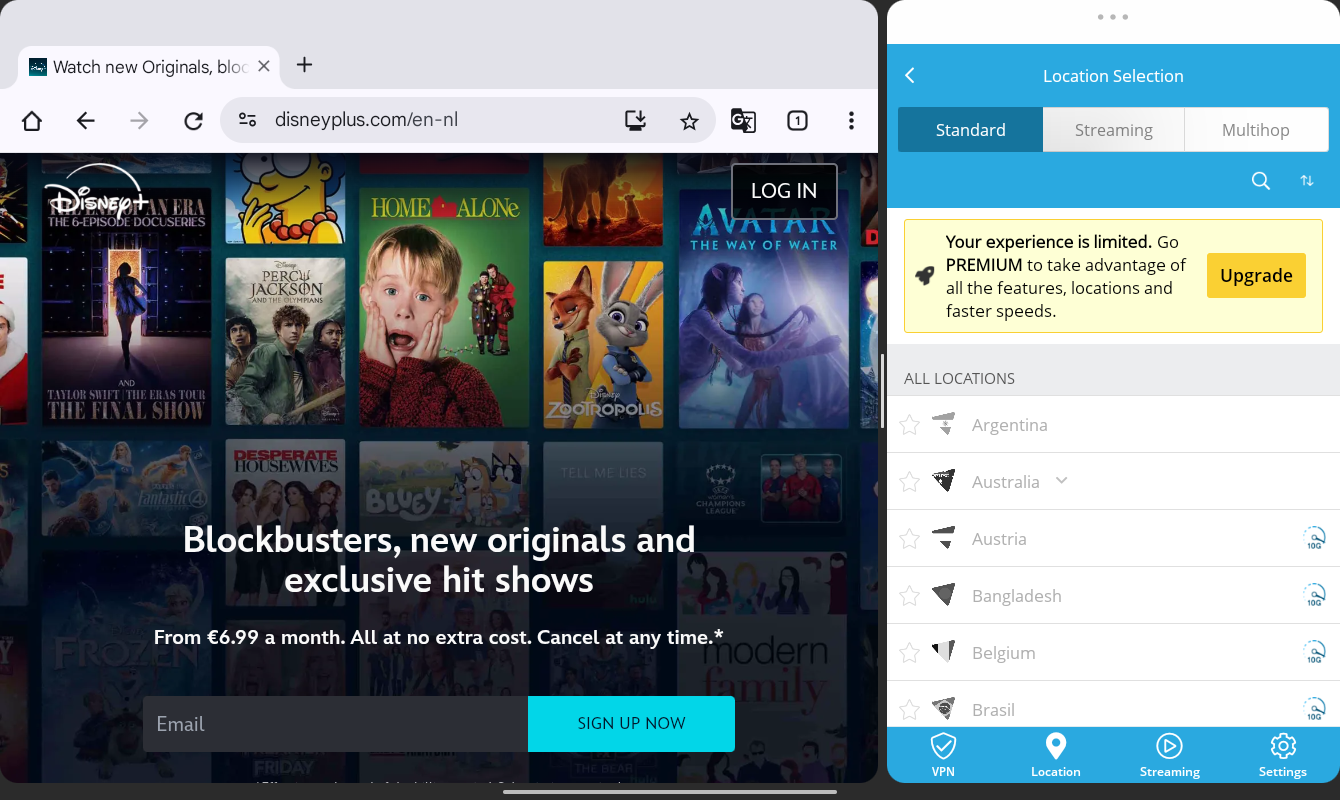
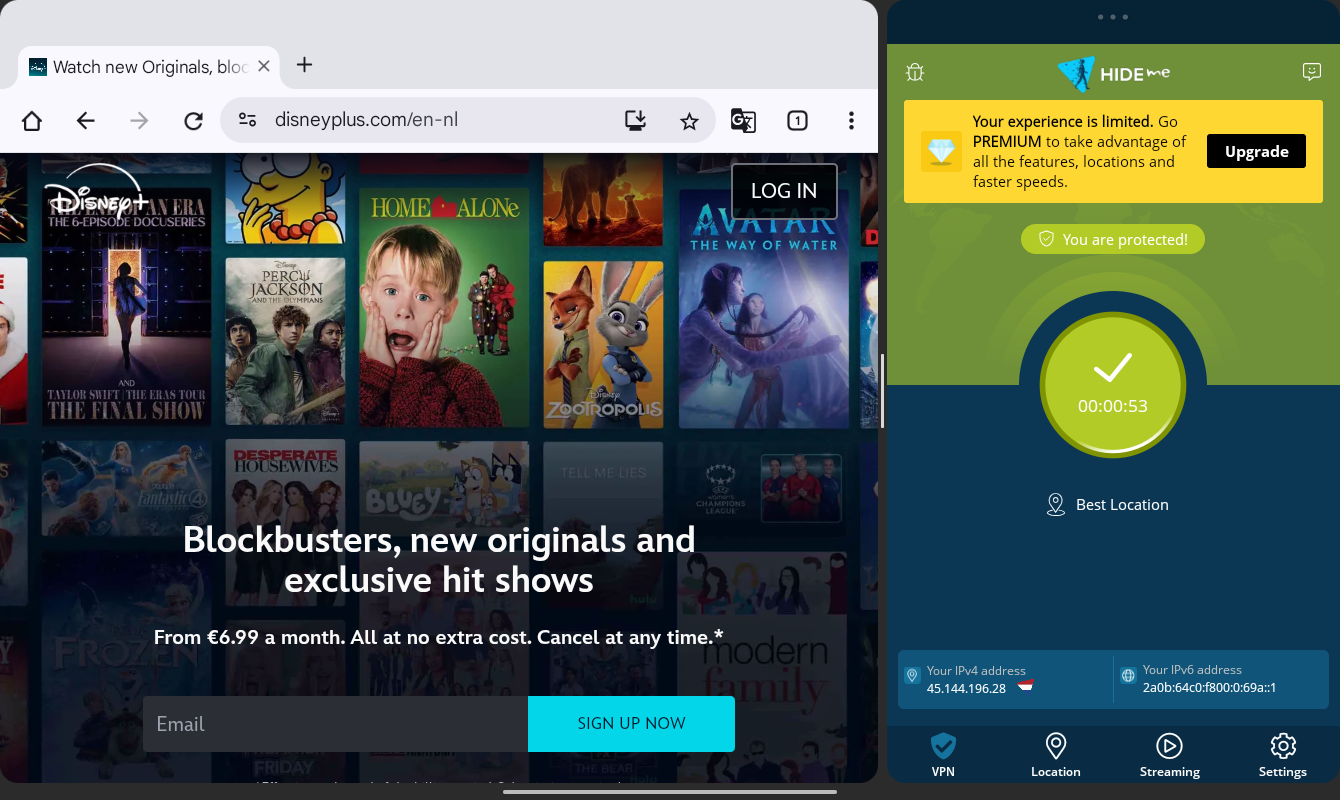
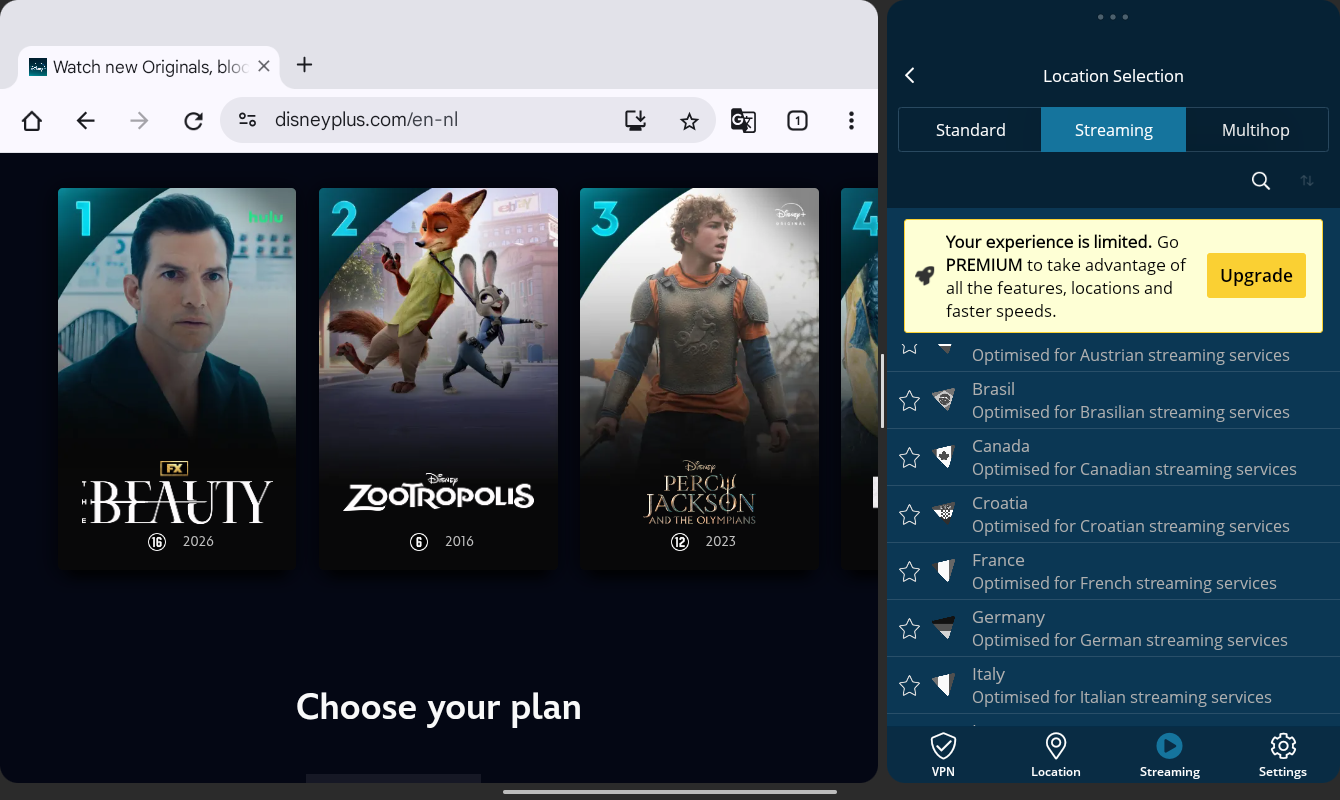
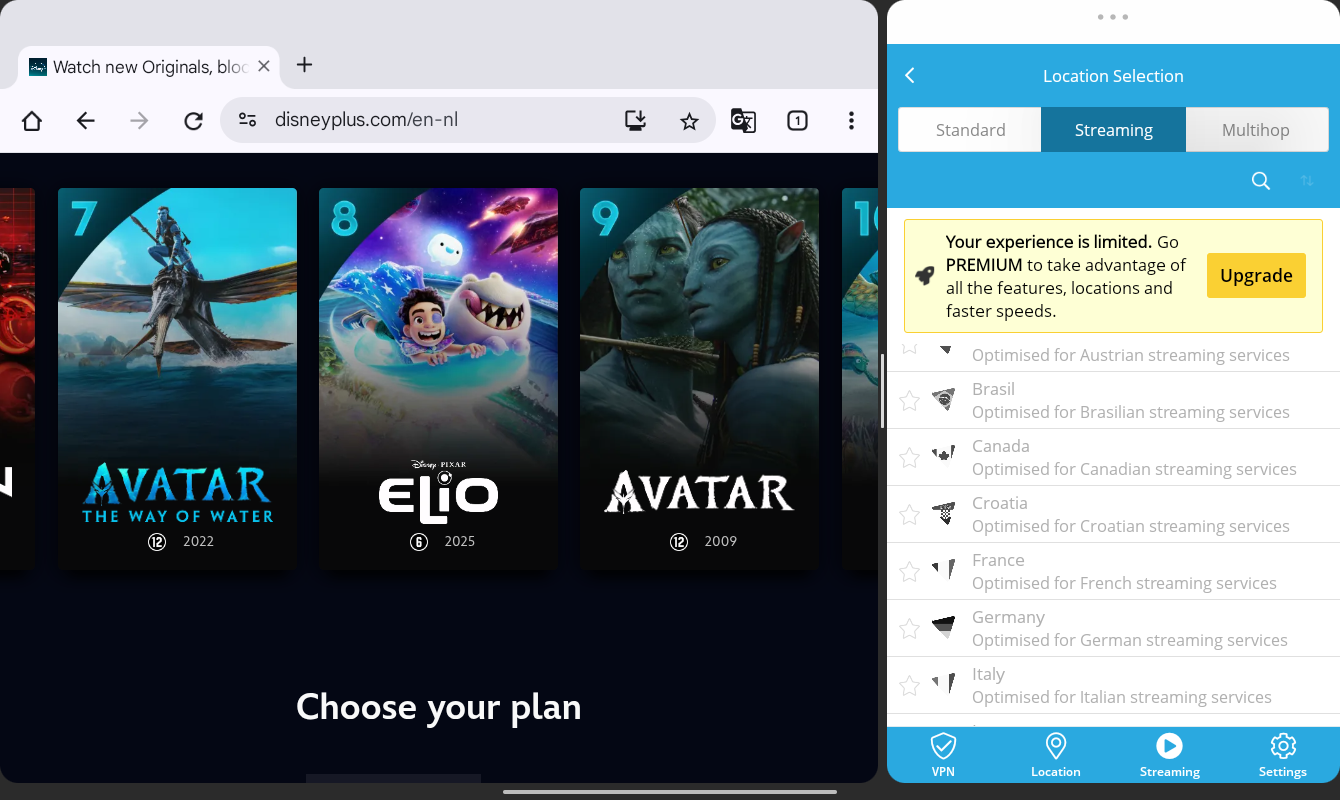
Hide.me earns points thanks to its free plan, which offers users a solid introduction to what the service has to offer. And that includes multihop support, a no-logs policy, and split tunneling support on the Android app.
The Android app itself, however, could use some design work. In full-screen mode, there’s an abundance of unused space, which stands in contrast to the rather tiny text used to display current IP address info.
You get dedicated menus for the country list and for streaming-optimized servers, and the app supports Android’s light and dark modes.
There are two size options for home screen widgets, but I had difficulty adding the larger option on my Android tablet (adding the widget kept opening the full app). The smaller widget offers connect/disconnect controls, although that functionality would be clearer if it used a standard “power button” icon instead of Hide.me’s company logo.
Who is Hide.me best for?
Those looking for a VPN to unlock more entertainment options should give Hide.me a solid look, thanks to its dedicated menu for streaming-optimized servers.
Recent upgrades to Hide.me:
For anyone looking to pick up a privacy-focused smartphone, Hide.me recently announced a deal where buying a Freifon Giganti smartphone includes 36 months of Premium plan service.
Hide.me’s Pricing:
Hide.me’s monthly pricing starts at $11.99, and longer-term plans offer sizable discounts. Unlike some competitors, Hide.me offers a “pricing guarantee” that keeps your price the same for as long as you keep the plan. That’s a solid plus compared to some services that raise the price after promotional periods end.
Pros and cons of Hide.me

| Starting Price (4.5/5) | Security (4.7/5) | Servers (#) in Countries (#) (4.7/5) | UX (4.3/5) | Compatibility (5/5) | Connectivity (4.9/5) | Top Features |
|---|---|---|---|---|---|---|
| $12.99 per month | No logs policy, kill switch, obfuscation | Servers in 105 countries | Clean app design that works well in side-by-side mode, dedicated speed test tool, several appearance options, easy access to add-ons like malware and ad blockers | Mac, Windows, Linux, Android, iOS, Chrome, Routers | Up to 14 devices at once | — Optional password manager — TrustedServer Technology — In-app speed test |
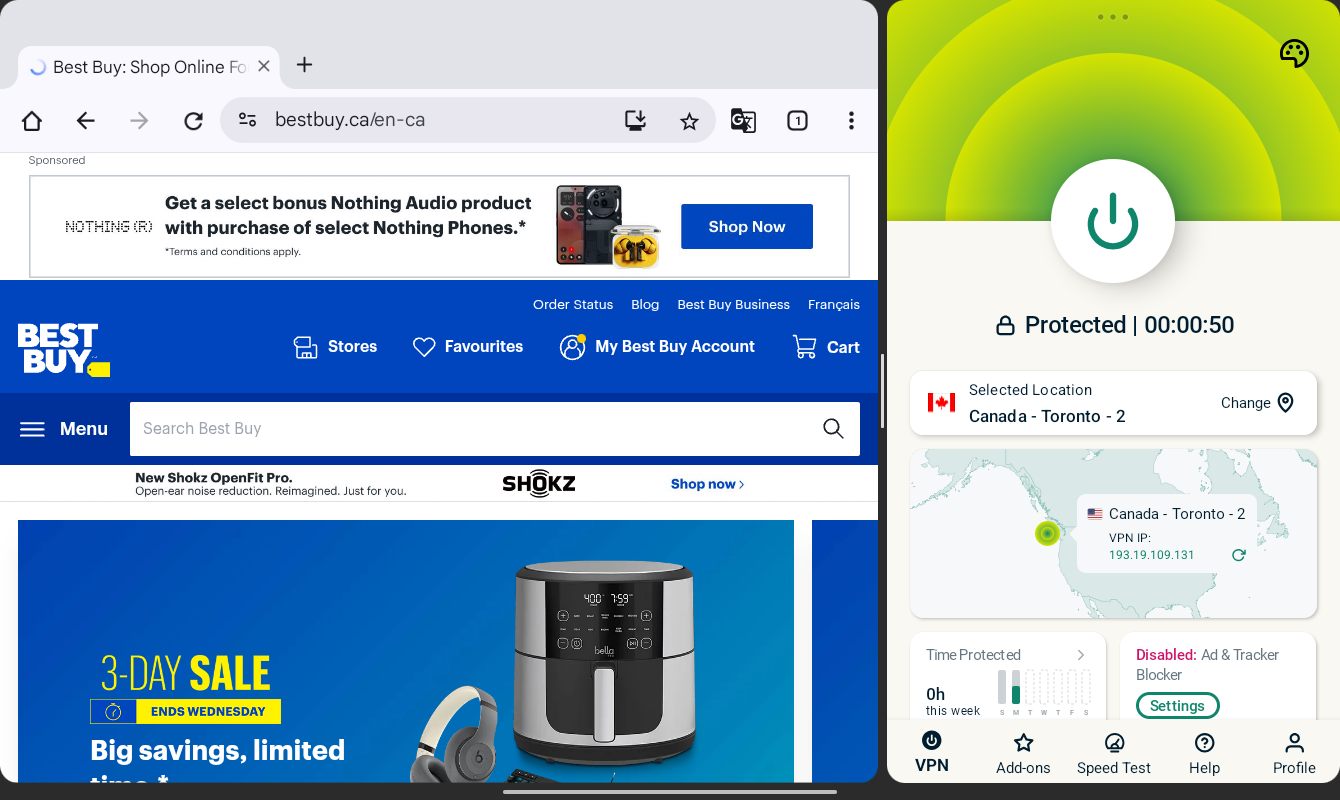
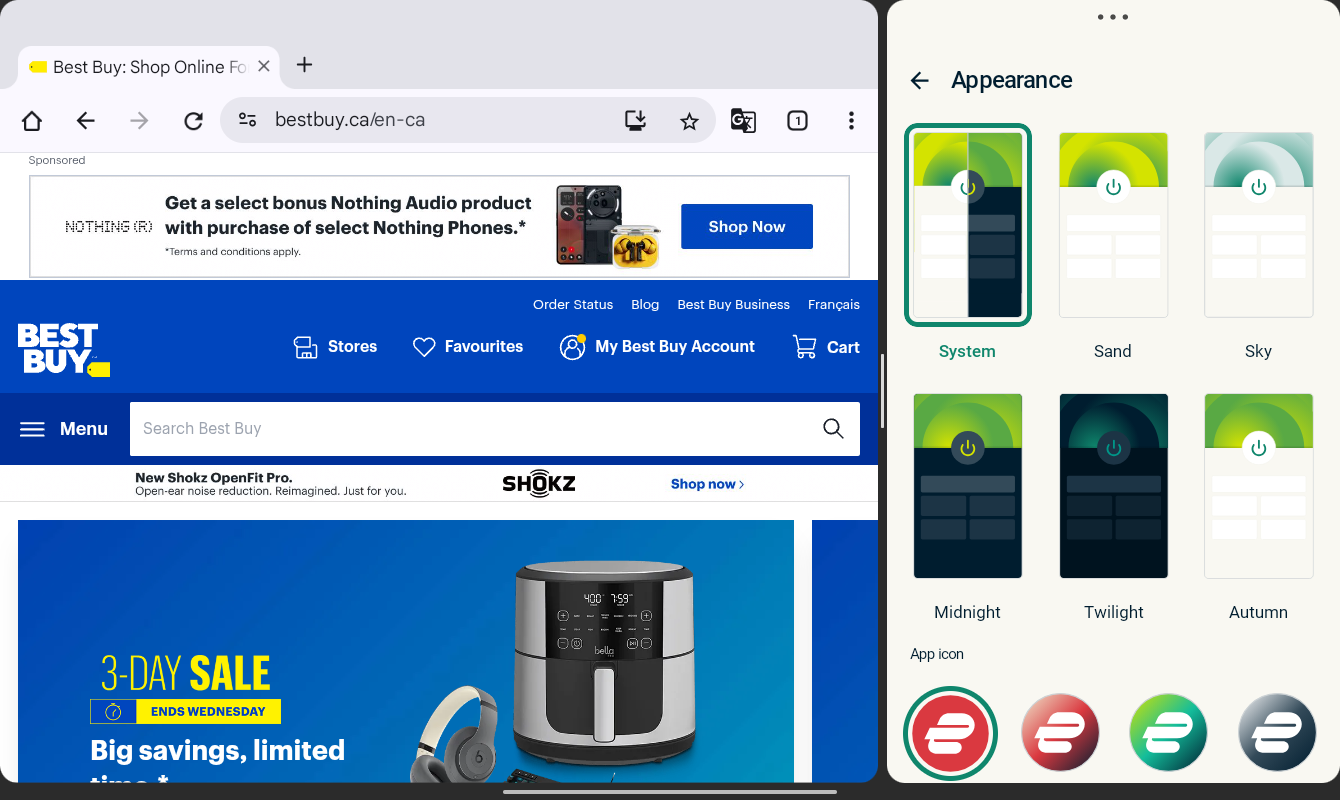
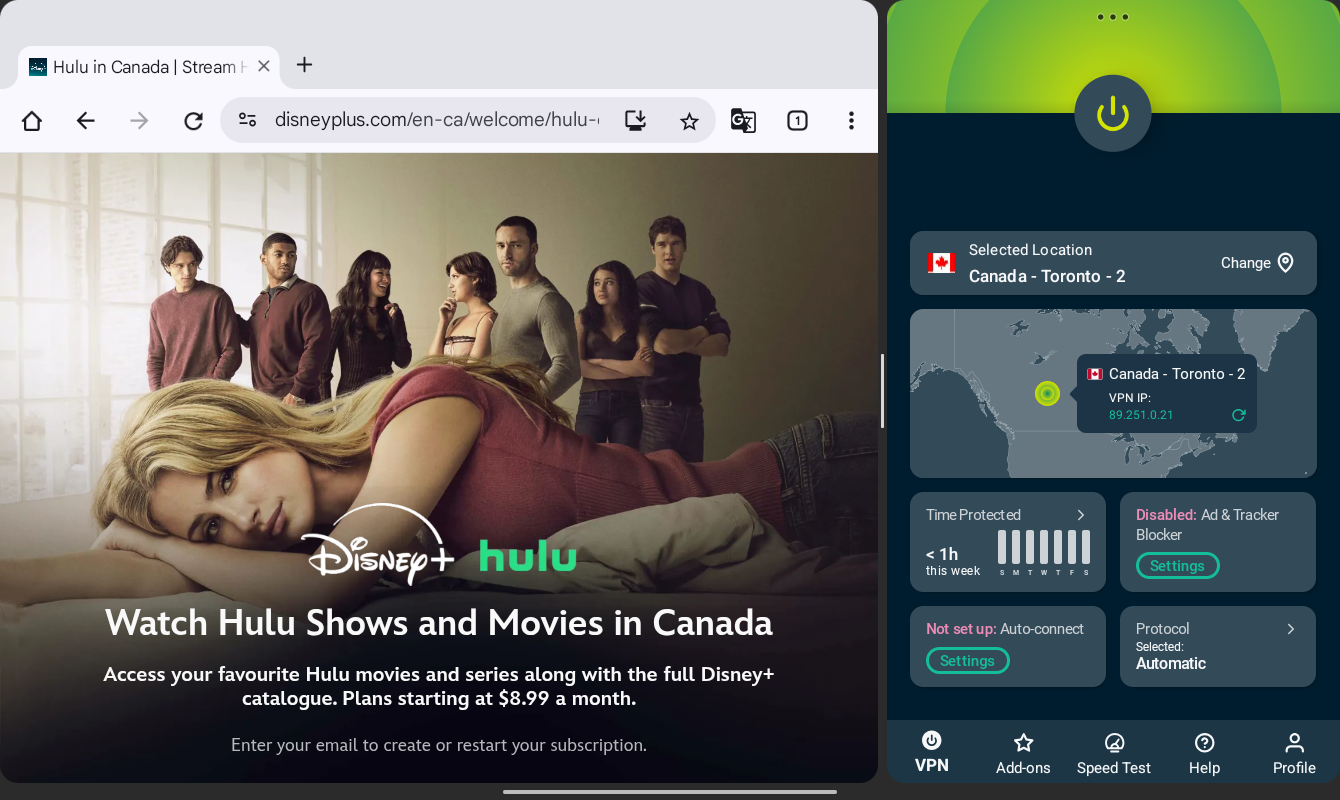
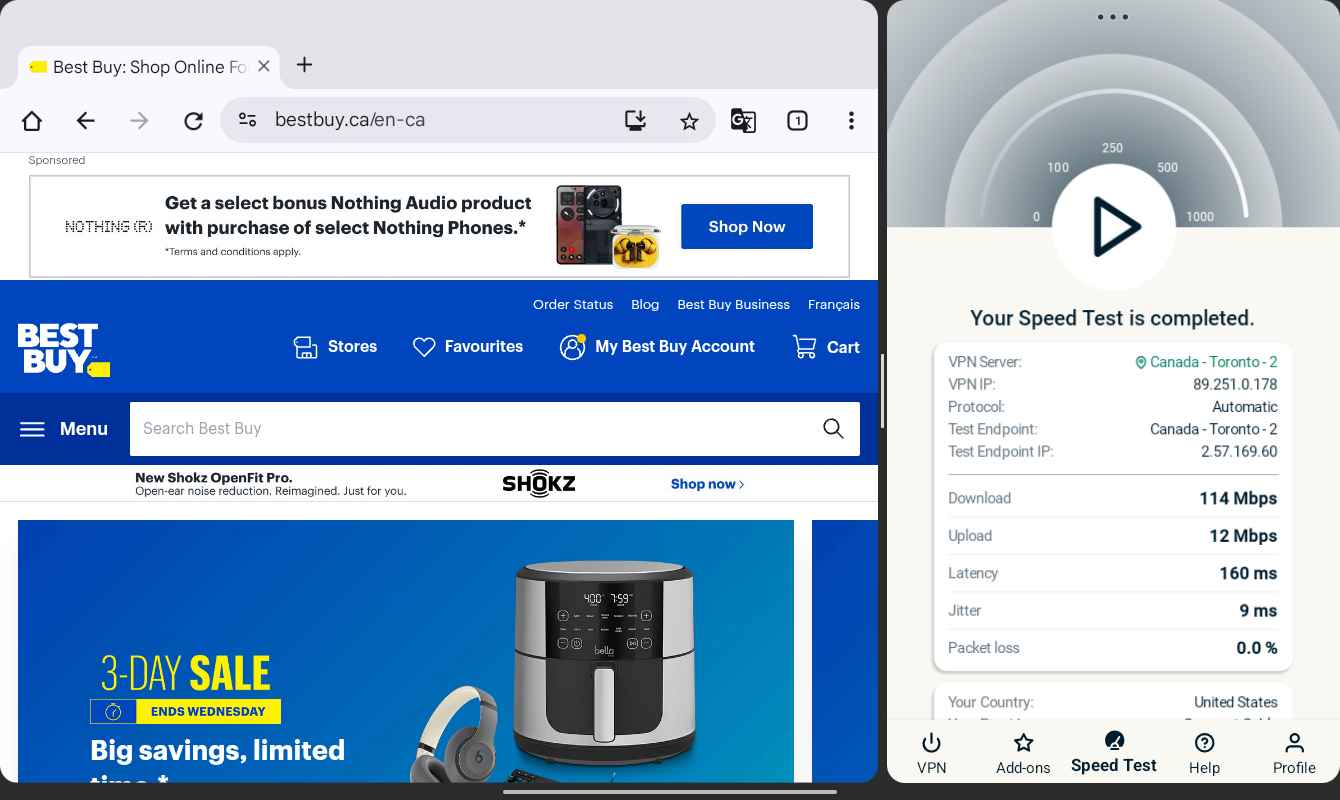
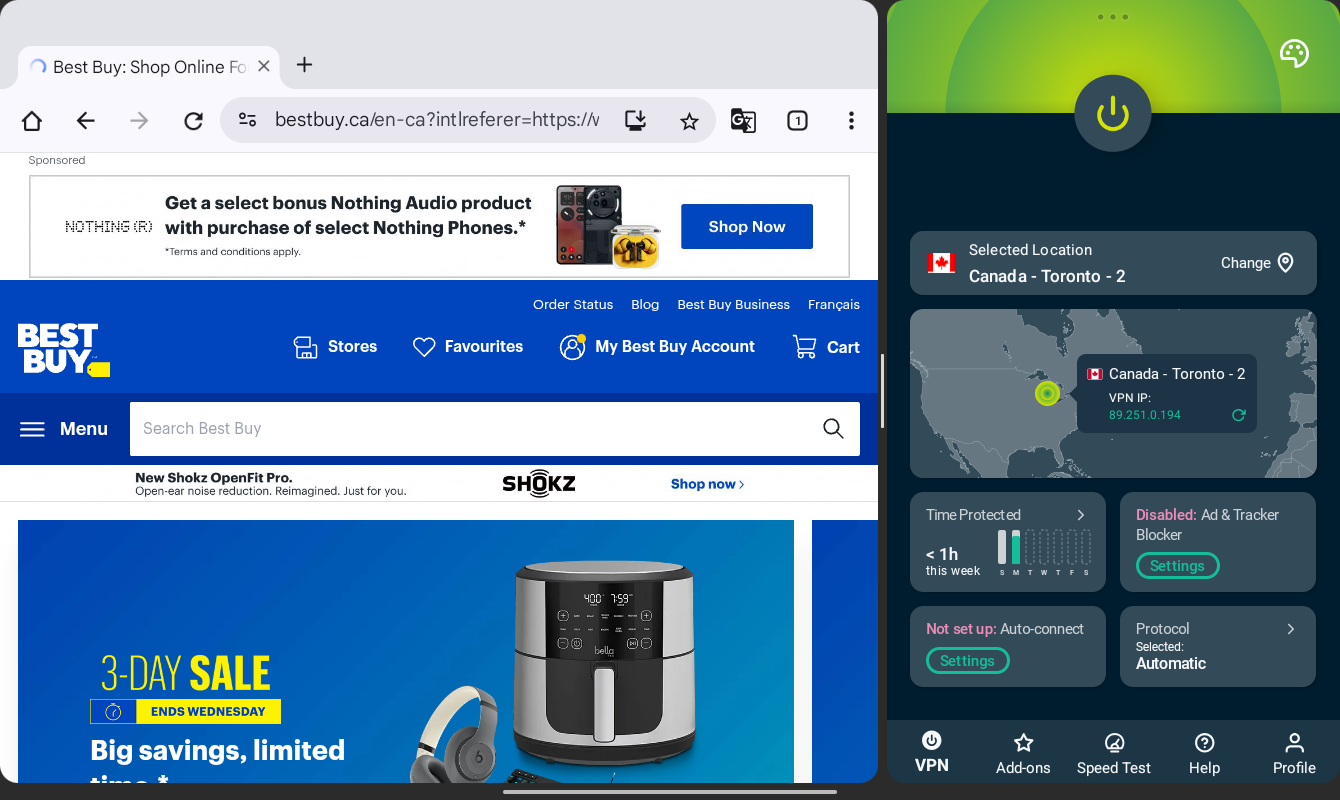
Android users get a nicely organized experience when they fire up the ExpressVPN app. Various sections are sectioned off inside softly rounded rectangles, and information remains legible from narrow windows on up to full-screen mode. Beyond light and dark modes, users can also choose from several additional appearance options, including different app icon choices.
You can sort the location/server list by criteria such as speed, popularity, region, and recent connections. Unlike some competitors, there’s no clear way to designate “favorite” servers, though the recent server list might suffice for some users.
Elsewhere in the app, you’ll find dedicated sections for add-ons like malware and ad blockers. The Profile section offers access to a kill switch, split tunneling, and other options. One fairly unique option is ExpressVPN’s built-in speed tool, which lets you test your current connection’s upload and download speeds.
ExpressVPN also offers a home screen widget that displays the current server connection status and lets you connect and disconnect without opening the full Android app.
Who is ExpressVPN best for?
Those who value a well-made Android app experience above, say, the largest server count or class-leading features, should check out ExpressVPN.
Recent upgrades to ExpressVPN:
In February 2026, ExpressVPN announced standalone apps for its ExpressKeys password manager and ExpressMailGuard for secure email. Both services offer security-minded features beyond what a VPN typically offers. The ExpressKeys launch includes dedicated apps for iOS and Android.
ExpressVPN’s Pricing:
ExpressVPN’s Basic plan starts at $12.99 per month and supports up to 10 simultaneous devices. The Advanced plan throws in better ad blocking, support for 12 devices at once, and more for $13.99 per month. Above that, the Pro plan adds extras like dedicated IP support and a 14-device simultaneous limit. One- and two-year plans offer solid discounts, but renewal prices can increase after the promotional period.
Pros and cons of ExpressVPN

| Starting Price (5/5) | Security (4.5/5) | Servers (#) in Countries (#) (4.9/5) | UX (4/5) | Compatibility (4.3/5) | Connectivity (5/5) | Top Features |
|---|---|---|---|---|---|---|
| Free | No logs policy, kill switch, | 8,000 servers in 46+ countries | Basic but charming app, minor layout issues, lacks home screen widget support, no side-by-side support, and missing some of the customization options found on other platforms | Mac, Windows, iOS, Android, Chrome, Firefox, Edge | Unlimited devices at once | — Fun, welcoming design — Useful free plan — Team plan for businesses — Paid plans offer unlimited device connections — Competitive pricing |
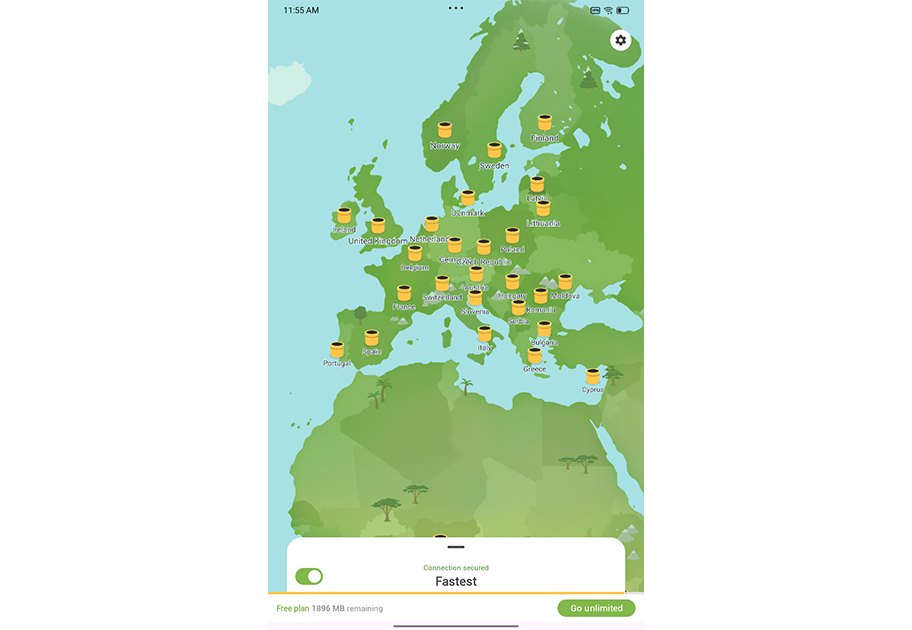
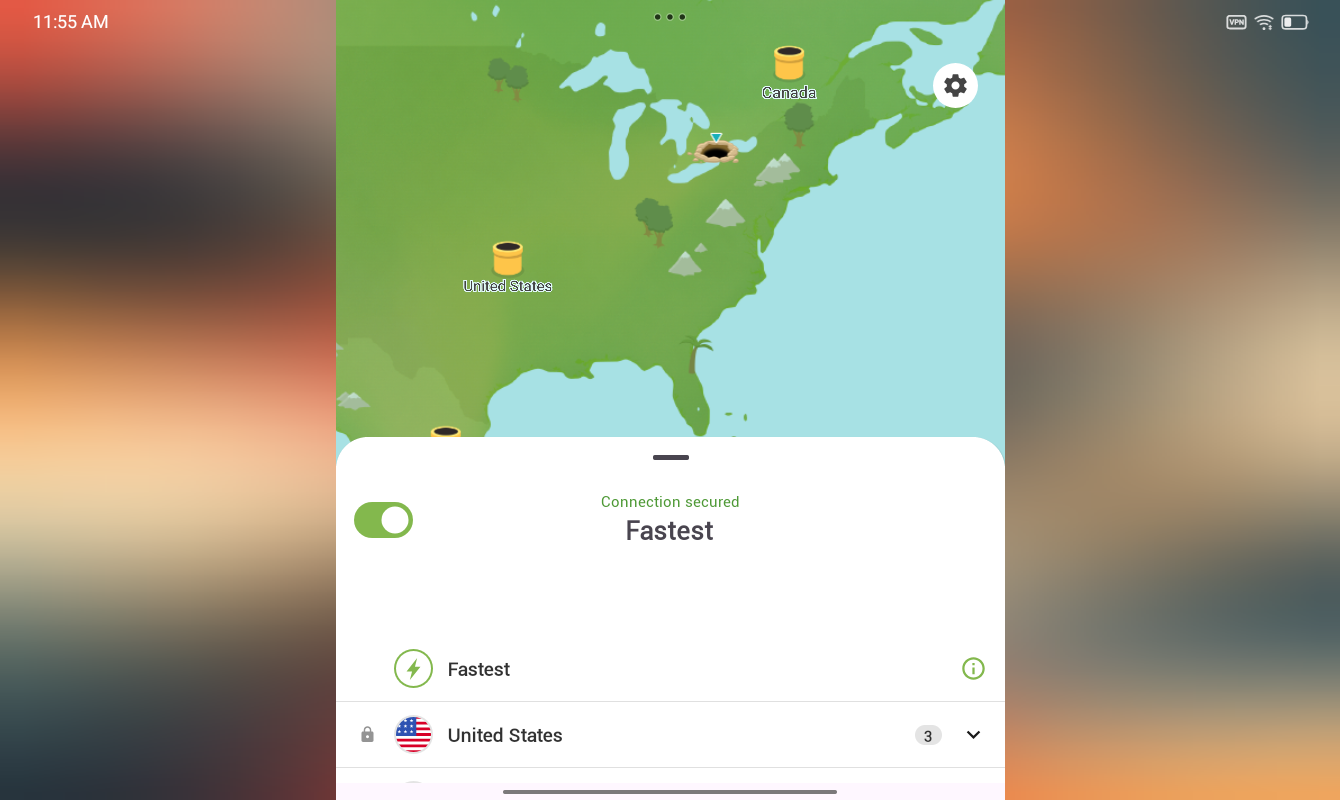
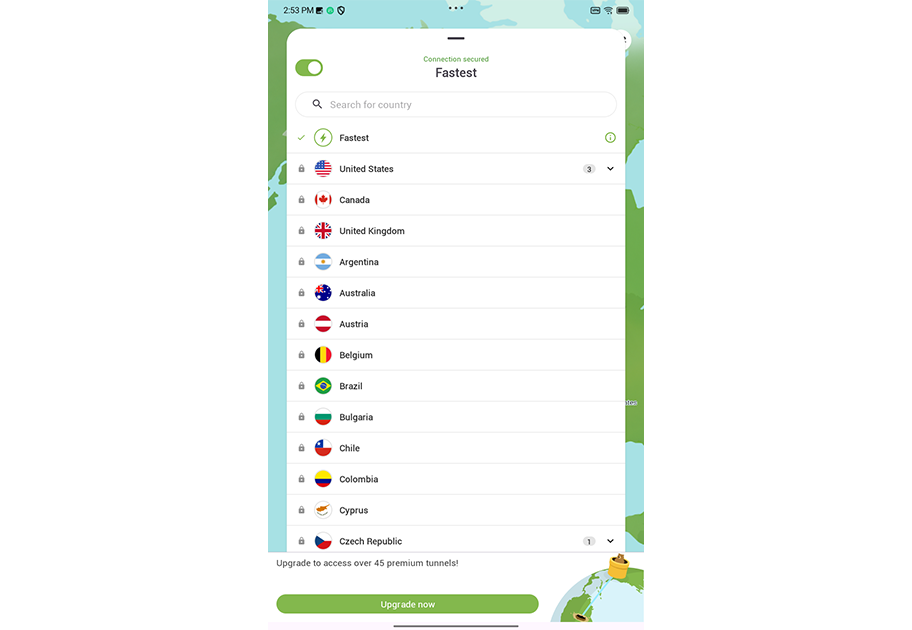
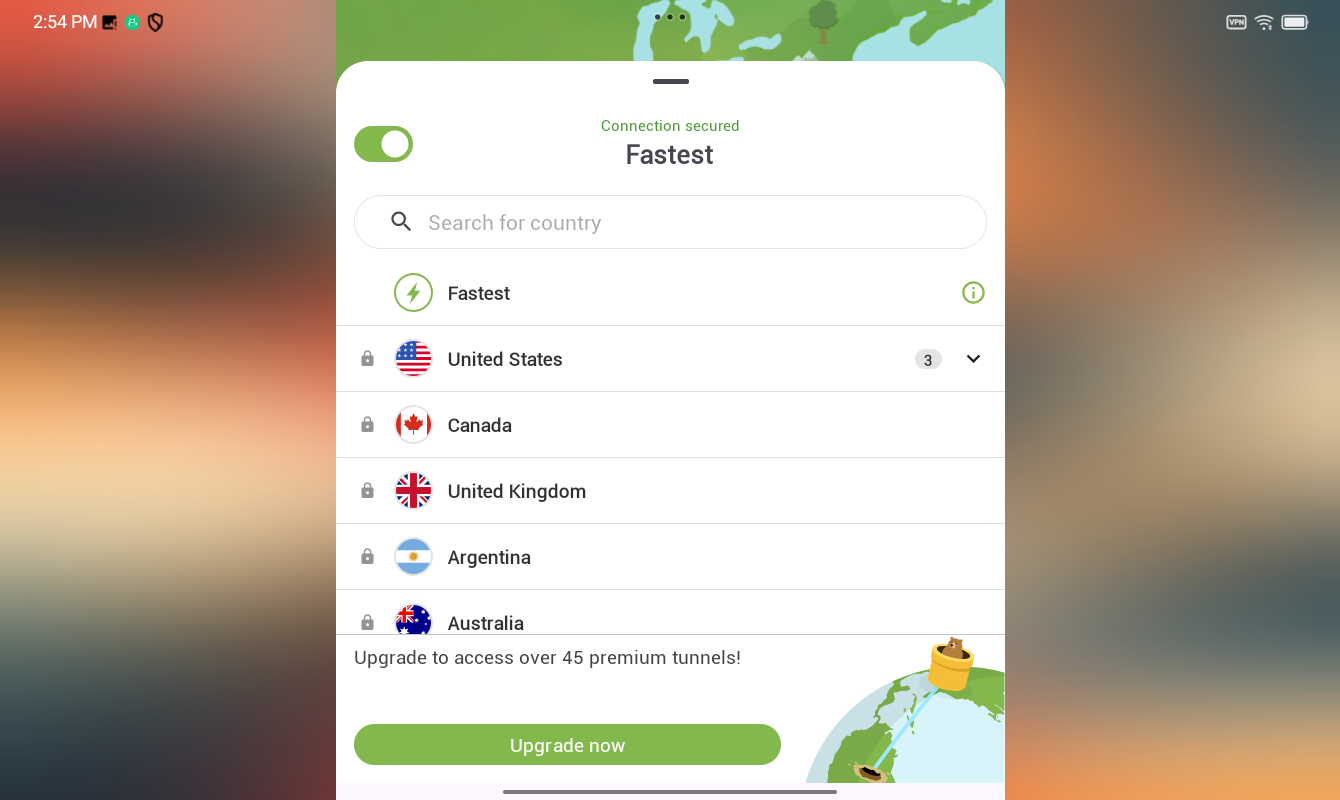
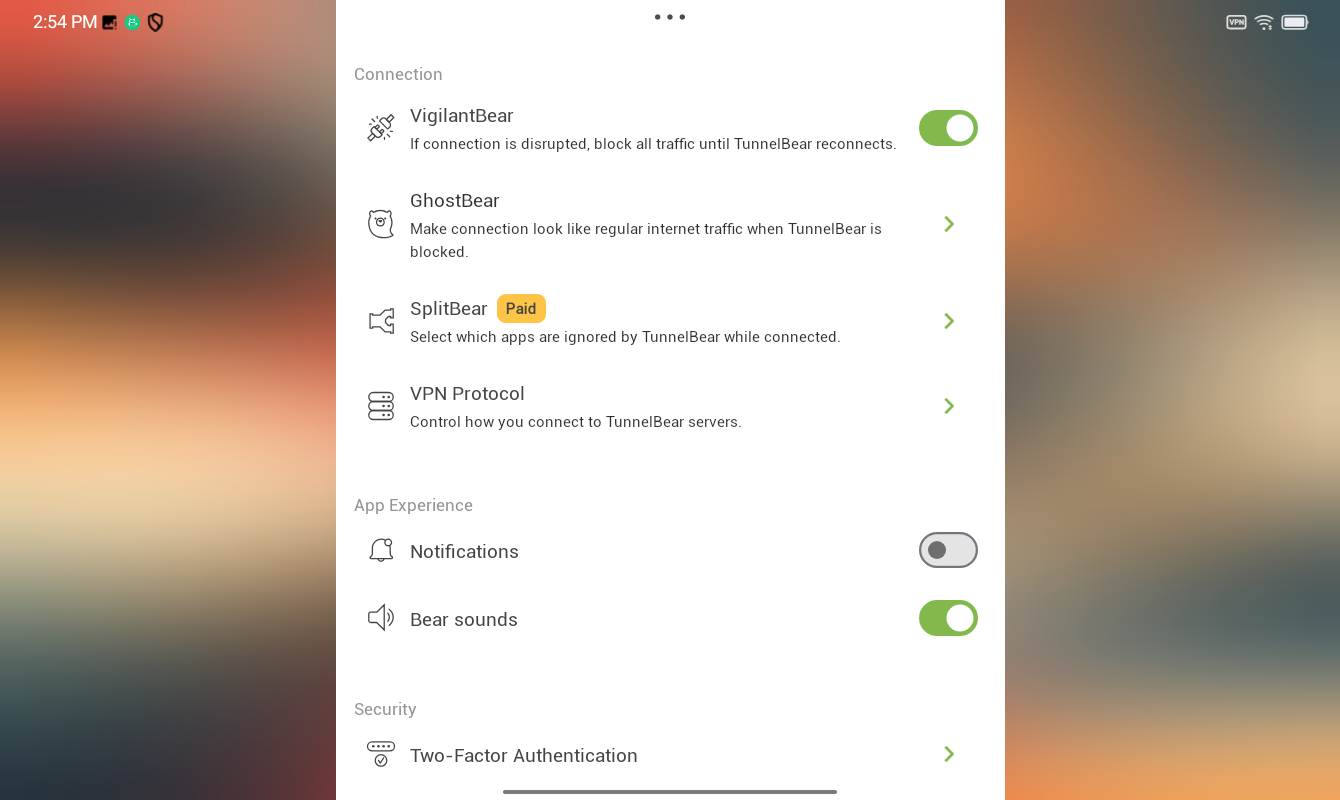
TunnelBear, in case it’s not already clear, leans heavily on its bear-focused theme throughout the Android app experience. There’s a bear growl when a connection is made (which you can turn off in the settings menu). And many traditional VPN settings have received bear-centric names: Split tunneling is offered via SplitBear, and fingerprint logins can be enabled by turning on Pawprint Authentication.
Elsewhere, several major features include useful explanations about what they do, and it all adds up to a very user-friendly VPN experience that could be excellent for first-time users.
That said, some design options from other platforms haven’t quite made their way into the Android app. The app icon customization options found on the iPhone version aren’t present here. And it also lacks the theme options available on the full Mac app. It’s also one of the few VPN apps I tested that don’t support Android’s side-by-side mode. Lastly, despite the product page mentioning Android widget support, I couldn’t find one available on my Android tablet test device.
Who is TunnelBear best for?
With its approachable, dare I say “fun” design, and beginner-friendly interface, TunnelBear could be a good fit for newcomers or businesses looking for a stress-free solution for their employees.
Recent upgrades to TunnelBear:
TunnelBear announced in late 2025 that it would remove some features from its Free plan, including SplitBear (split tunneling) and country selection. Paid plan users, however, won’t be affected by these changes.
TunnelBear’s Pricing:
Even with the newer restrictions mentioned above, the free plan offers a solid preview of what TunnelBear has to offer. Paid plans unlock unlimited data (free plans only get 2GB of browsing), full access to servers in 47 countries, and better customer support. The Unlimited plan starts at $9.99 per month, but you can find discounts for longer-term plans. The business-focused Teams plan starts at $5.75 per user per month.
Pros and cons of TunnelBear

| Starting Price (5/5) | Security (4/5) | Servers (#) in Countries (#) (4.4/5) | UX (4.1/5) | Compatibility (4.9/5) | Connectivity (5/5) | Top Features |
|---|---|---|---|---|---|---|
| Free | No logs policy, double hop | Servers in 69+ countries | Customizable app appearance, user-friendly, no home screen widget support | Mac, Windows, Linux, Chrome, Firefox, Edge, iOS, Android, Fire TV, Android TV, Apple TV, Routers | Unlimited devices at one time | — Free plan available — Malware-blocking R.O.B.E.R.T. tool — Team accounts for businesses — Customizable app — Split tunneling support |
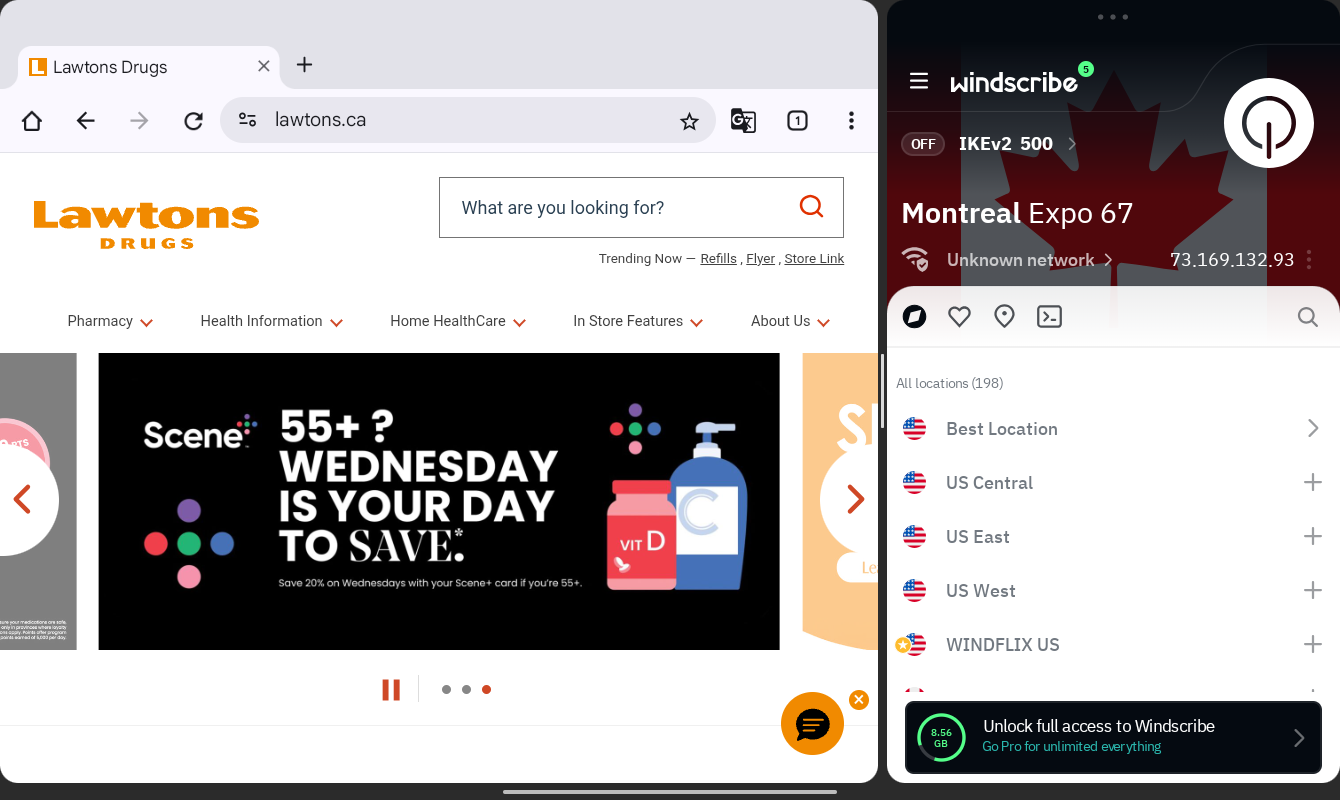
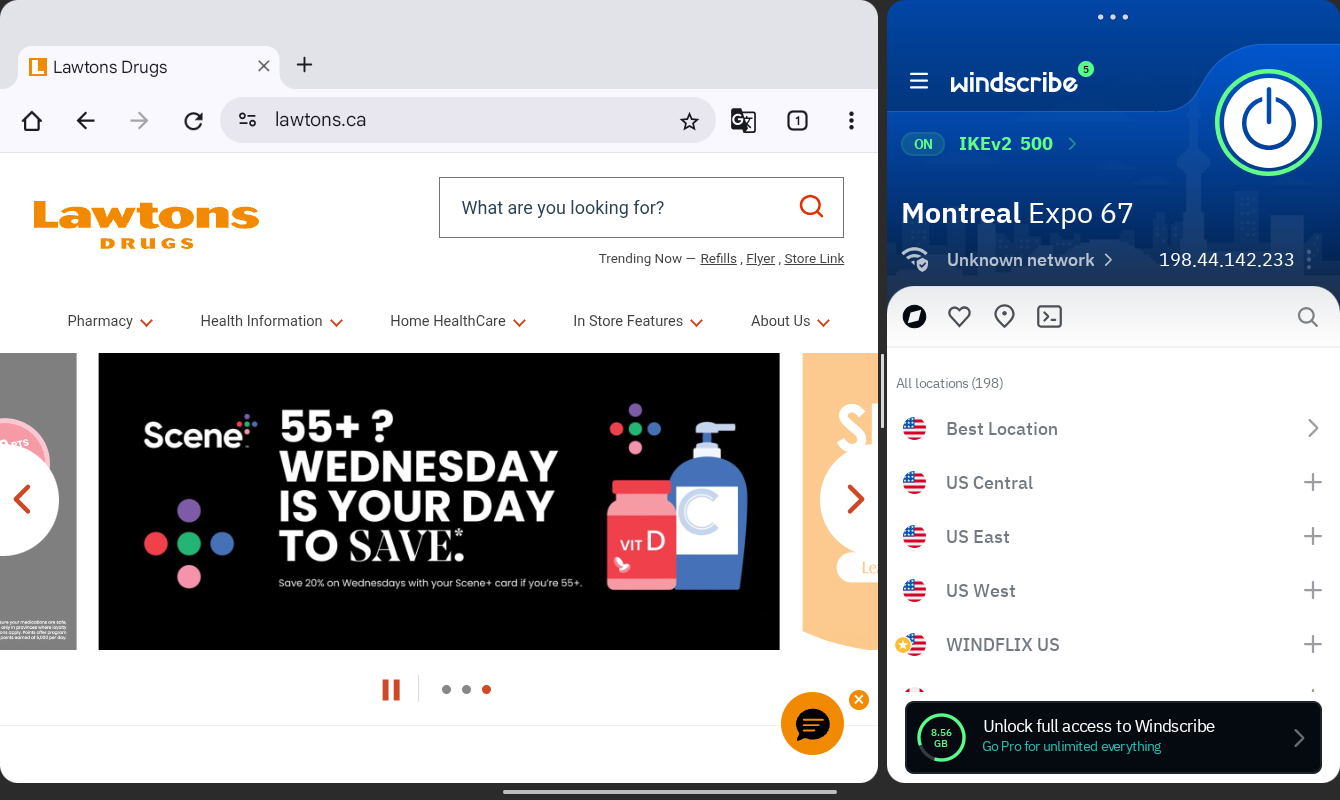
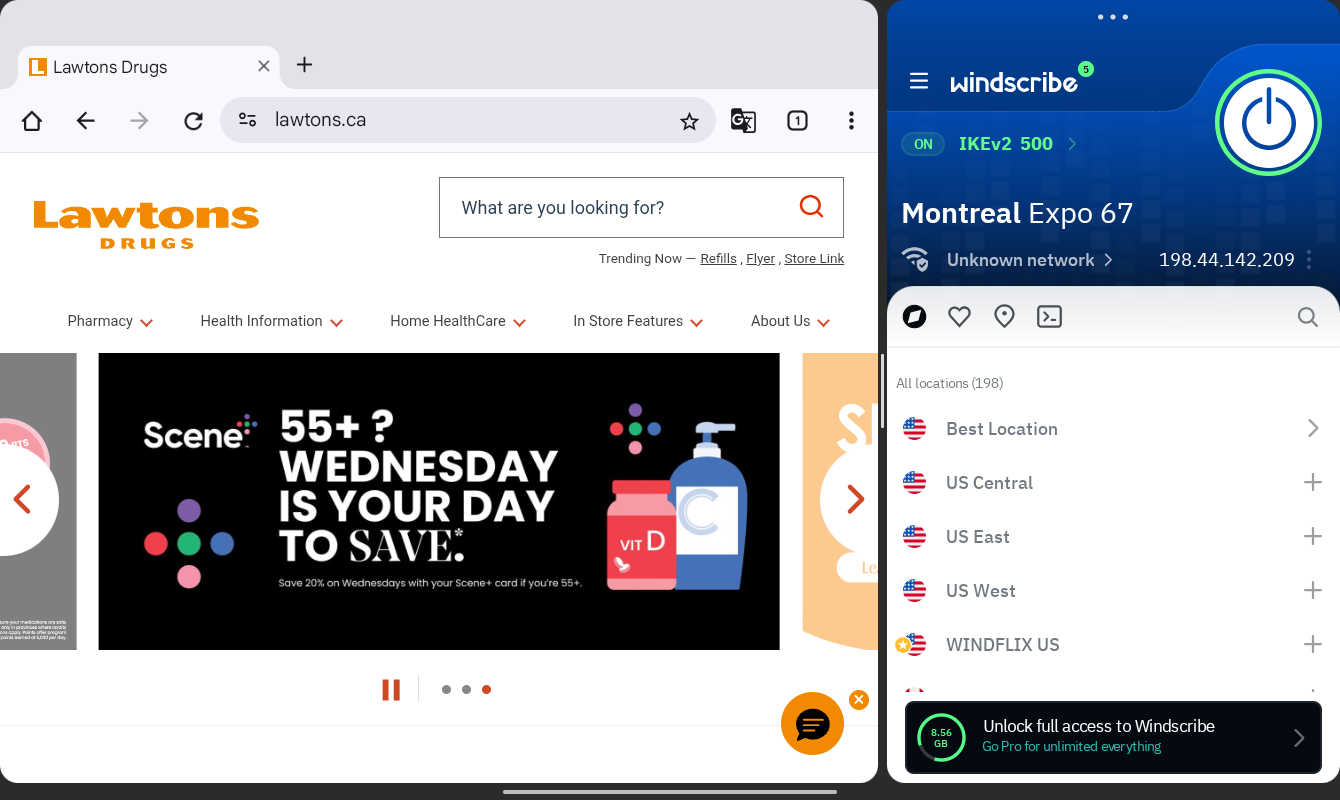
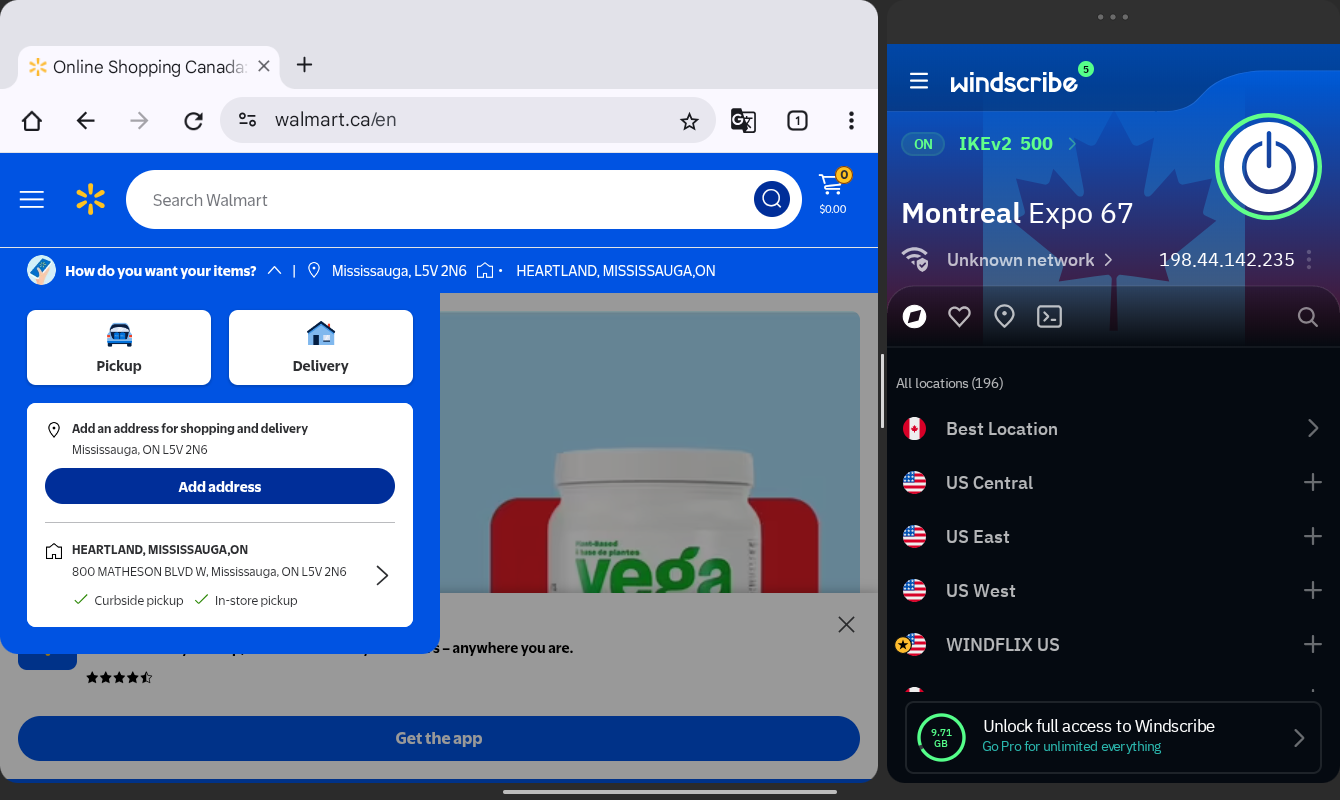
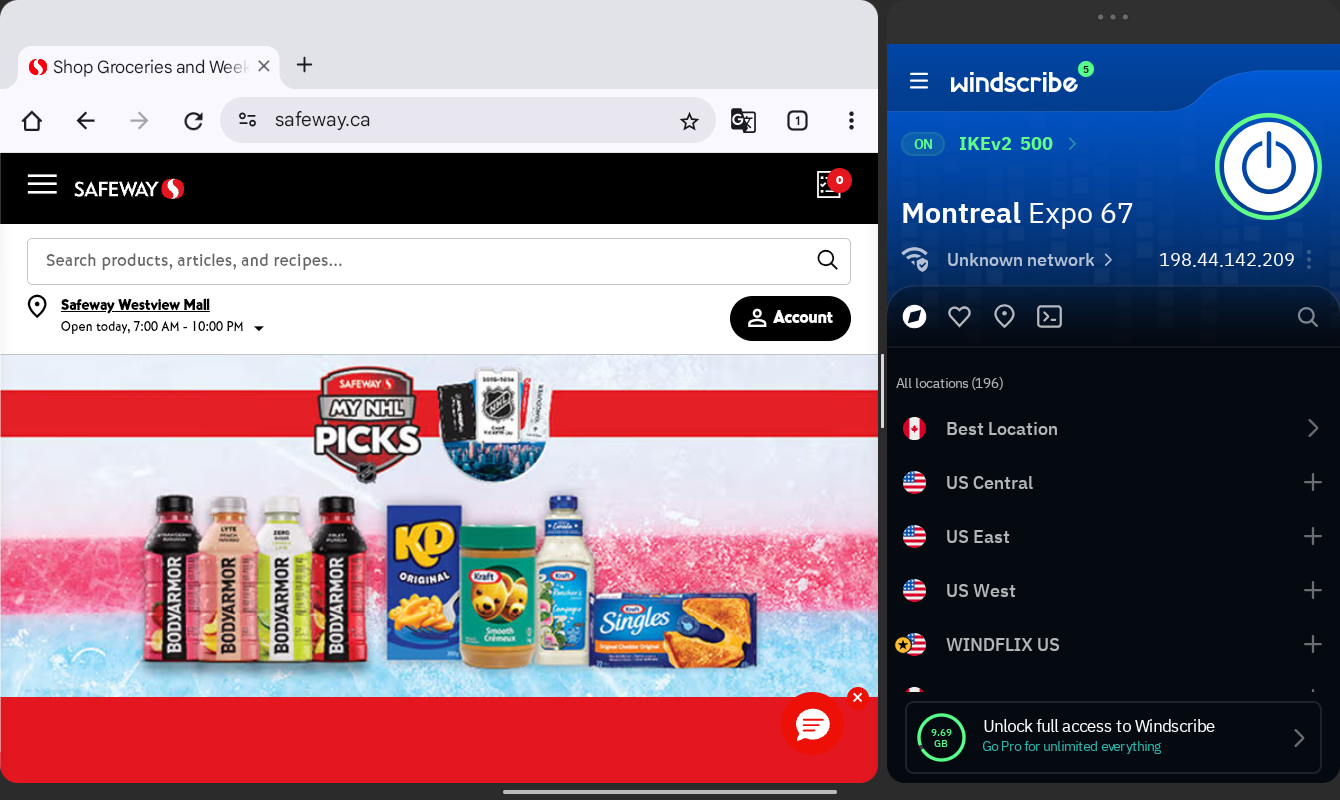
Windscribe stands out with its rather unique customization options, and that includes the dedicated Android app. You can customize backgrounds that appear when connected or disconnected, and you can even upload your own photos.
As for actual VPN functionality, Windscribe puts up a good showing. Android users get support for app-level split tunneling and a firewall feature that the service boasts is a better alternative to a traditional kill switch.
The company also offers its R.O.B.E.R.T. anti-malware tool, which blocks ads and trackers and lets you customize block lists.
The main home screen can feel a bit cluttered, especially as you shrink the window down, but connection status and access to the full server list remain within easy reach.
Unlike many competitors, Windscribe currently doesn’t offer home-screen widget support, so you might find yourself using the full app more often than rivals’ Android apps.
Windscribe’s free plan offers useful features, especially compared to the limited free plans offered by some competitors. You get 10GB of data with a confirmed email address and support for unlimited devices at one time.
Who is Windscribe best for?
Windscribe’s customization options and edgy tech vibe might appeal to VPN users who enjoy getting into the technical aspects of VPN use, including custom configs.
Recent upgrades to Windscribe:
Speaking of tech vibes, Windscribe recently let users sign up with a Hashed Account instead of an email address or other potentially private info.
Windscribe Pricing:
Windscribe’s free plan offers useful features, especially compared to the limited free plans offered by some competitors. Upgrading to paid plans gets you unlimited data, the company’s R.O.B.E.R.T. anti-malware tool, and access to the company’s full suite of servers in 115-plus cities and 69-plus countries.
Pros and cons of Windscribe

| Starting Price (5/5) | Security (4/5) | Servers (#) in Countries (#) (4/5) | UX (4.5/5) | Compatibility (5/5) | Connectivity (4.8/5) | Top Features |
|---|---|---|---|---|---|---|
| $10.99 per month | No-log policy, kill switch | Servers in 50 countries | Clean and colorful app, useful home screen widgets, | Mac, Windows, Android, iOS, Chrome, Firefox, Edge, Apple TV, Fire TV, Android TV, Brave | Up to 10 devices at once | — User-friendly app — Split tunneling support on Mac — Competitive pricing — Several home screen widget options |
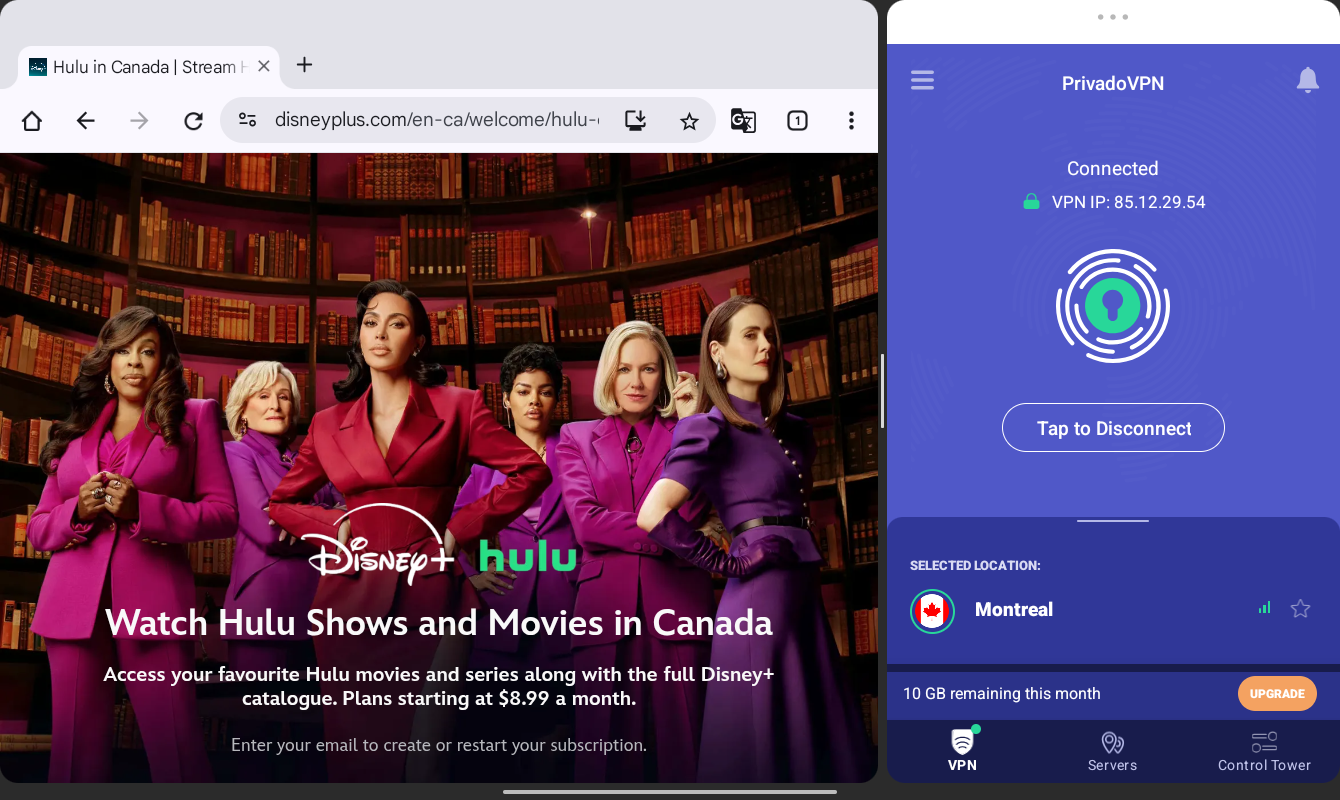
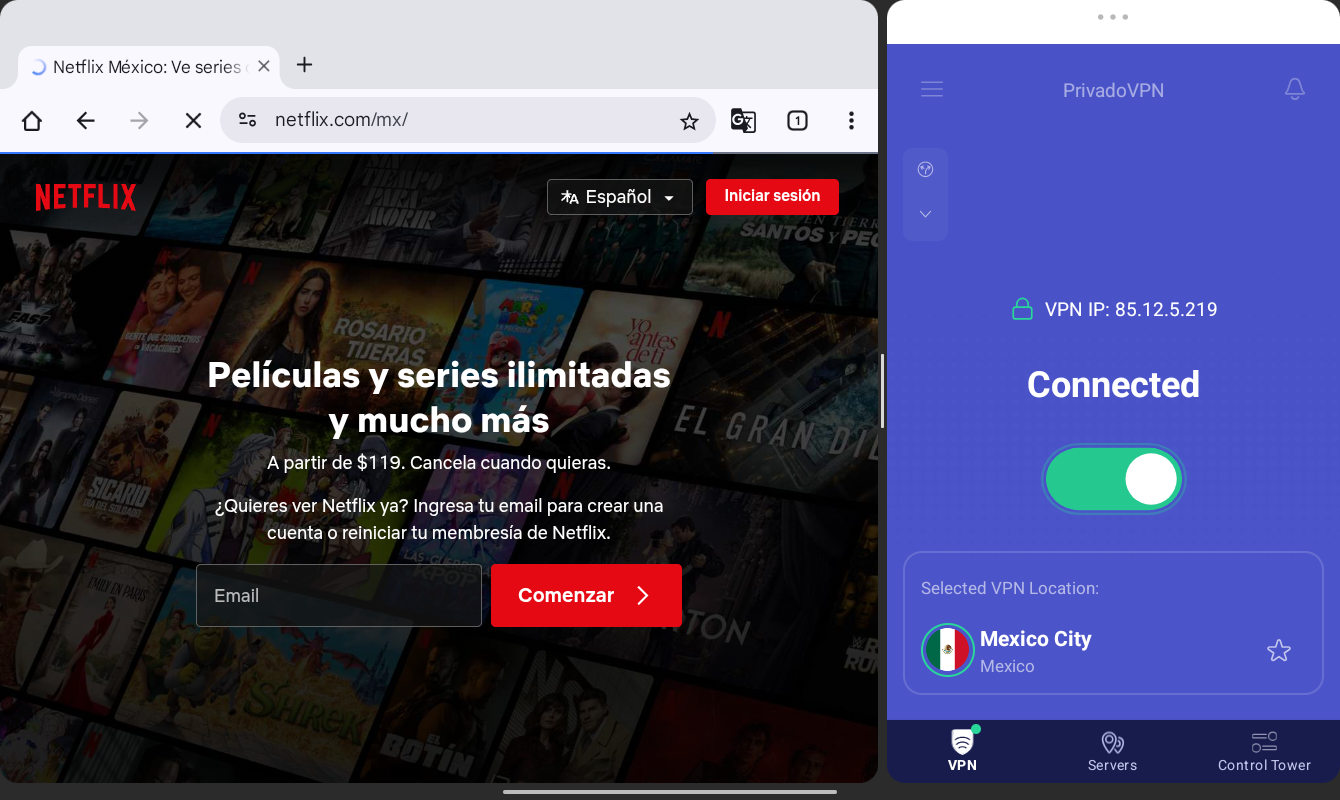
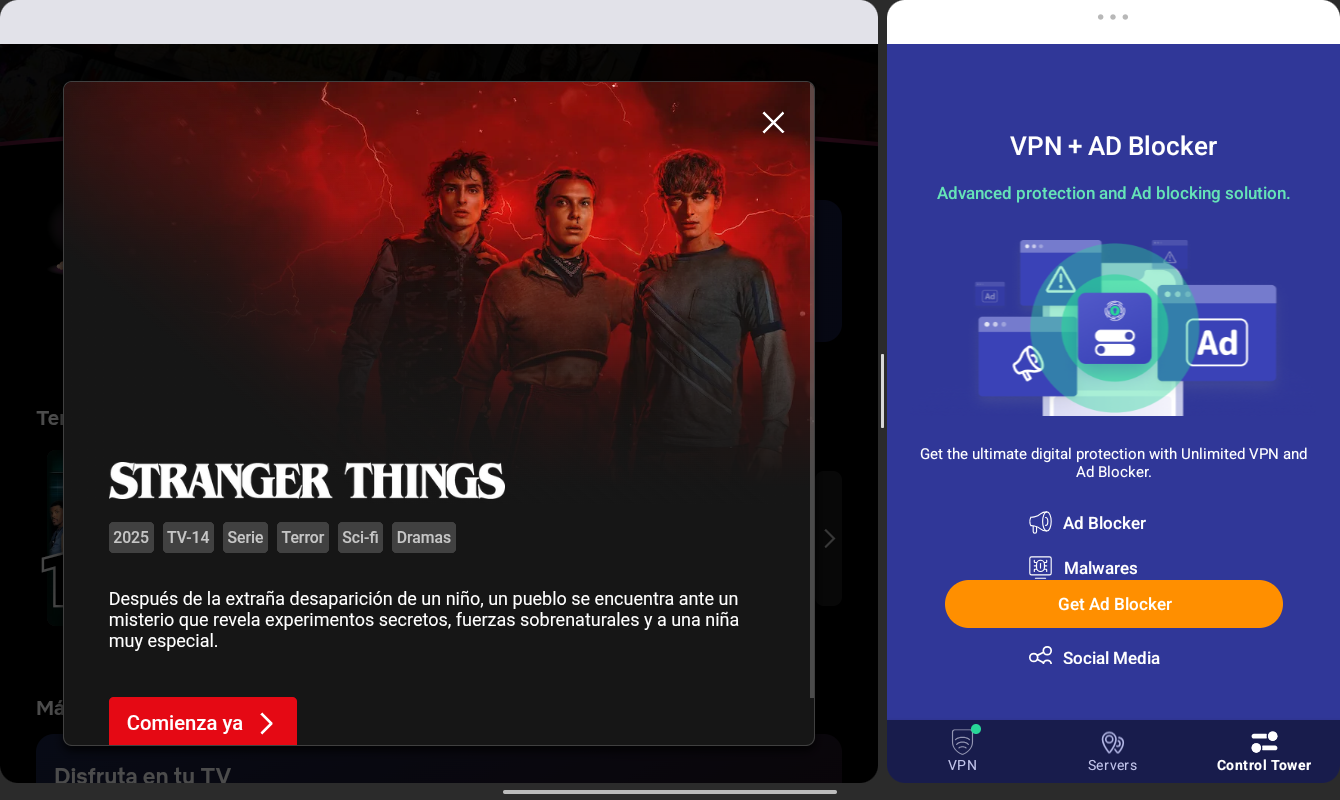
PrivadoVPN offers up a visually pleasing, approachable Android app, with an oversized connect/disconnect button dominating the home screen. That extra-large switch makes it clear what the first order of business is when opening the app.
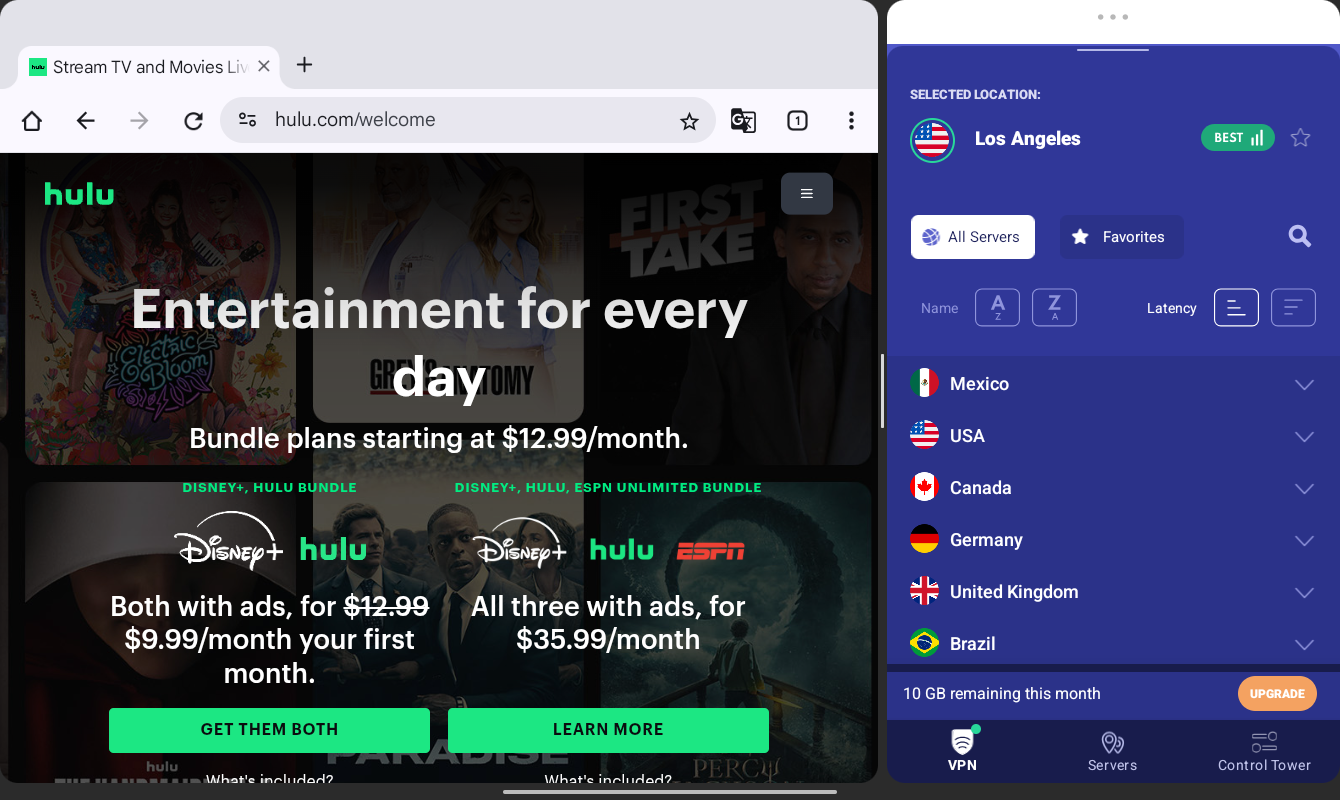
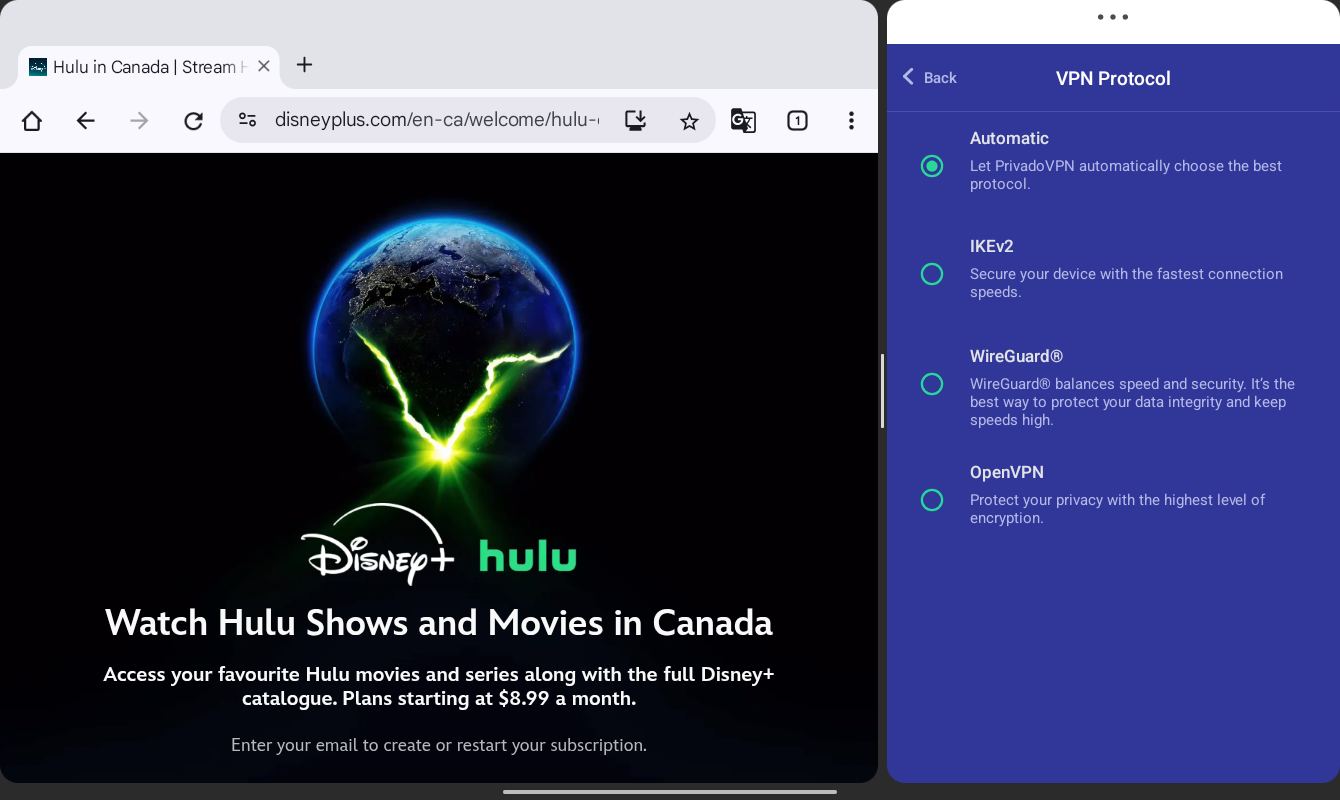
Below that is a current connection display that transitions to the full server list when tapped. The list includes 67 cities across 50 countries, which doesn’t match those of some larger competitors. The list allows you to set favorites, and you can easily view each server’s current connection strength. You can also long-press an individual server to open options to select the protocol you want to use.
Along the edge of the app, you’ll find access to clearly laid out settings, including VPN protocols, SmartRoute (aka split tunneling), and more. Features such as a kill switch and an auto-connect setting are also within easy reach.
Outside of the main Android app, you get your choice of several useful home screen widgets. The largest widget option gets you at-a-glance access to connection status and your most recent server connections.
There’s no support for Android’s light or dark modes, but the default appearance provides a pleasant, user-friendly app experience.
Who is PrivadoVPN best for?
PrivadoVPN’s approachable, straightforward app design might make it a good fit for those who simply want a solid VPN server without being overwhelmed by overly technical features and configurations.
Recent upgrades to PrivadoVPN:
Like other VPN services, PrivadoVPN has been working to offer security tools that expand beyond the VPN itself. In early 2026, the company included Email Relay with its Premium plans. The feature generates fake or alternate email addresses to improve privacy for things like, say, newsletter signups.
PrivadoVPN Pricing:
Free plan users get 10GB of data every 30 days. Meanwhile, paid plans start at $10.99 per month and include access to the full server list. That Unlimited plan includes support for up to 10 devices at once.
Both the 12-month and 24-month plans offer sizable discounts for a promotional period. They also offer a 30-day, money-back guarantee — something the month-to-month plan does not.
Pros and cons of PrivadoVPN
| Provider | Best Overall VPN Service for iPhone Score (4.87) Starting Price $3.09 per month Money-Back Guarantee 30-day Server Network 8,900+ servers in 177+ countries Simultaneous Connections Up to 10 devices Platform Compatibility MacOS, Windows, Linux, iOS, Android, Android TV, Fire TV, Chromecast, Apple TV, Chromebook, Kindle, Raspberry Pi, Meta Quest 2, Routers, Xbox, Playstation, Nintendo Switch, Chrome/Firefox/Edge Browsers No-logs Policy  Kill Switch Split Tunneling Double VPN/Multi-hop Torrenting Support | Score (4.85) Starting Price $1.99 per month Money-Back Guarantee 30-day Server Network 3,200+ servers in 100+ countries Simultaneous Connections Unlimited devices Platform Compatibility MacOS, Windows, Linux, iOS, Android, Apple TV, Fire TV, Chrome/Firefox/Edge Browsers, Smart TVs, Gaming Consoles, Oculus 2, Vision Pro, Raspberry Pi No-logs Policy Kill Switch Split Tunneling Double VPN/Multi-hop Torrenting Support | Score (4.82) Starting Price $2.99 per month Money-Back Guarantee 30-day Server Network 15,000+ servers in over 120 countries Simultaneous Connections Up to 10 devices Platform Compatibility MacOS, Windows, Linux, iOS, Android, Chrome, Firefox, Chromebook, Android TV, Apple TV No-logs Policy Kill Switch Split Tunneling Double VPN/Multi-hop Torrenting Support | Score (4.8) Starting Price $1.33 per month Money-Back Guarantee 30-day Server Network Servers in 91 countries Simultaneous Connections Unlimited devices Platform Compatibility MacOS, Windows, Linux, iOS, Android, Chrome, Firefox, Android TV, Apple TV+, Gaming consoles, Routers, and Smart TV No-logs Policy Kill Switch Split Tunneling Double VPN/Multi-hop Torrenting Support | Score (4.73) Starting Price Free Money-Back Guarantee 30-day Server Network 2,600+ global servers in 57 countries Simultaneous Connections Up to 10 devices Platform Compatibility MacOS, Windows, Linux, iOS, Android, Volla OS, Freifon, Routers, Apple TV, Fire TV, Android TV, Browser Extensions, Game Consoles, Smart TVs No-logs Policy Kill Switch Split Tunneling Double VPN/Multi-hop Torrenting Support | Score (4.9) Starting Price $2.49 per month Money-Back Guarantee 30-day Server Network Servers in 105 countries Simultaneous Connections Up to 14 devices Platform Compatibility MacOS, Windows, Linux, iOS, Android, Routers, Apple TV, Fire TV Stick, Android TV, Browser Extensions, Game Consoles, Smart TVs No-logs Policy Kill Switch Split Tunneling Double VPN/Multi-hop  Torrenting Support | Score (4.57) Starting Price Free Money-Back Guarantee 7-day Server Network Servers in 69 countries Simultaneous Connections Unlimited devices Platform Compatibility MacOS, Windows, Linux, iOS, Android, Fire TV, Android TV, Apple TV, Chrome/Firefox/Edge Browsers, Routers No-logs Policy Kill Switch Split Tunneling Double VPN/Multi-hop Torrenting Support |
|---|---|---|---|---|---|---|---|
| Score | (4.87) | (4.85) | (4.82) | (4.8) | (4.73) | (4.9) | (4.57) |
| Starting Price | $3.09 per month | $1.99 per month | $2.99 per month | $1.33 per month | Free | $2.49 per month | Free |
| Money-Back Guarantee | 30-day | 30-day | 30-day | 30-day | 30-day | 30-day | 7-day |
| Server Network | 8,900+ servers in 177+ countries | 3,200+ servers in 100+ countries | 15,000+ servers in over 120 countries | Servers in 91 countries | 2,600+ global servers in 57 countries | Servers in 105 countries | Servers in 69 countries |
| Simultaneous Connections | Up to 10 devices | Unlimited devices | Up to 10 devices | Unlimited devices | Up to 10 devices | Up to 14 devices | Unlimited devices |
| Platform Compatibility | MacOS, Windows, Linux, iOS, Android, Android TV, Fire TV, Chromecast, Apple TV, Chromebook, Kindle, Raspberry Pi, Meta Quest 2, Routers, Xbox, Playstation, Nintendo Switch, Chrome/Firefox/Edge Browsers | MacOS, Windows, Linux, iOS, Android, Apple TV, Fire TV, Chrome/Firefox/Edge Browsers, Smart TVs, Gaming Consoles, Oculus 2, Vision Pro, Raspberry Pi | MacOS, Windows, Linux, iOS, Android, Chrome, Firefox, Chromebook, Android TV, Apple TV | MacOS, Windows, Linux, iOS, Android, Chrome, Firefox, Android TV, Apple TV+, Gaming consoles, Routers, and Smart TV | MacOS, Windows, Linux, iOS, Android, Volla OS, Freifon, Routers, Apple TV, Fire TV, Android TV, Browser Extensions, Game Consoles, Smart TVs | MacOS, Windows, Linux, iOS, Android, Routers, Apple TV, Fire TV Stick, Android TV, Browser Extensions, Game Consoles, Smart TVs | MacOS, Windows, Linux, iOS, Android, Fire TV, Android TV, Apple TV, Chrome/Firefox/Edge Browsers, Routers |
| No-logs Policy | | | | | | | |
| Kill Switch | | | | | | | |
| Split Tunneling | | | | | | | |
| Double VPN/Multi-hop | | | | | | | |
| Torrenting Support | | | | | | | |
| Learn more | Learn More On NordVPN’s official website | Learn More On Surfshark’s official website | Learn More On Proton VPN’s official website | Learn More On Private Internet Access’s official website | Learn More On Hide.me’s official website | Learn More On ExpressVPN’s official website | Learn More On Windscribe’s official website |
Using a VPN service on an Android device should be a pleasant and stress-free experience. In addition to supporting modern security protocols, a good VPN shouldn’t get in the way of your efforts to keep your online experience safe.
Throughout my testing, I kept a close eye on VPN services that offered strong security support, good server coverage, and more. Some providers scored high marks in one category, but faltered in another. The best VPN services for Android earned high marks across all our categories.
Offering a good VPN experience means staying up to date with the latest and greatest security and privacy tools. Features such as multi-hop, WireGuard support, double VPNs, and a no-log policy are strong indicators that you’re dealing with a reputable VPN provider. Part of my hands-on testing focused on evaluating what security and privacy features each VPN service offered, including whether some perks were locked behind premium plans or other requirements.
A big server count number is impressive, but the best VPN services on Android also offer broad country and location coverage, giving you plenty of options to choose from across the globe. Not all servers are created equal, and high-speed options that connected reliably and easily made a strong impression during testing.
Just because a VPN service might offer a strong desktop or laptop experience doesn’t always mean the good times continue on mobile platforms like Android. A well-designed app that doesn’t feel lazily ported from another platform can go a long way toward ensuring a good user experience.
Pricing is a major aspect to consider when choosing a VPN service. Many offer discounts for long-term plans that last a year or more, so it’s worth taking a good look at what’s on offer before taking the plunge. Some offer free plans that give you a limited, but useful look at what the service can provide. Others add intriguing features and upgrades if you upgrade to a more premium plan.
It’s not uncommon for an online experience to include multiple devices running on different platforms. And the best VPN for Android should also offer solid, consistent experiences and support across all your devices, including Macs and Windows PCs.
Again, many of us access the internet on multiple devices, and some are looking for VPNs to cover their entire family. In my hands-on testing, I focused on VPN services that can protect a large number, or even an unlimited number, of devices at once.
The best VPN for Android combines strong security, fast speeds, and a well-designed mobile app. Top options like NordVPN, Surfshark, and Proton VPN offer reliable performance, advanced privacy features, and easy-to-use Android apps.
Yes, using a reputable VPN on Android is safe and can improve your privacy. A quality VPN encrypts your internet traffic, hides your IP address, and protects you from trackers, hackers, and unsecured public Wi-Fi networks.
Android supports VPN connections, but it does not include a built-in premium VPN service. You’ll need to download a third-party VPN app from a trusted provider to get full encryption, advanced features, and global server access.
Some free VPNs for Android can be useful for light browsing, but they often limit speed, data, or server access. Premium VPNs typically offer better security, faster connections, and more reliable performance.
A VPN may slightly reduce your internet speed due to encryption, but top providers minimize this impact. High-quality Android VPN apps use optimized protocols like WireGuard to maintain fast streaming and browsing speeds.
Yes, many VPN services allow multiple simultaneous connections. Some providers, like Surfshark and Private Internet Access, even offer unlimited device connections with a single subscription.
To set up a VPN on Android, download a trusted VPN app from the Google Play Store, sign in, and tap connect. Most apps also allow you to choose specific server locations or enable advanced privacy features in the settings menu.

About The Password Manager, Gunnar Kallstrom:
Kallstrom, The Password Manager, is a Cyber Team Lead for a Department of Defense (DOD) contracting company in Huntsville, Alabama, and has worked as a Computer Network Defense (CND) Cyber Analyst. An author and content creator for a cybersecurity academy, Kallstrom spent nearly 15 years in the Army as a musician before entering the cybersecurity field.
He holds a bachelor’s degree in music from Thomas Edison State University and a master’s in organizational development and leadership from the University of the Incarnate Word.
Kallstrom has completed several Computing Technology Industry Association (CompTIA) courses, including Security+, Network+, A+ Core 1, and A+ Core 2. He earned a CompTIA Security+ Certification. Additionally, he has completed the Cyber Warrior Academy program with more than 800 hours of hands-on, intensive, and lab-driven technical training in cybersecurity methods and procedures.
Passionate about all things cyber, Kallstrom was a speaker on a panel at the 2022 InfoSec World conference, giving a talk entitled “Hacking into a Cyber Career – True Stories.” Kallstrom is also a mentor to entry-level cybersecurity candidates seeking to break into the field. When he’s not working, he still enjoys playing guitar and fishing (not phishing).