








Disclosure: PasswordManager.com earns a commission from referring visitors to some products and services using affiliate partnerships.

Everyone needs strong antivirus software in 2026. Today’s cyber threats are faster, smarter, and often powered by AI — capable of stealing data, locking devices, draining accounts, and spreading across multiple platforms in seconds.

The best antivirus software today goes far beyond basic virus scanning. Modern solutions offer now combine real-time threat detection, ransomware protection, web filtering, and identity safeguards to stop attacks before they cause damage. I’ve reviewed the top antivirus providers below to help you compare features, performance, and value, and choose the right protection for your needs this year.

Best Overall Antivirus Software
(4.94)
Learn More On Surfshark’s official website
Surfshark
  • All-in-one security bundle with antivirus, VPN, and identity protection
  • Highest Trustpilot rating among all providers on this list
  • Unlimited device coverage on every plan
  • Advanced VPN with kill switch, multihop, and static IP options
Best Antivirus Software for Beginners
(4.92)
Learn More On AVG’s official website
AVG
  • Free antivirus plan with real-time malware protection
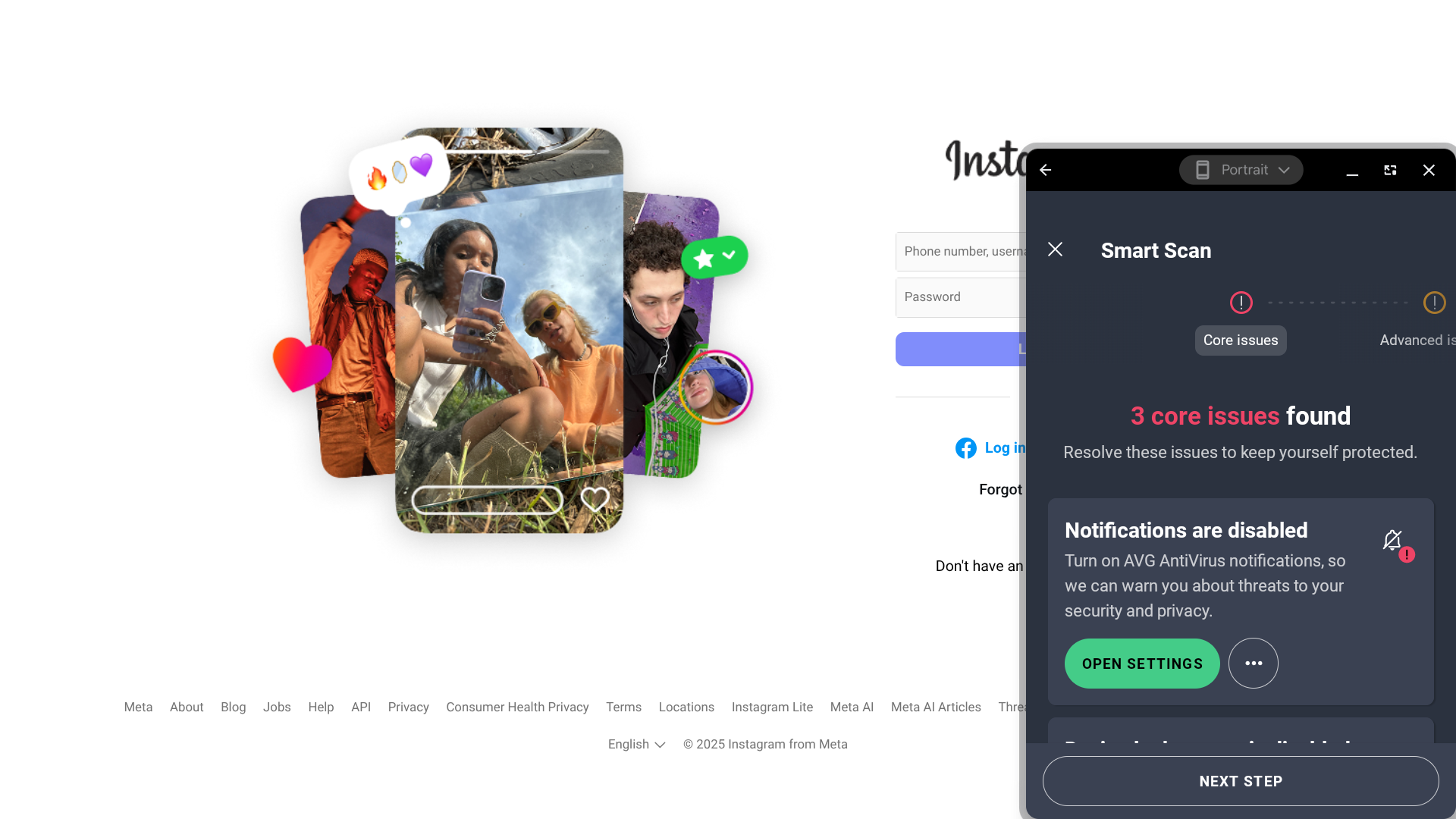
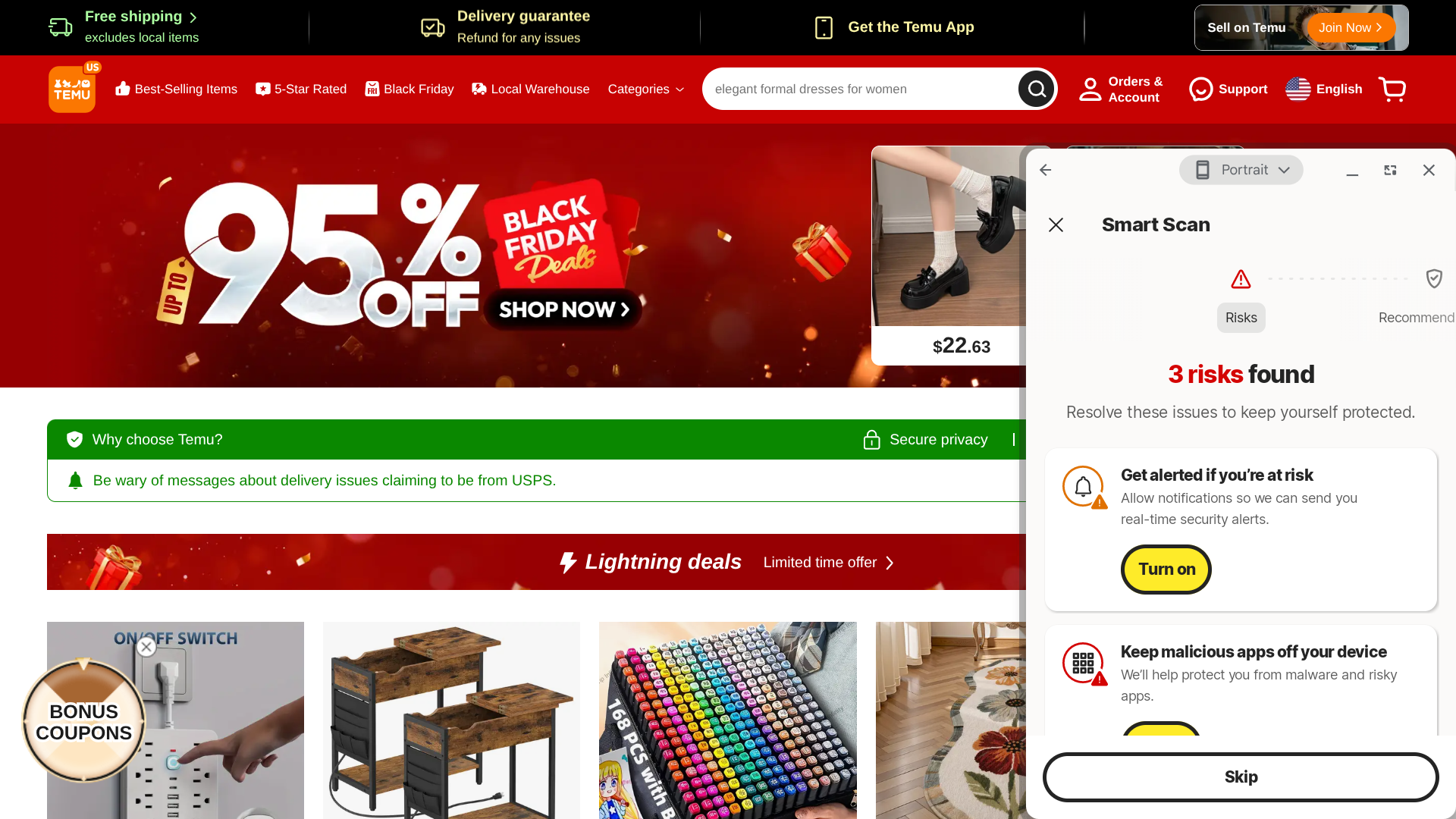
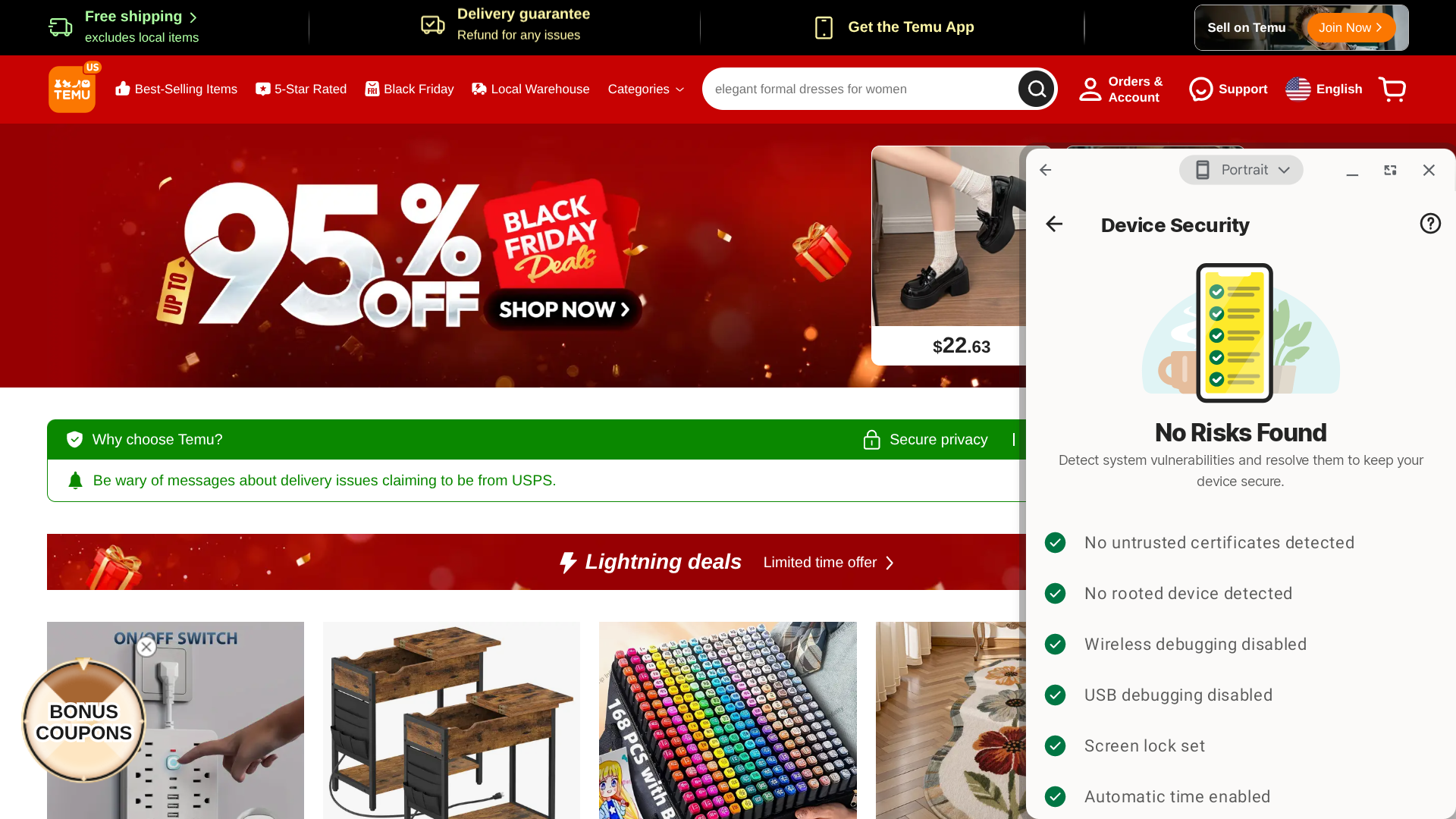
  • Smart Scan detects threats, performance issues, and privacy risks
  • App lock adds extra protection to sensitive apps
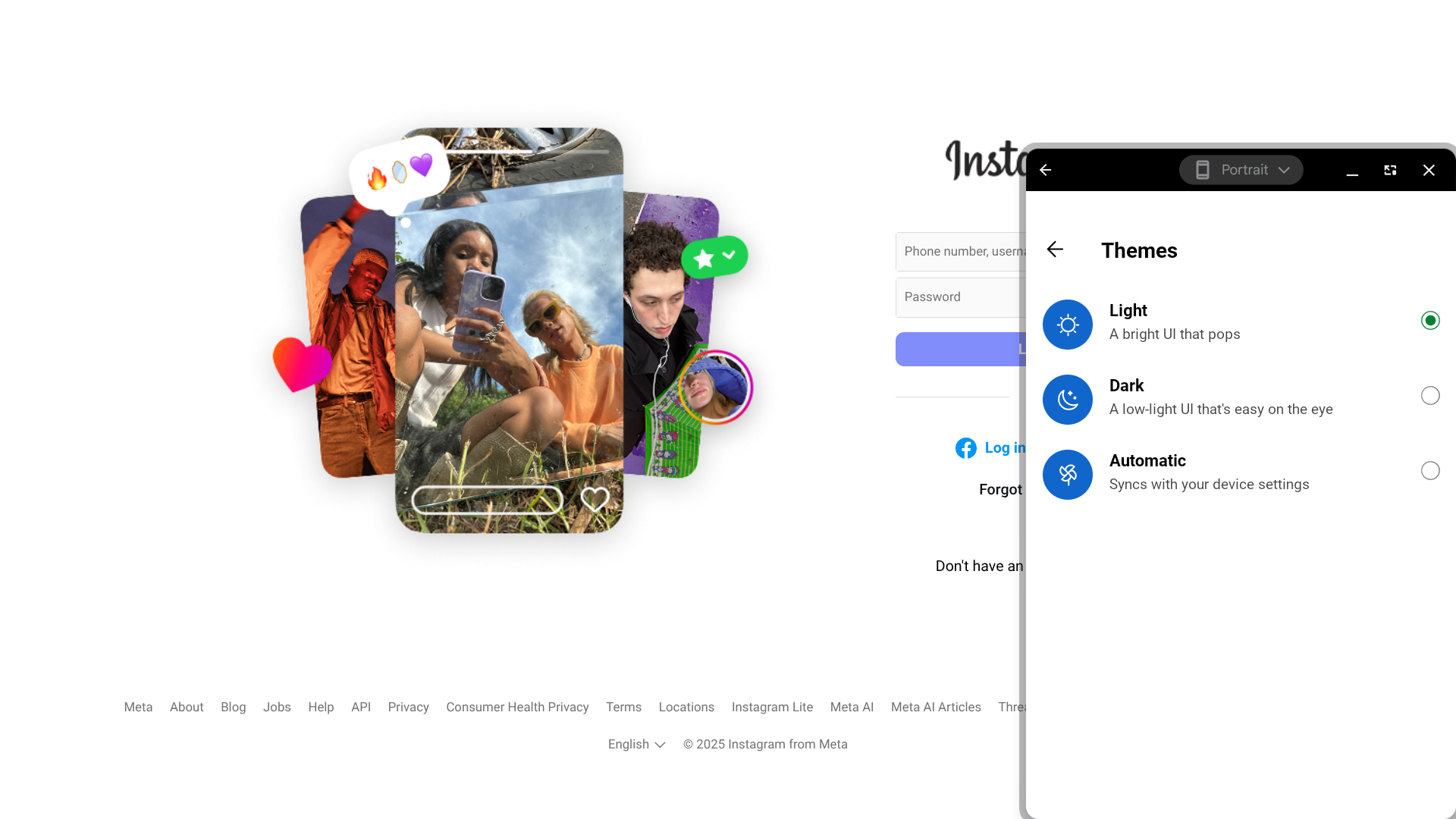
  • Clean, customizable interface with light and dark modes
Best Antivirus Software for Performance
(4.90)
Learn More On ESET’s official website
ESET
  • Ultra-fast scans with minimal system impact
  • Perfect protection scores from major independent testing labs
  • Advanced ransomware remediation and recovery tools
  • Unique extras like lost wallet assistance and router security checks

All of our top picks feature:

Strong malware and threat protection.

Real-time defense against viruses, ransomware, phishing attacks, spyware, and zero-day threats, backed by independent testing or strong verified user feedback.

Minimal system impact.

Fast scans and lightweight performance that protect your device without slowing it down during everyday use.

Broad device compatibility.

Coverage for Windows, macOS, Android, and iOS, with support for multiple devices under a single plan.

Excellent value and usability.

Fair pricing with free plans, trials, or money-back guarantees, plus intuitive apps and bundled security features like VPNs, identity monitoring, and parental controls.

Top 10 Rated Antivirus Software

Best Antivirus Software of 2026

(4.94)
Learn More On Surfshark One's official website
Surfshark One
  • All-in-one security bundle with antivirus, VPN, and identity protection
  • Highest Trustpilot rating among all providers on this list
  • Unlimited device coverage on every plan
  • Advanced VPN with kill switch, multihop, and static IP options
Starting Price (4.9/5)Security Performance (4.8/5)UX (5/5)Compatibility (5/5)Scan TimeIncluded Features (5/5)
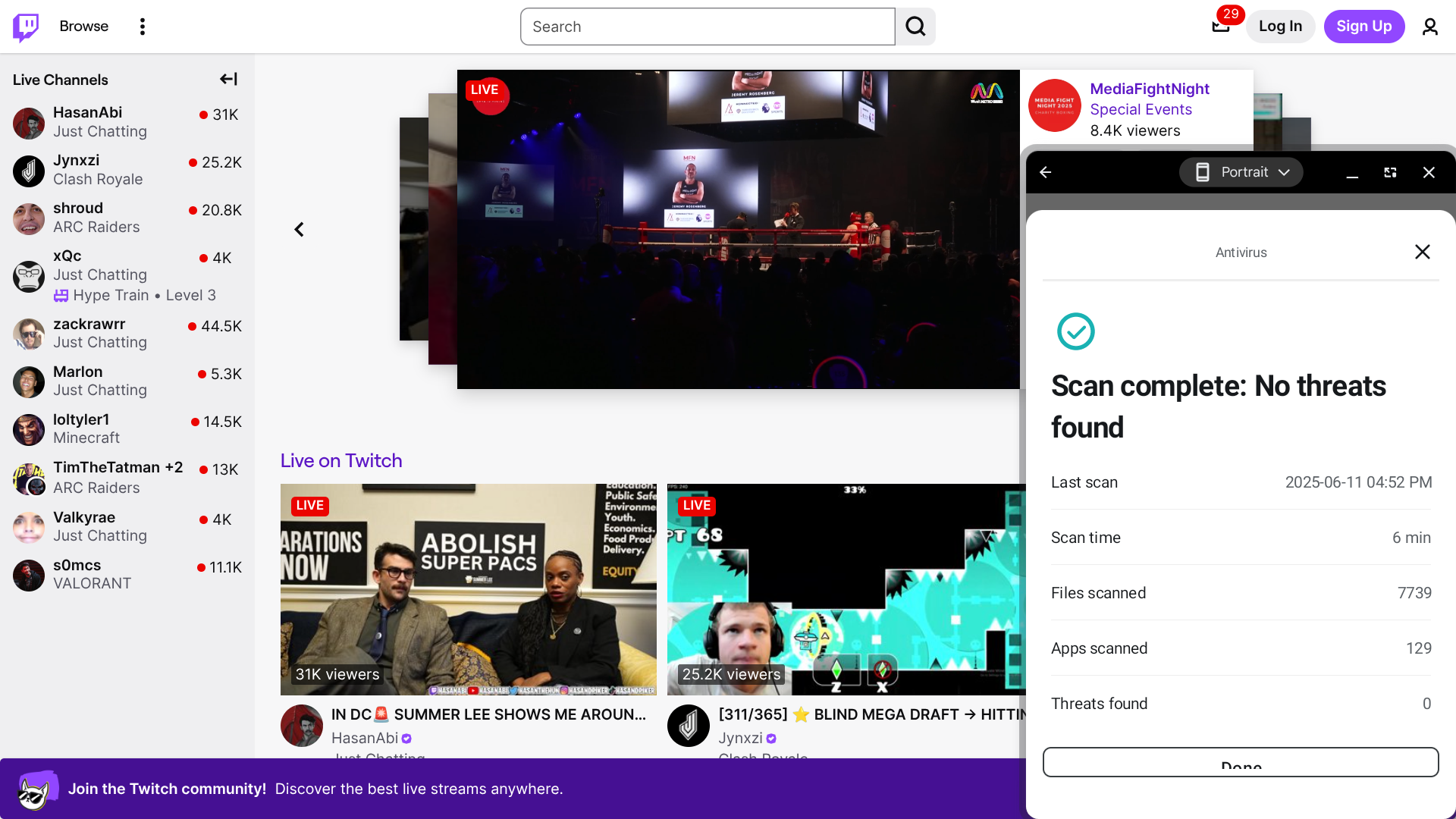
$17.95 per monthN/AApp has a clean design and several theme optionsWindows, macOS, Android, iOS6 minutesAntivirus protection, data leak alerts, email/identity masking, private search engine, VPN, web content blocker

Surfshark is primarily a VPN provider, but I felt it was worth including here since their Surfshark One plans include a full-fledged antivirus solution as well as many other valuable features. When you factor in the overall bundle — antivirus, VPN, identity alerts, private search, and web protection — Surfshark One also delivers some of the best overall value for the price among all providers featured here.

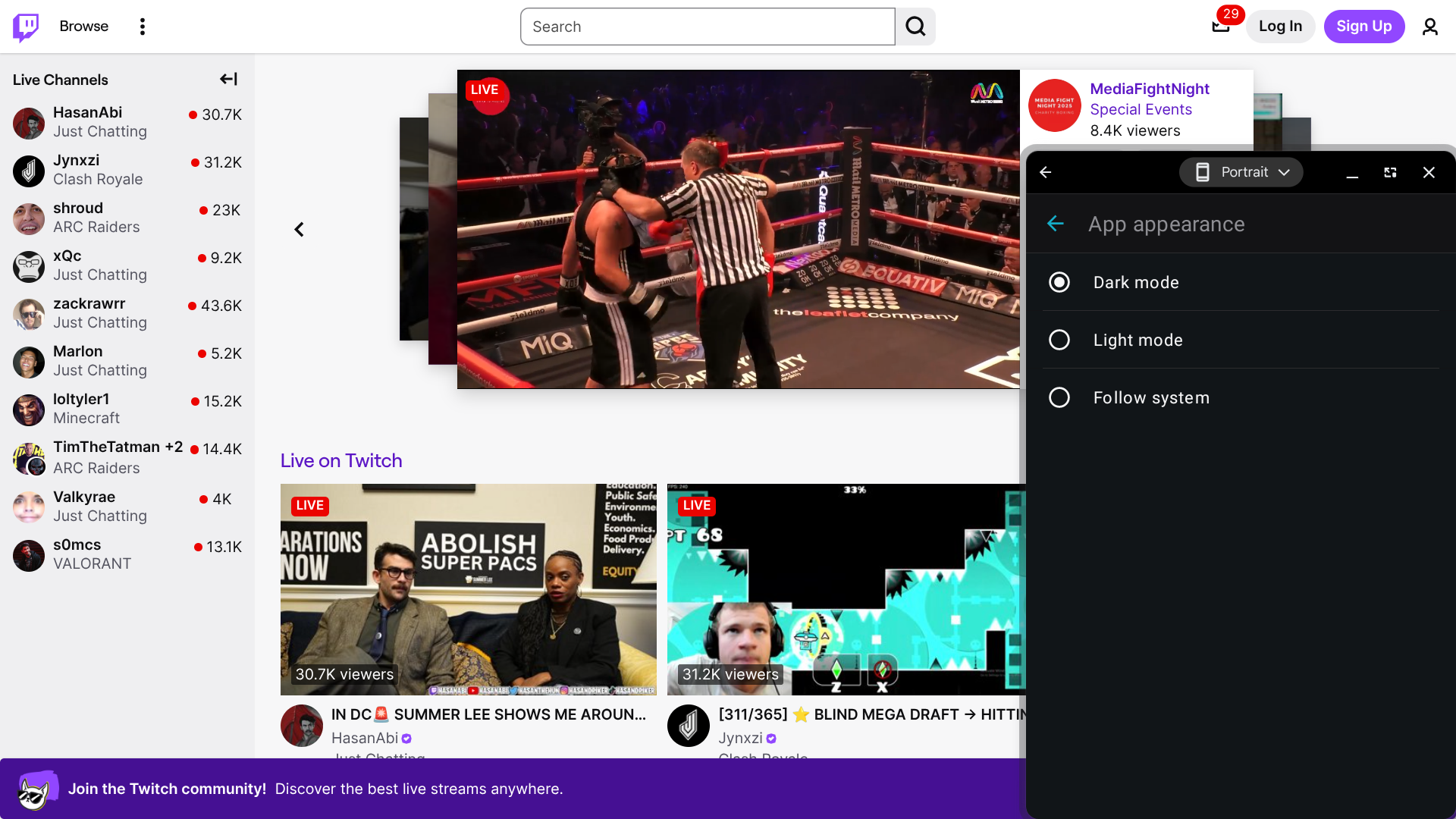
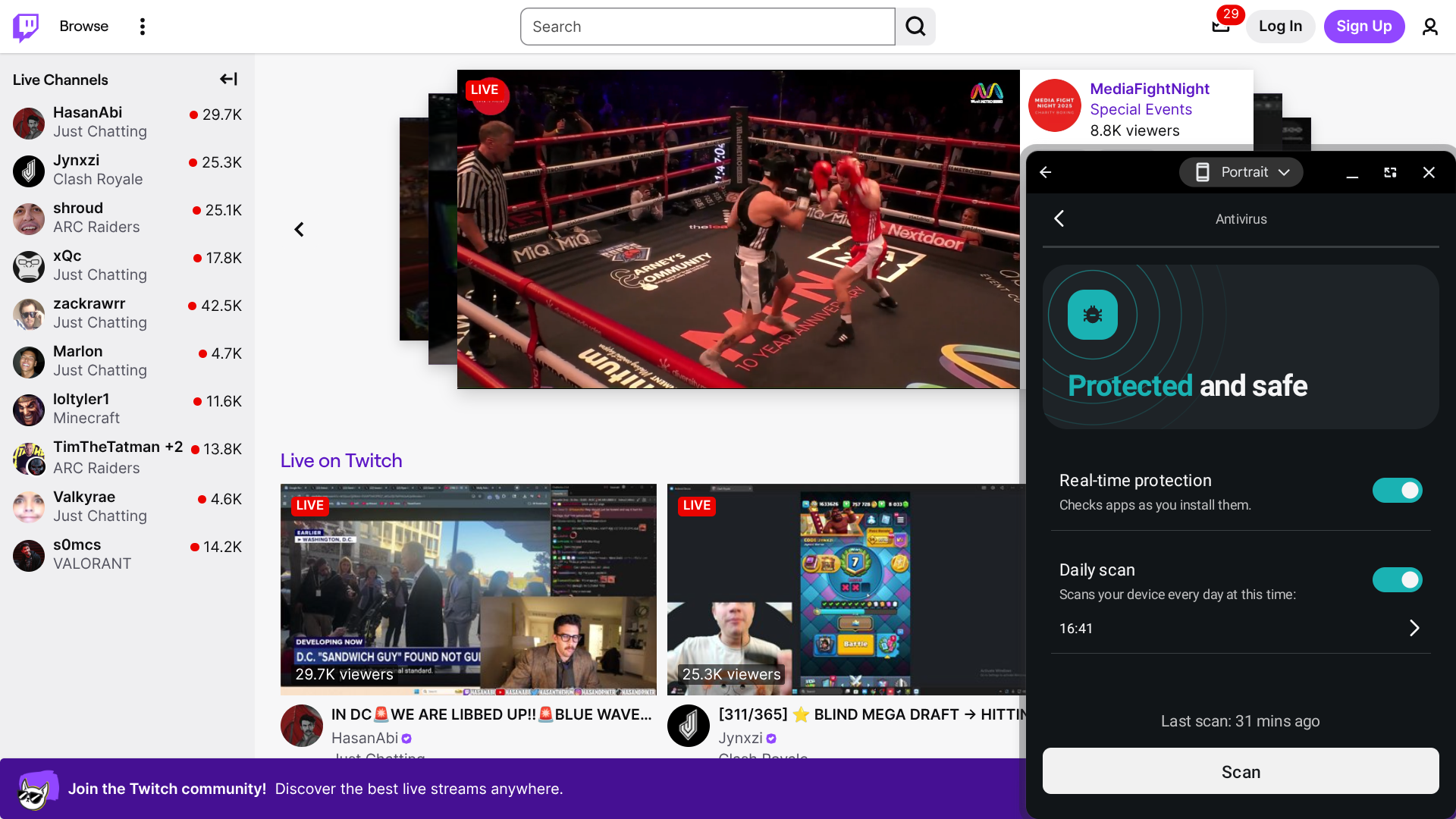
Indeed, Surfshark One’s antivirus capabilities include real-time protection (this confirms apps are safe as you install them), a scheduled daily malware scan (you can set this for any time of your choosing), and more. I was also impressed by their interface, which features a clean design and allows you to choose between three theme options (dark, light, and automatic).

Their malware scans take a relatively long time to complete compared to other providers’ scan times. And, while Surfshark has not been evaluated by any of the major antivirus testing services, it earned the highest Trustpilot score of any provider on this list, reflecting exceptionally strong user sentiment and real-world satisfaction.

Who is Surfshark One best for? 

Surfshark One is an excellent choice for those who need both a VPN and antivirus software. A few other antivirus solutions come with their own built-in VPNs, but they’re usually not as advanced as Surfshark’s. Surfshark’s VPN provides access to thousands of servers in over 100 countries, and it also features a kill switch, as well as static IP and multihop options.

Recent upgrades to Surfshark One:

In October 2025, Surfshark introduced a new web content blocker that allows you to lock access to specific website categories. With this feature, you can control internet access on all your family devices without having to spy on anyone.

Surfshark One’s pricing: 

Surfshark One costs $17.95 per month on a month-to-month basis; however, you can save significantly by opting for a longer-term upfront payment. This plan includes VPN, antivirus protection, email masking, and a private search engine for those seeking a robust security offering. Surfshark One+ ($20.85 per month on a month-to-month basis, with long-term discounts available as well) also gives you access to Incogni, a data broker removal service.

Pros and cons of Surfshark One:

Pros

  • Intuitive interface with a customizable theme
  • All plans can be used on an unlimited number of devices
  • Allows you to pay on a month-to-month basis

Cons

  • Scans take a relatively long time to complete
  • No free plan available
(4.92)
Learn More On AVG's official website
AVG
  • Free antivirus plan with real-time malware protection
  • Smart Scan detects threats, performance issues, and privacy risks
  • App lock adds extra protection to sensitive apps
  • Clean, customizable interface with light and dark modes
Starting Price (5/5)Security (4.8/5)UX (5/5)Compatibility (5/5)Scan TimeIncluded Features (4.8/5)
FreeAV-TEST: 100% protection

AV-Comparatives: 99.98% protection

App is customizable and easy to navigateWindows, macOS, Android, iOS, Chrome, Edge, Firefox, OperaSmart scan: 2 minutes

Deep scan: 1 minute

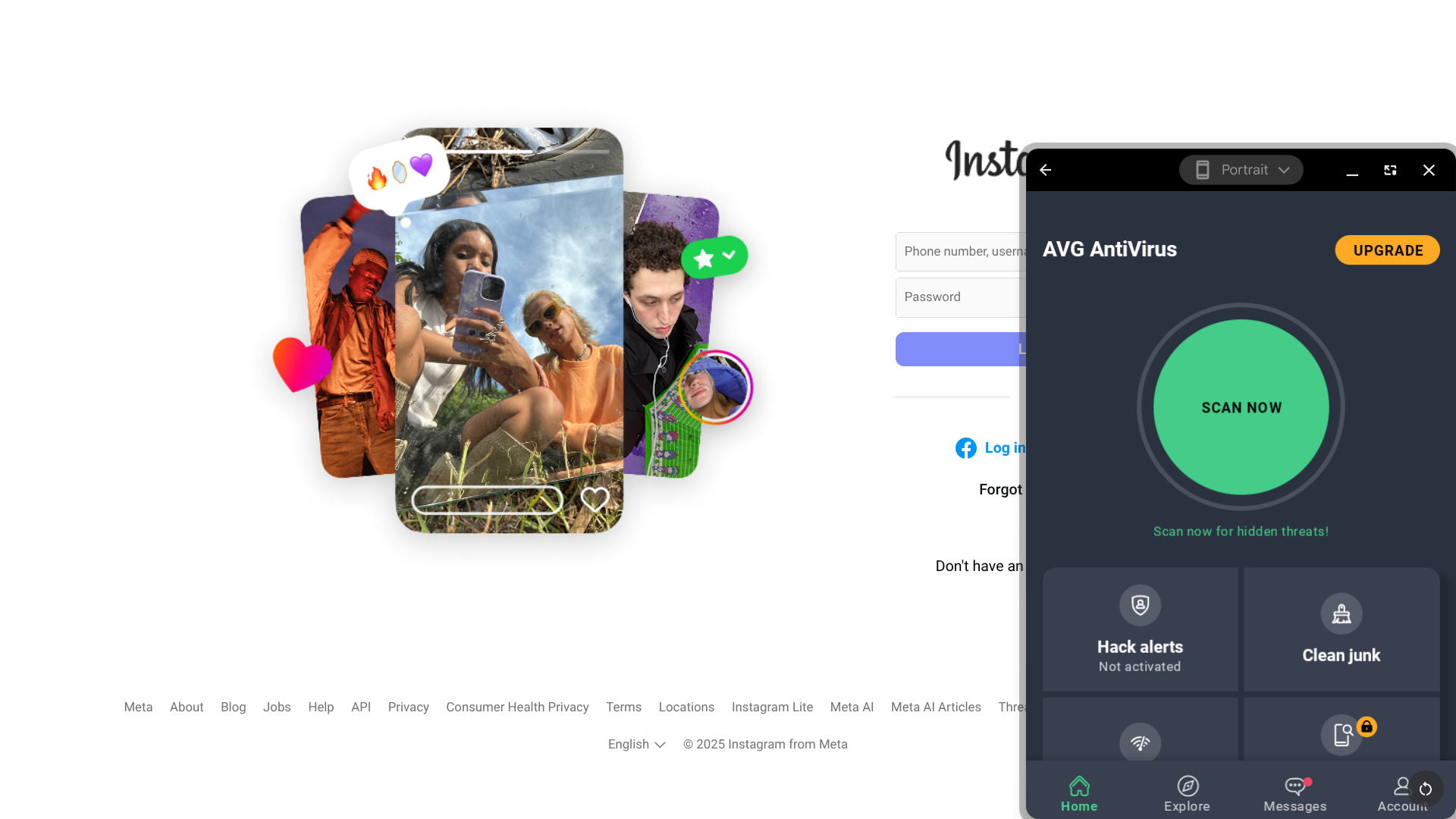
  • Antivirus protection, app lock, hack alerts, junk cleaner, photo vault, scam protection, speed test, web shield, wifi analyzer

Although the AVG app is packed with features, everything is organized in such a way that it’s easy to find whatever you’re looking for. You also have three theme options to choose from: light, dark, and automatic.

There are several different ways to scan your device for threats and vulnerabilities, including:

  • A comprehensive Smart Scan that looks for malware and suggests optimal security settings,
  • A Deep Scan that focuses on just malware, and
  • A File Scan that allows you to select which specific folders you want to check out.

I did find that my initial Smart Scan took a while to complete, but the scans I tried out after that only took a minute or two.

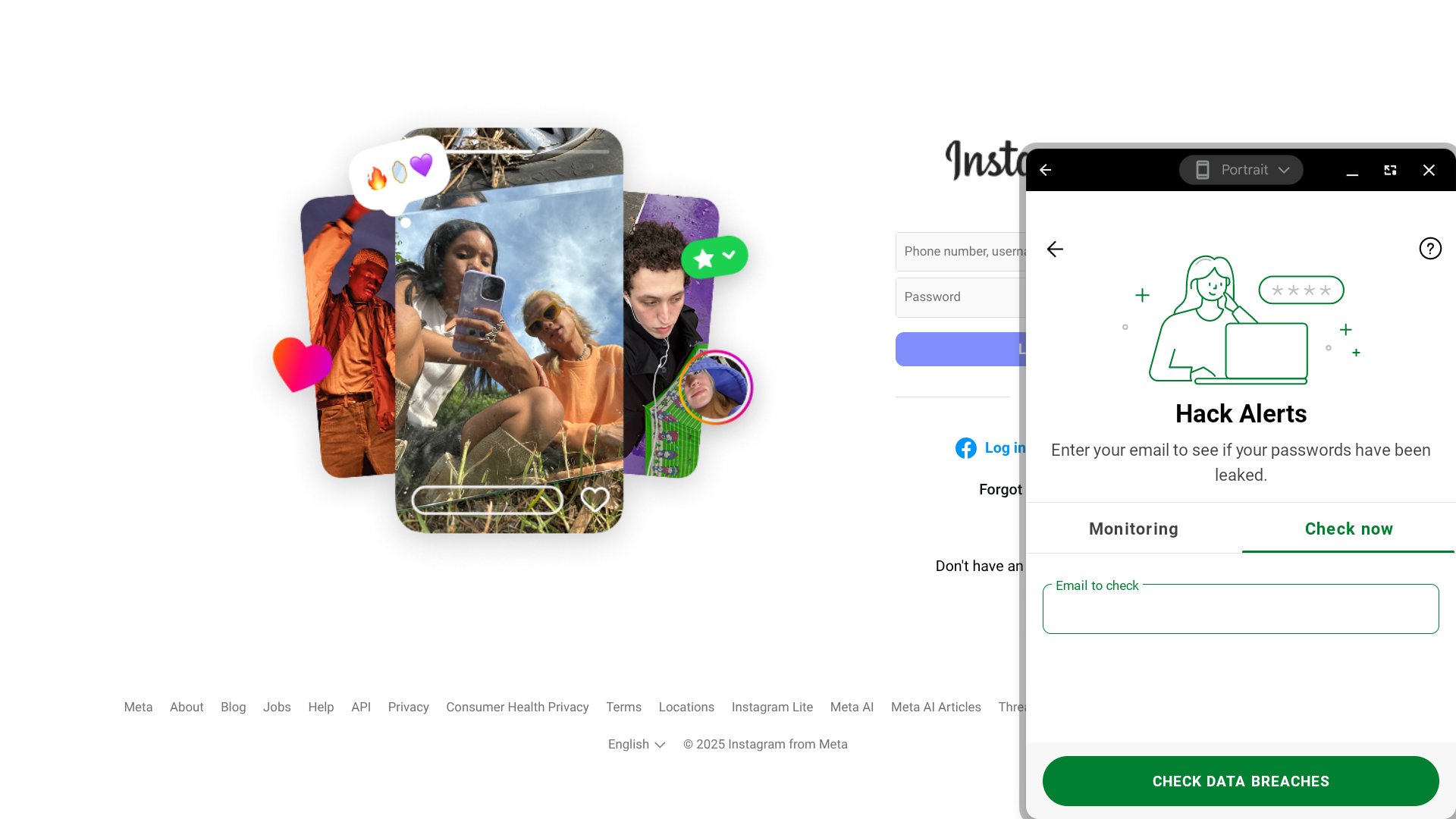
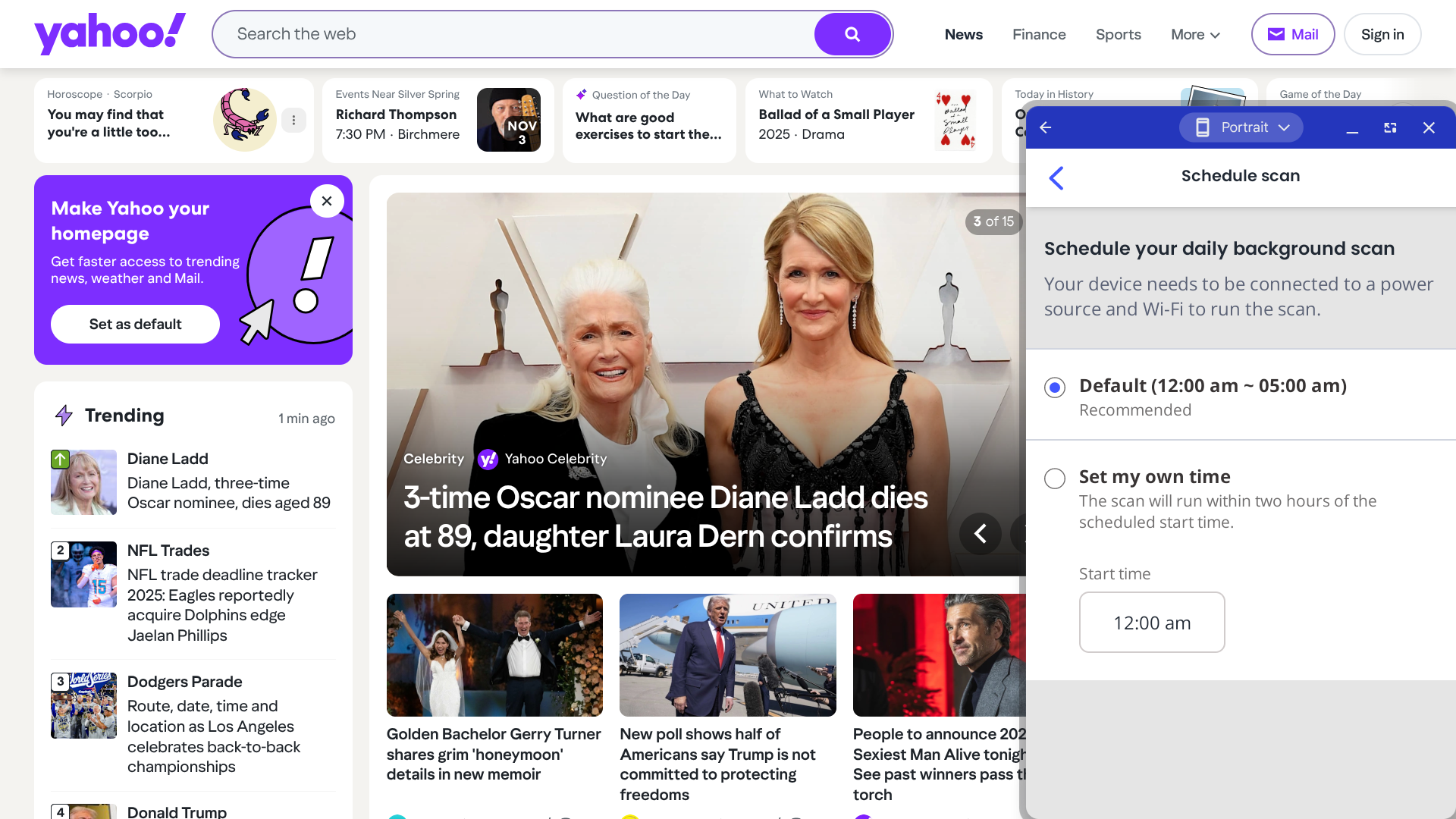
Other helpful features include hack alerts, which notify you when your email address has been compromised in a leak, and app lock, which allows you to make your most sensitive applications more secure by adding a PIN, pattern, or fingerprint access controls.

Who is AVG best for? 

With its free plan, AVG is one of the few options available for those who want to access a reliable antivirus solution without incurring any costs.

Recent upgrades to AVG:

AVG’s mobile app was recently updated with new features, including the ability to schedule automatic scans and Privacy Advisor guides for staying safe on platforms such as WhatsApp, TikTok, and Instagram.

AVG’s pricing: 

While AVG does offer a free version, it’s somewhat limited in functionality beyond basic malware protection. You can upgrade to AVG Internet Security for more features — this plan starts at $46.68 for the first year, and it’s $77.99 per year after that. AVG Ultimate is $59.88 for the first year ($139.99 per year after that), and it bundles AVG Internet Security with AVG TuneUp, AVG Secure VPN, and AVG AntiTrack.

Pros and cons of AVG:

Pros

  • Free version available
  • Intuitive interface with a customizable theme
  • Variety of scan options available
  • Unique app lock tool

Cons

  • First scan may take a while
  • AV-Comparatives protection score is less than perfect
  • No parental controls
(4.90)
Learn More On ESET's official website
ESET
  • Ultra-fast scans with minimal system impact
  • Perfect protection scores from major independent testing labs
  • Advanced ransomware remediation and recovery tools
  • Unique extras like lost wallet assistance and router security checks
Starting Price (5/5)Security Performance (5/5)UX (4.5/5)Compatibility (5/5)Scan TimeIncluded Features (5/5)
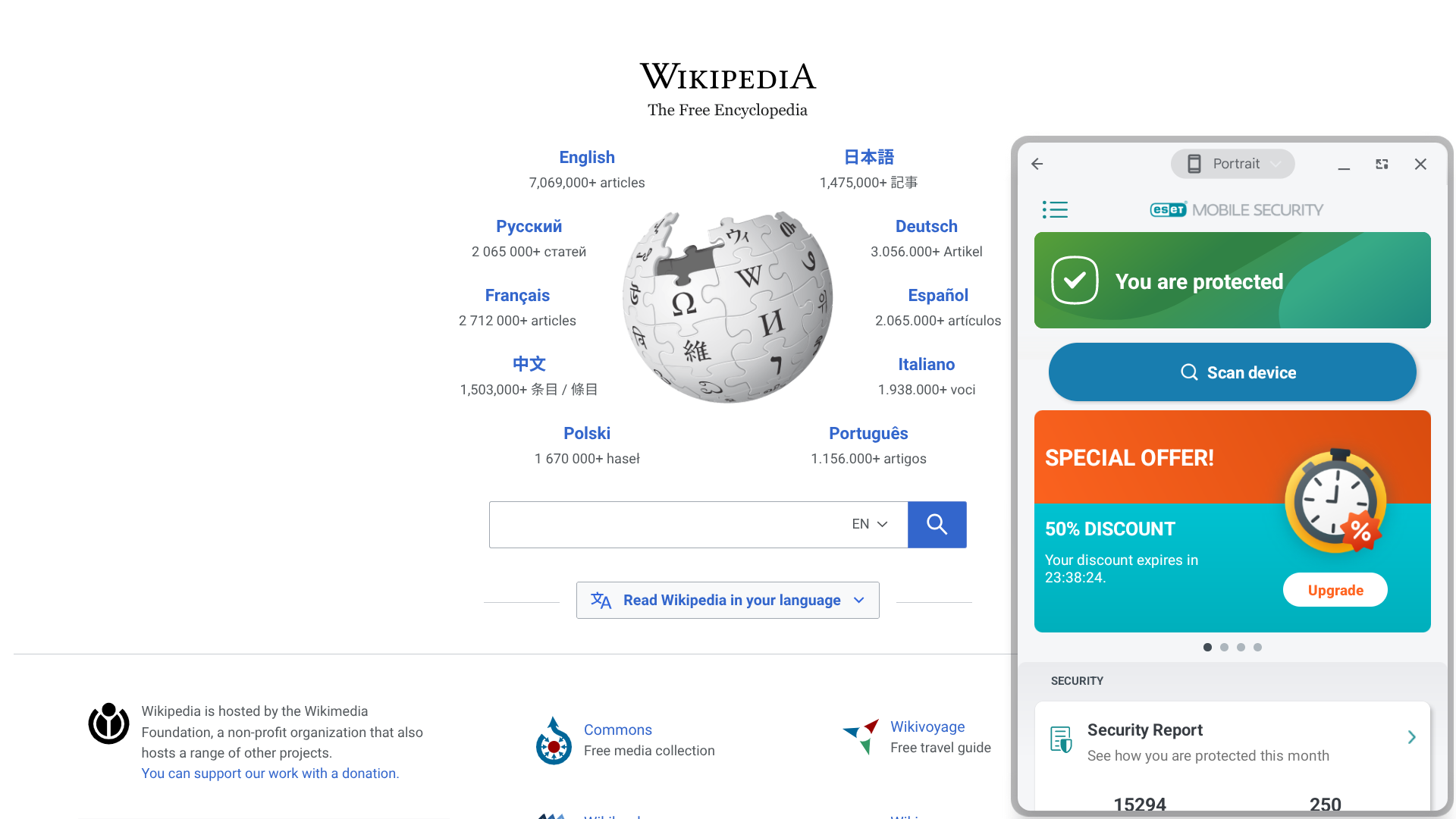
$15.45 per monthNo-logs policy, kill switch, double VPN/multi-hopApp has a somewhat barebones interface, but it is still user-friendlyWindows, macOS, Android, iOS, Chrome, Firefox, Edge, Brave20 secondsAntivirus protection, call filter, content filter, dark web scanning, identity theft insurance, lost wallet assistance, ransomware recovery, secure browser mode, wifi network inspector

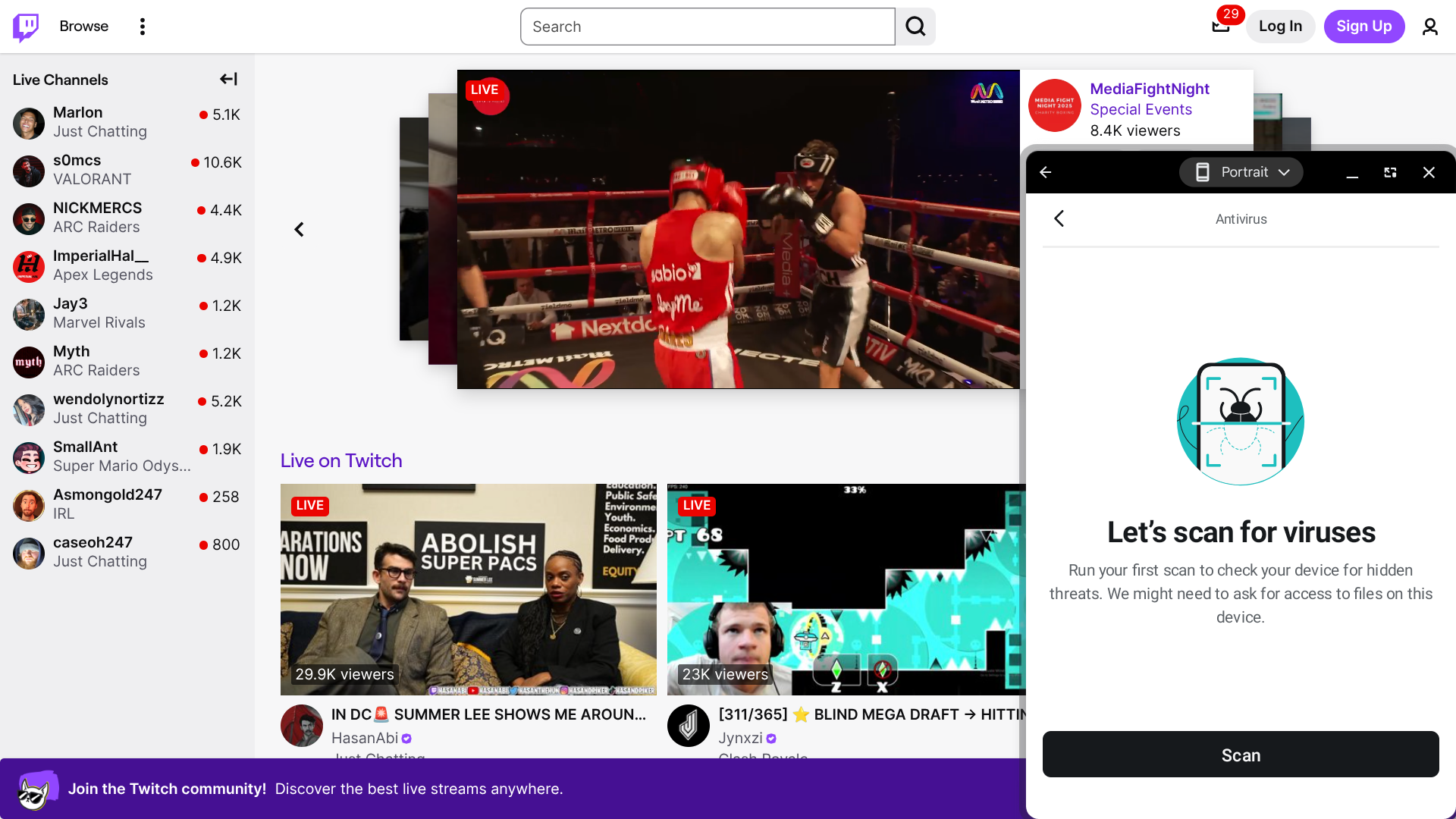
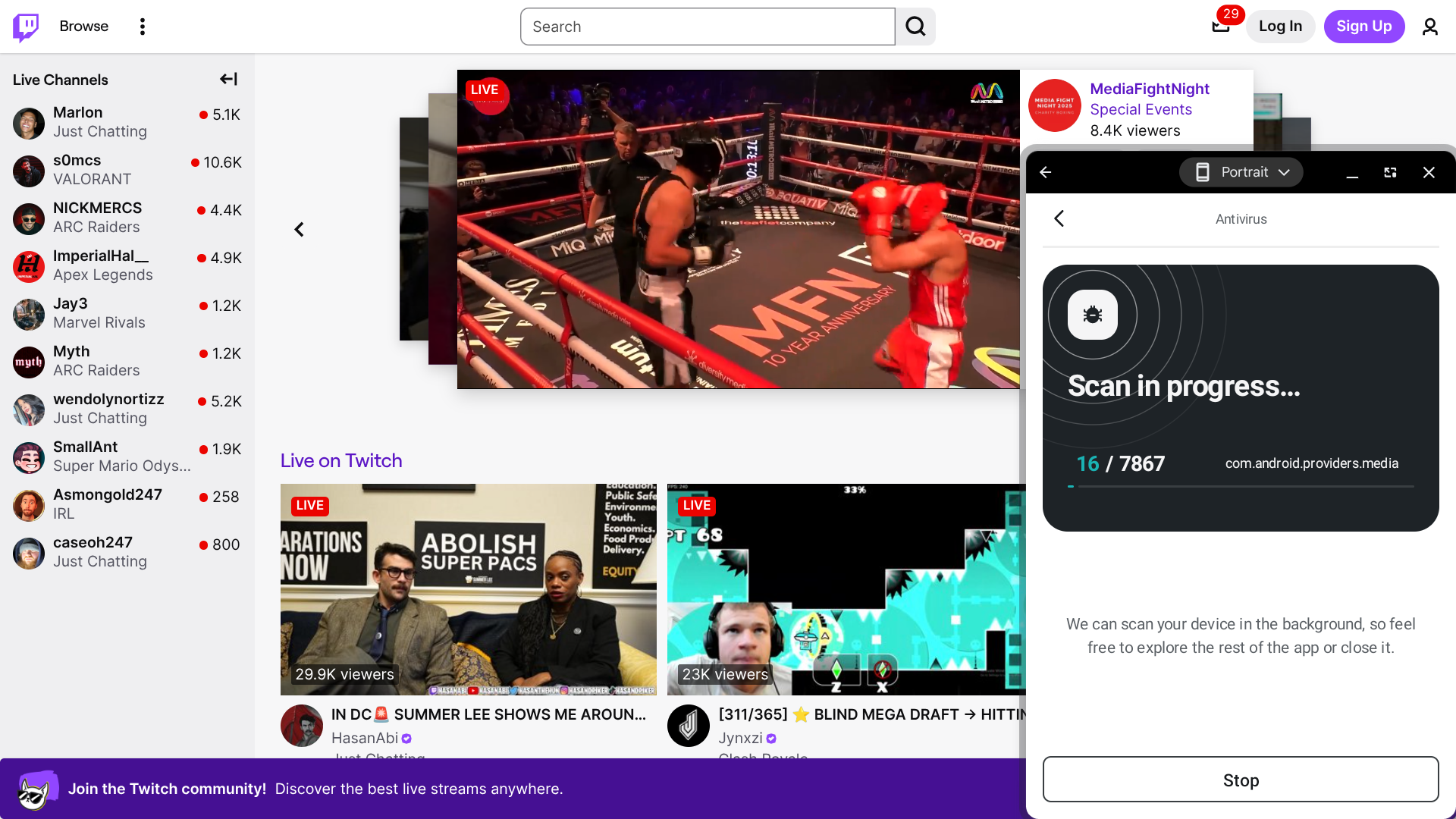
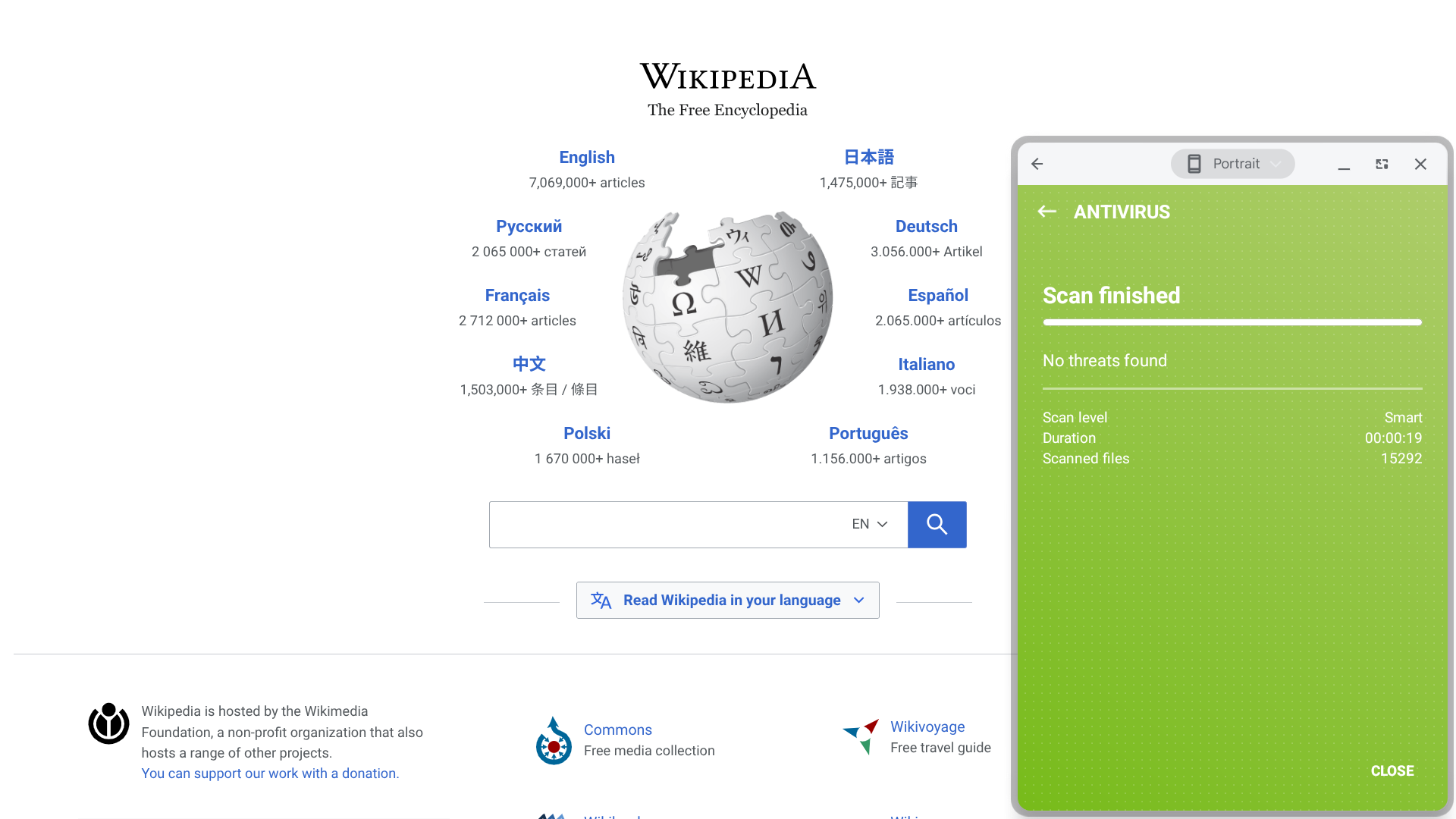
ESET provides remarkably fast performance — I was able to complete an entire scan of my device in just 20 seconds.

Another thing this app has going for it is its 100% protection scores from both AV-TEST and AV-Comparatives. So, in addition to being fast, ESET is quite thorough as well.

It’s also worth noting that ESET offers several features that you won’t find with many other providers, including lost wallet assistance that makes it easier to cancel and replace credit cards, as well as the ability to test your home router and smart devices for vulnerabilities.

Who is ESET best for? 

Like AVG, ESET is an excellent option for those who prefer not to pay for antivirus protection.

Recent upgrades to ESET:

ESET recently introduced a feature called Ransomware Remediation, which creates encrypted backups that enable quick recovery from ransomware attacks.

ESET’s pricing: 

This provider offers a free version that allows you to scan the apps and files on your device for malware. Their premium plans, which include more features and allow you to use their service on a higher number of devices, range from $49.99 to $204.99 per year.

Pros and cons of ESET:

Pros

  • Free version available
  • Very fast scans
  • Perfect third-party testing scores
  • Identity theft insurance is available

Cons

  • Plans can get pricey if you need to add a high number of devices
  • Interface has a bit of a barebones feel to it
  • Users will need to upgrade to the most premium plan to unlock ransomware defense and recovery capabilities
(4.88)
Learn More On McAfee's official website
McAfee
  • ​​Perfect malware protection scores from independent testing labs
  • Built-in identity theft insurance and financial monitoring
  • Smart Scan checks device security, Wi-Fi safety, and data leaks
  • Polished, modern apps across all major platforms
Starting Price (4.5/5)Security Performance (5/5)UX (5/5)Compatibility (5/5)Scan TimeIncluded Features (4.9/5)
$29.99 for the first year (then $89.99 per year)AV-Comparatives: 100% protection

SE-Labs: 100% protection

App has a polished, modern designWindows, macOS, Android, iOS, Chrome, Edge, Safari, FirefoxSmart Scan: 2 minutes

Antivirus Scan: 1 minute

Antivirus protection, identity theft insurance, identity/finance monitoring, personal data cleanup, safe browsing, scam detector, VPN, and Wi-Fi scan

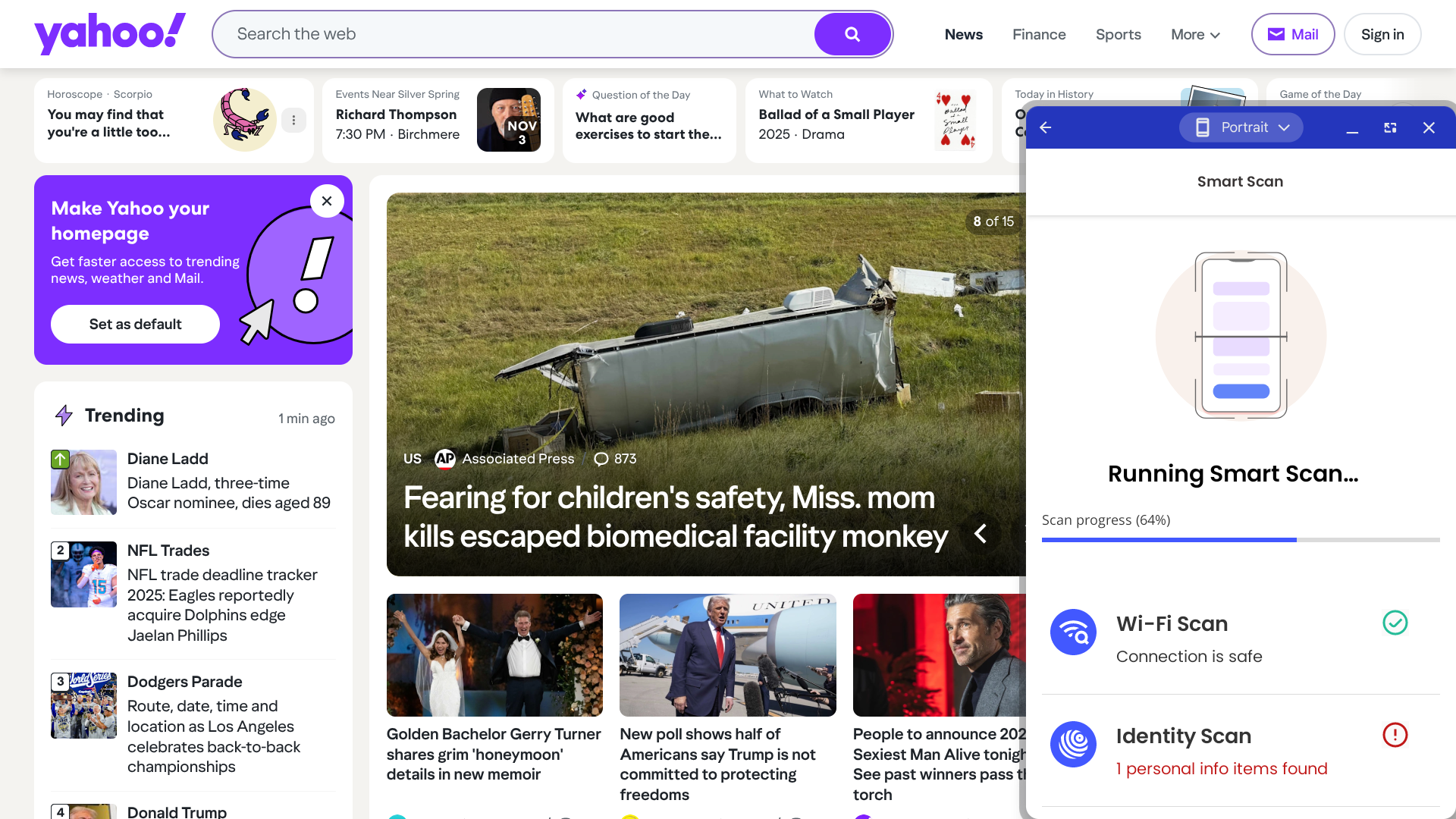
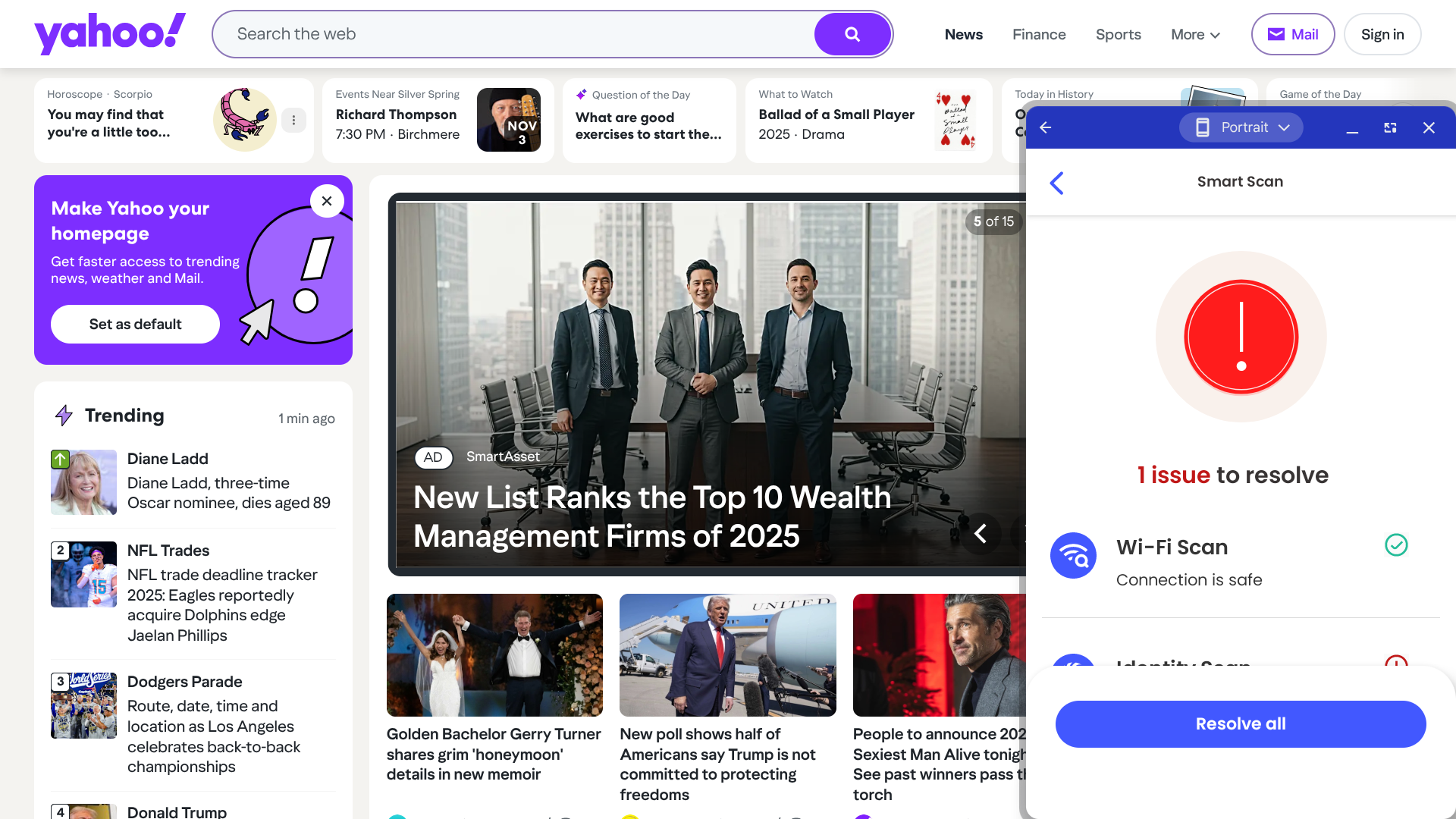
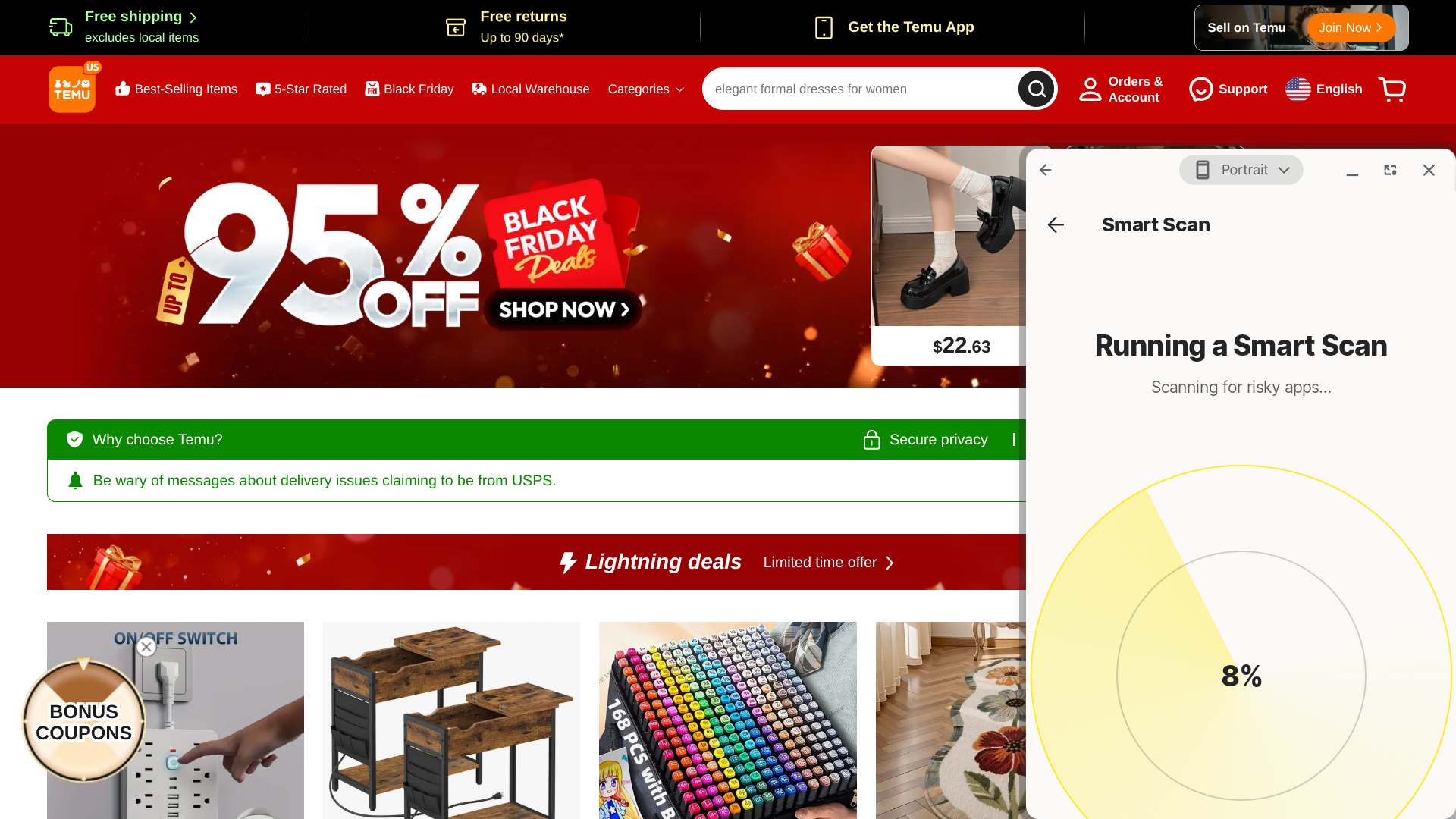
McAfee offers two different options for scanning your device: the Smart Scan and the Antivirus Scan.

The Smart Scan, which takes approximately twice as long, will confirm that your wireless connection is secure and check to see if your personal data has been leaked, in addition to scanning your device for malware. The Antivirus Scan, as you might have guessed, looks only for malware.

I did experience some lag while the app was running, so this solution might only be a good fit for those who are using machines with above-average specs (for reference, I’m using a new-ish Chromebook with an i3 processor and 8 GB of RAM).

Who is McAfee best for? 

McAfee’s third-party testing scores are flawless, making this an ideal option for those who prioritize malware protection and are not concerned about other add-on features.

Recent upgrades to McAfee:

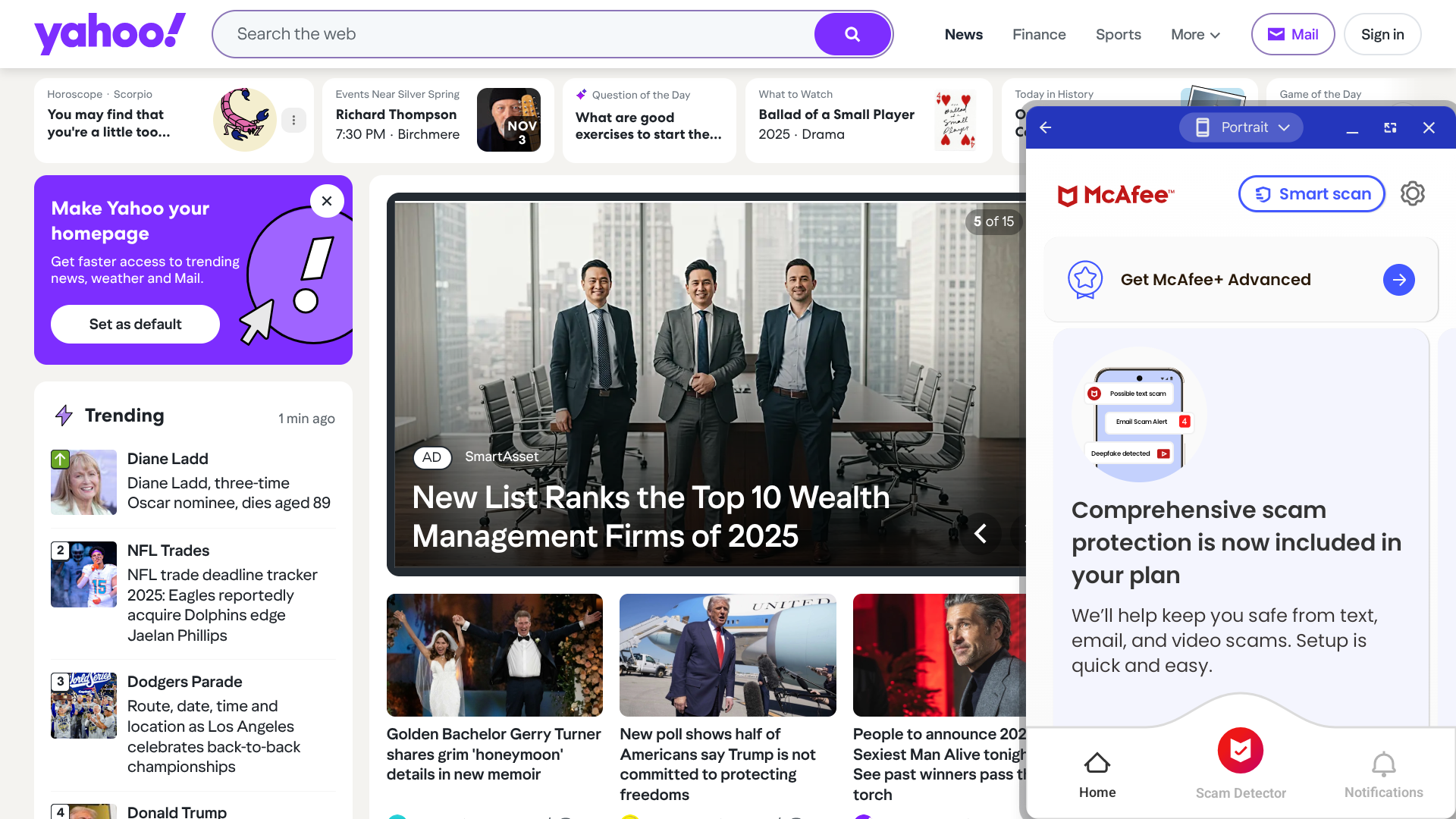
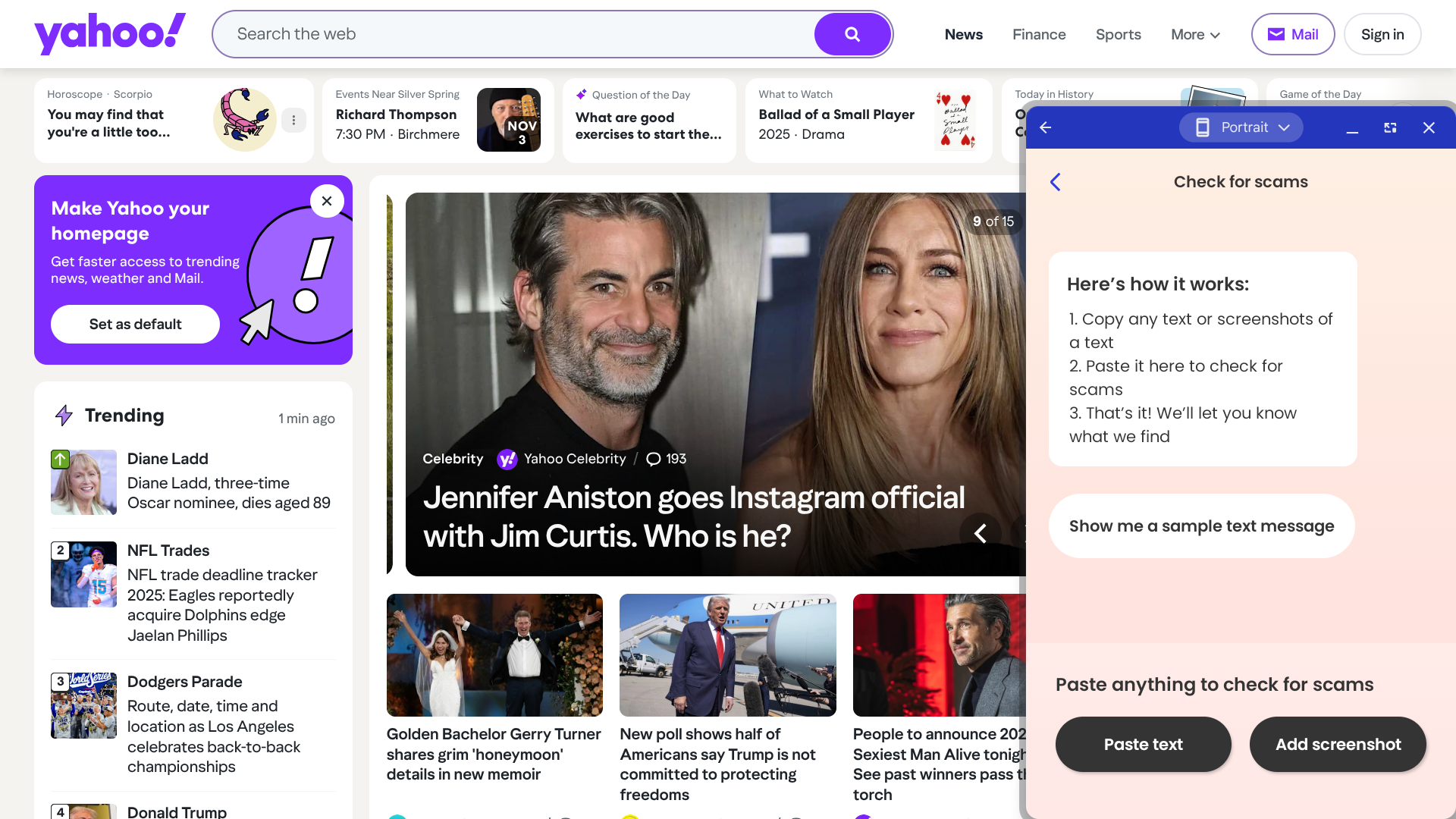
McAfee now offers a new feature called the Scam Detector — you can drop in any suspicious text, email, or video that you’ve received, and then McAfee will let you know how risky it is.

McAfee’s pricing: 

The prices for this service start at $29.99 for the first year ($89.99 per year after that), which gets you antivirus protection, the Scam Detector, and a VPN for one device, and they go all the way up to $199.99 for the first year ($279.99 per year after that), which unlocks all of McAfee’s features and can be used on all of your devices.

Pros and cons of McAfee:

Pros

  • Perfect third-party testing scores
  • Intuitive interface
  • Multiple scan options
  • Identity theft insurance is available

Cons

  • Moderate system slowdown during scans
  • No free version available
  • Relatively high cost required to unlock all features
(4.82)
Learn More On Norton's official website
Norton
  • Lightning-fast scans with strong ransomware protection
  • AI-powered scam detection for texts, emails, and screenshots
  • All-in-one security with VPN, password manager, and cloud backup
  • Trusted brand with consistently high lab test scores
Starting Price (4.7/5)Security Performance (4.9/5)UX (4.5/5)Compatibility (5/5)Scan TimeIncluded Features (5/5)
$29.99 for the first year, (then $59.99 per year)AV-TEST: 100% protection

AV-Comparatives: 99.98% protection

SE Labs: 100% protection

App is a little cluttered, but no major design issuesWindows, macOS, Android, iOS, Chrome, Edge, Safari, Firefox10 secondsAntivirus protection, cloud backup, dark web monitoring, deepfake protection, Genie Scam Protection, LifeLock identity theft protection, parental controls, password manager, safe web browsing, VPN

Norton protects you at all levels. It will scan your device for a variety of potential vulnerabilities, make sure that any apps you’ve already installed (as well as any apps you try to install in the future) don’t contain malware, and confirm that any wireless networks you try to connect to are safe before you join them.

Another nice touch is the built-in VPN, which you can use to protect your privacy and enhance security even further.

Also, I was able to fully complete a scan in just ten seconds — that’s significantly less time than it took with most other providers.

Who is Norton best for? 

If you’re willing to pay for an antivirus solution but don’t want it to cost too much, you should certainly check out Norton. They offer a lot of value, as their most affordable plan is competitively priced yet includes several advanced features in addition to malware protection.

Recent upgrades to Norton:

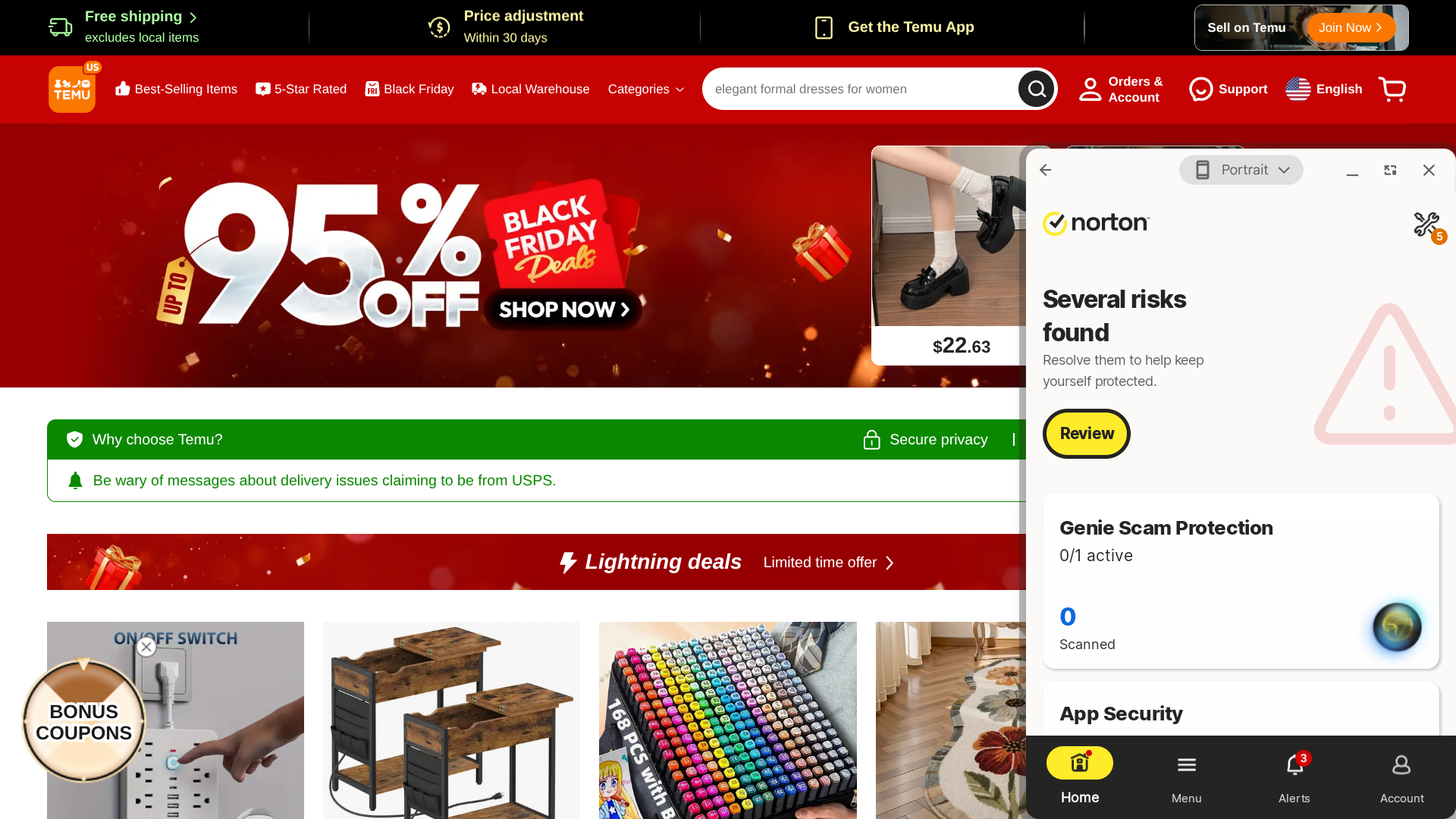
One of Norton’s newest features is its AI-powered Genie Scam Protection. If you’re suspicious of a message you’ve received, you can upload a screenshot of it or directly copy and paste the text into this tool. Then, Norton will let you know how likely it is that you’re dealing with a scam.

Norton’s pricing: 

Norton’s most basic plan, Plus, is $29.99 for the first year ($59.99 per year after that), and it allows you to access malware/scam protection, 2 GB of cloud backup, and a password manager on one device. They also offer several more premium plans that cover more devices and include additional features.

Pros and cons of Norton:

Pros

  • Very fast scans
  • AI-powered scam protection
  • Identity theft insurance is available

Cons

  • No free version available
  • Interface is a bit cluttered
  • AV-Comparatives' protection score is less than perfect
(4.68)
Learn More On Malwarebytes's official website
Malwarebytes
  • Sleek, modern interface with excellent usability
  • Real-time protection plus AI-powered scam detection
  • Digital footprint scans and generous identity theft insurance
  • Strong privacy tools including VPN and browser protection
Starting Price (4.5/5)Security Performance (4/5)UX (5/5)Compatibility (5/5)Scan TimeIncluded Features (4.9/5)
$44.99 per yearAV-Comparatives: 99.88% protectionWell-designed interface that offers different theme optionsWindows, macOS, Android, iOS, Chrome, Edge, Safari, Firefox1 minuteAntivirus protection, application manager, digital footprint scan, identity theft insurance, privacy checker, safe browsing, VPN

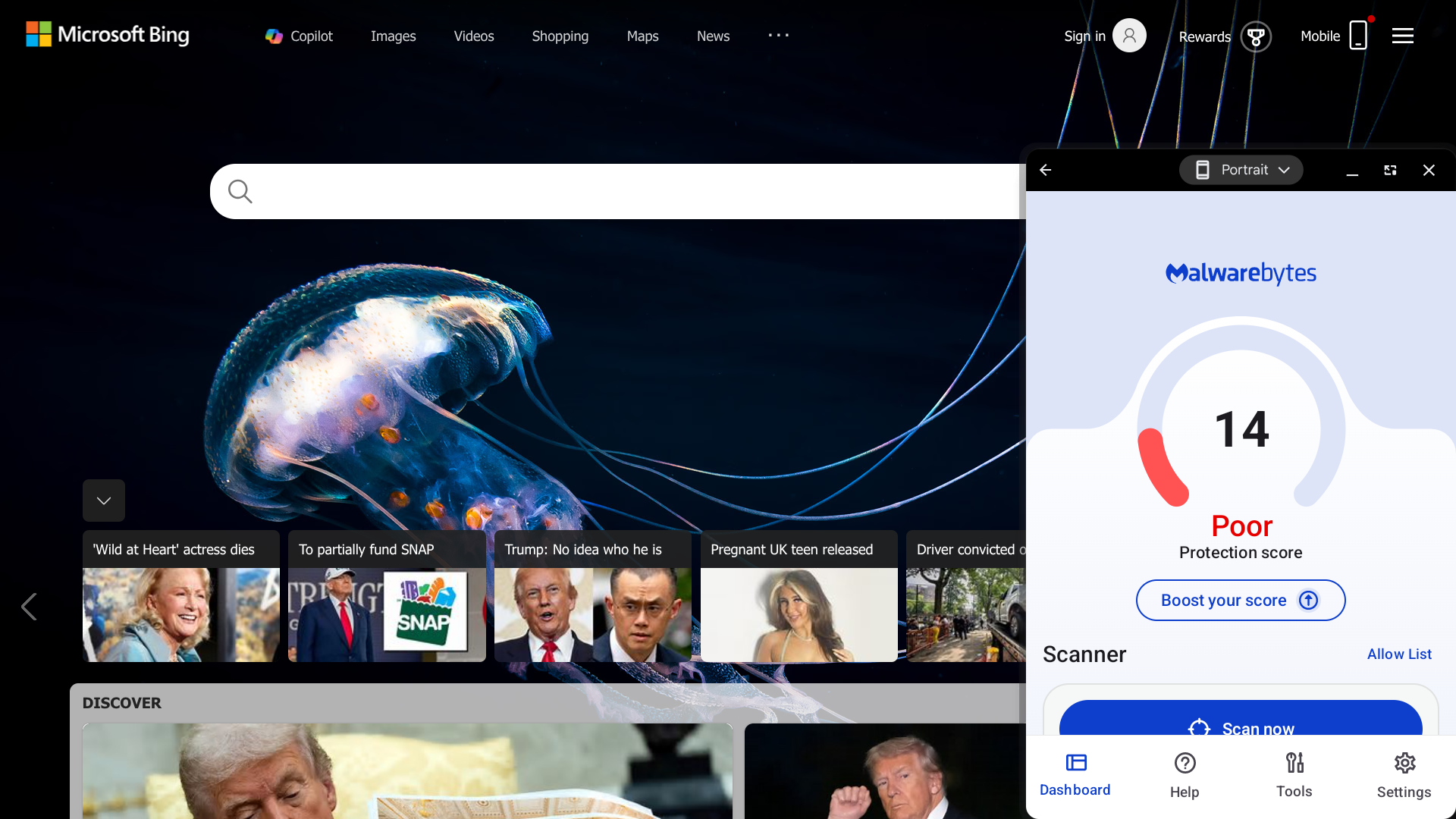
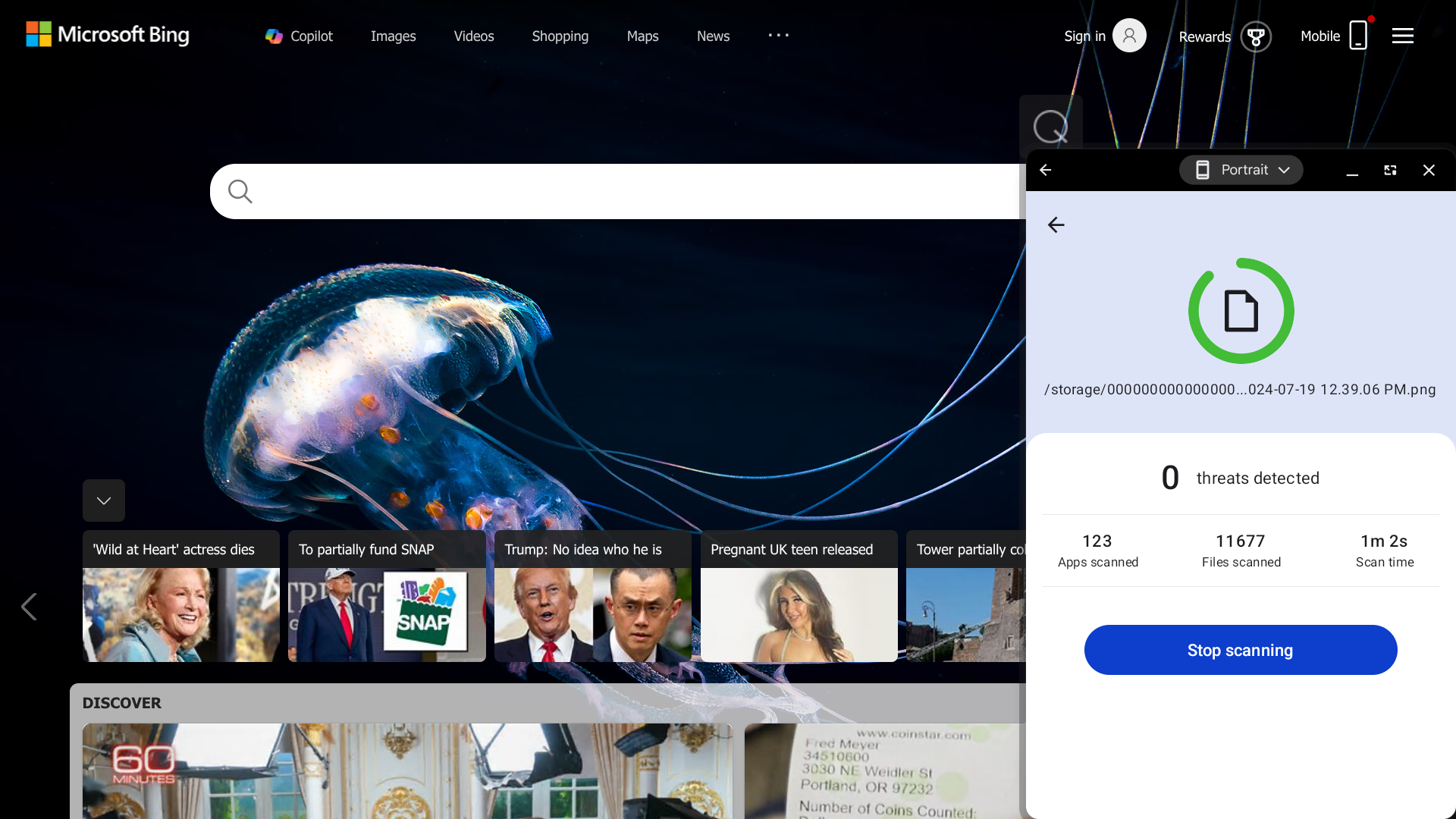
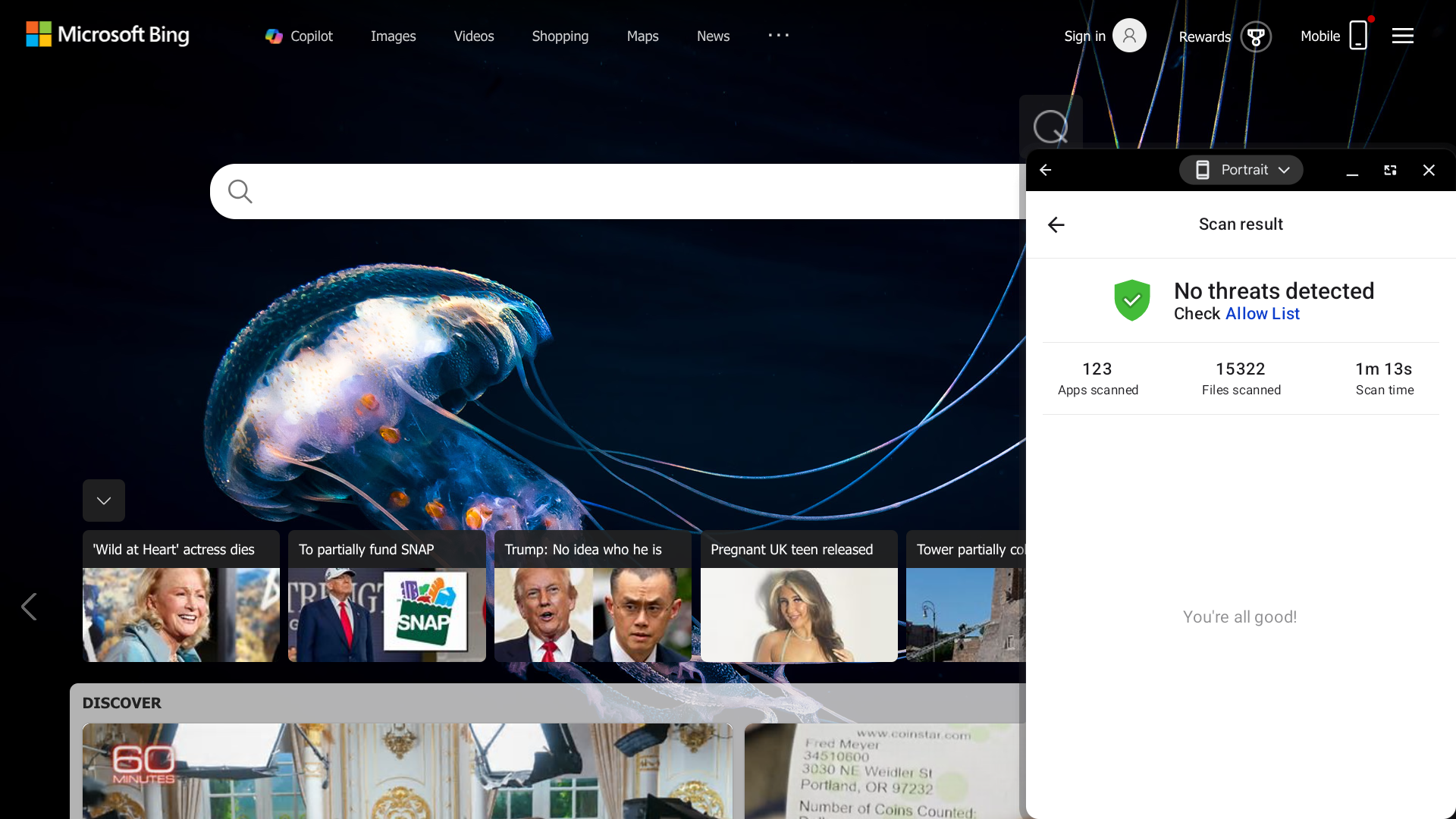
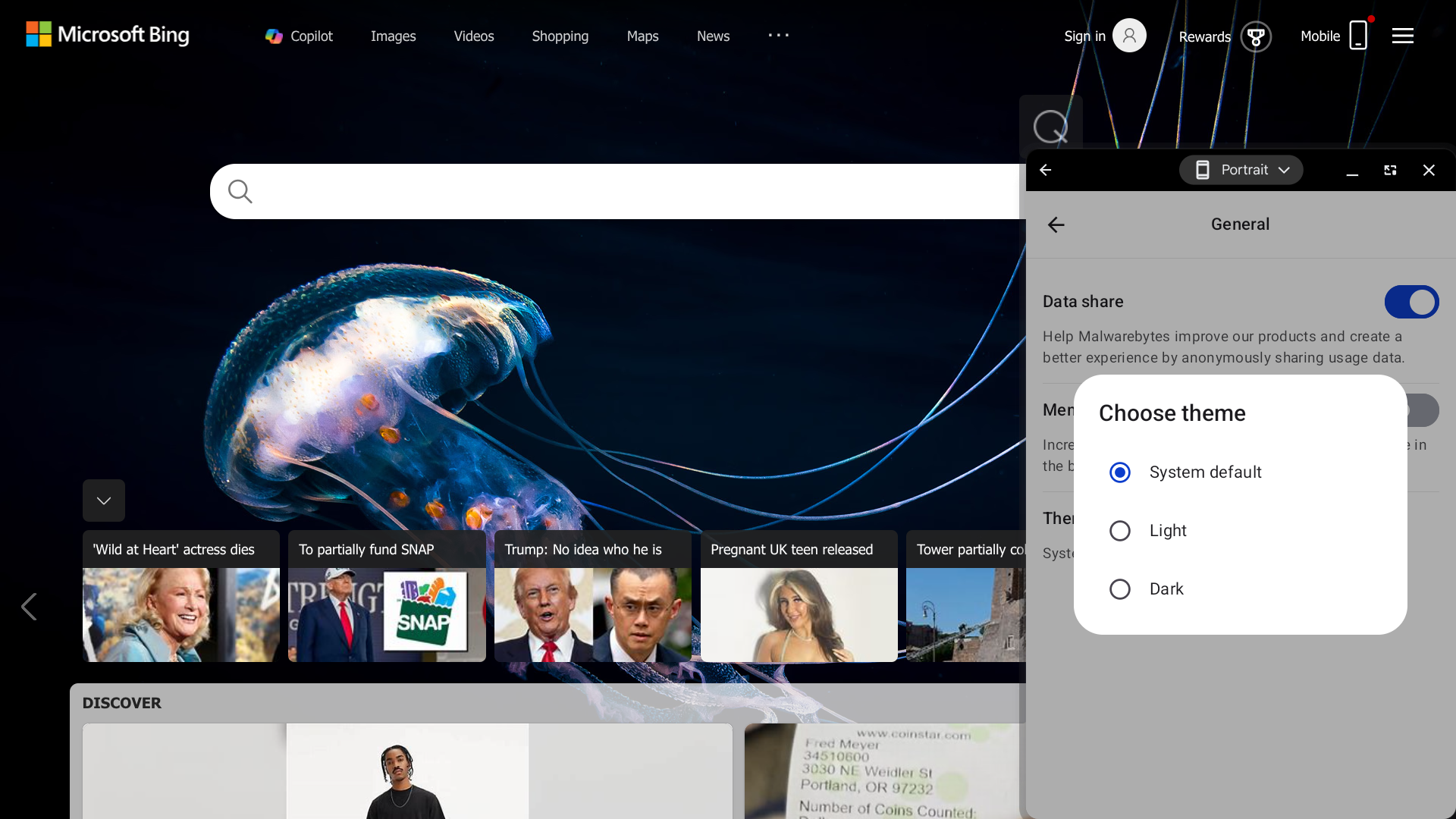
Malwarebytes has an excellent interface — all the design elements look modern and polished, it’s easy to navigate, and you also have the option to switch between light and dark theme options.

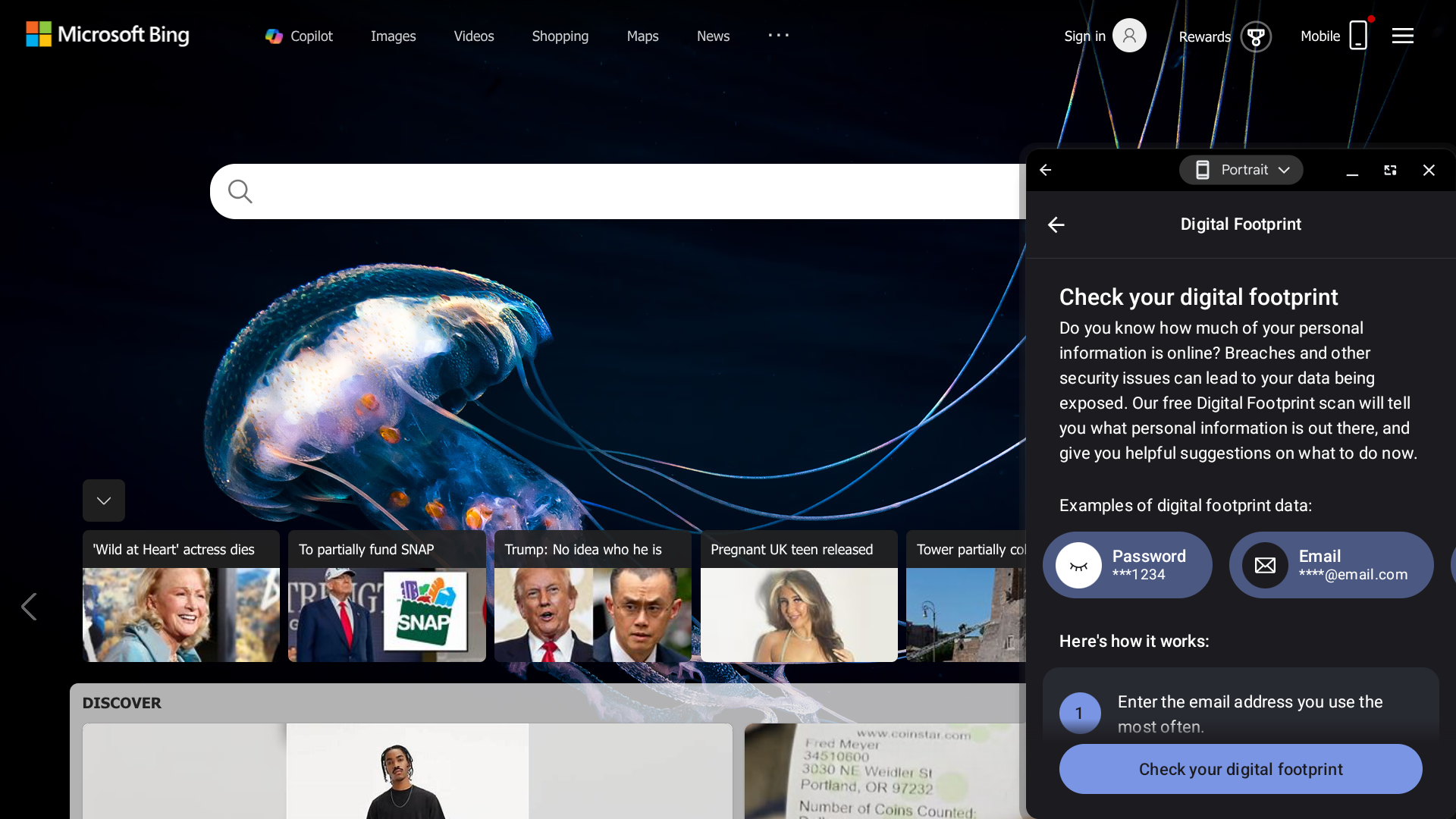
This provider also offers several useful features, including real-time protection for detecting and blocking malicious activities, a digital footprint scan that allows you to check if your private information has been exposed online, and particularly generous identity theft insurance coverage.

But I should note that, with a 99.88% protection score from AV-Comparatives and no scores from the other two major third-party testers, Malwarebytes doesn’t have quite as good security as most of your other antivirus options.

Who is Malwarebytes best for? 

Malwarebytes is an ideal solution for those seeking a sleek antivirus app that offers numerous additional features.

Recent upgrades to Malwarebytes:

In 2025, Malwarebytes launched ScamGuard, a new AI-powered digital safety companion that can help you determine whether a message or link is suspicious enough to avoid.

Malwarebytes’s pricing: 

Malwarebytes’s Standard plan starts at $44.99 per year, and it includes the app’s antivirus protection and browser guard features. The Plus plan, starting at $79.99 per year, also includes a VPN. The Ultimate plan, starting at $139.99 per year, also includes identity protection features.

Pros and cons of Malwarebytes:

Pros

  • Intuitive interface with a customizable theme
  • AI-powered scam protection
  • Identity theft insurance is available

Cons

  • Third-party testing scores are unimpressive
  • No parental controls
  • No free plan available
(4.54)
Learn More On Bitdefender's official website
Bitdefender
  • Exceptional malware detection with near-perfect lab scores
  • Industry-leading anti-theft tools for lost or stolen devices
  • AI-powered scam alerts and call-blocking protection
  • Built-in VPN included with all antivirus plans
Starting Price (4.8/5)Security Performance (4.9/5)UX (3/5)Compatibility (5/5)Scan TimeIncluded Features (5/5)
$24.99 for the first year (then $49.99 per year)AV-TEST: 100% protection

AV-Comparatives: 99.99% protection

Awkward interface, with hard-to-read text and too much white spaceWindows, macOS, Android, iOS, Chrome, Firefox, Edge, Brave1 minuteAnti-theft measures, antivirus protection, call-blocking, dark web monitoring, device optimizer, financial monitoring, identity theft insurance, scam alerts, VPN, web protection

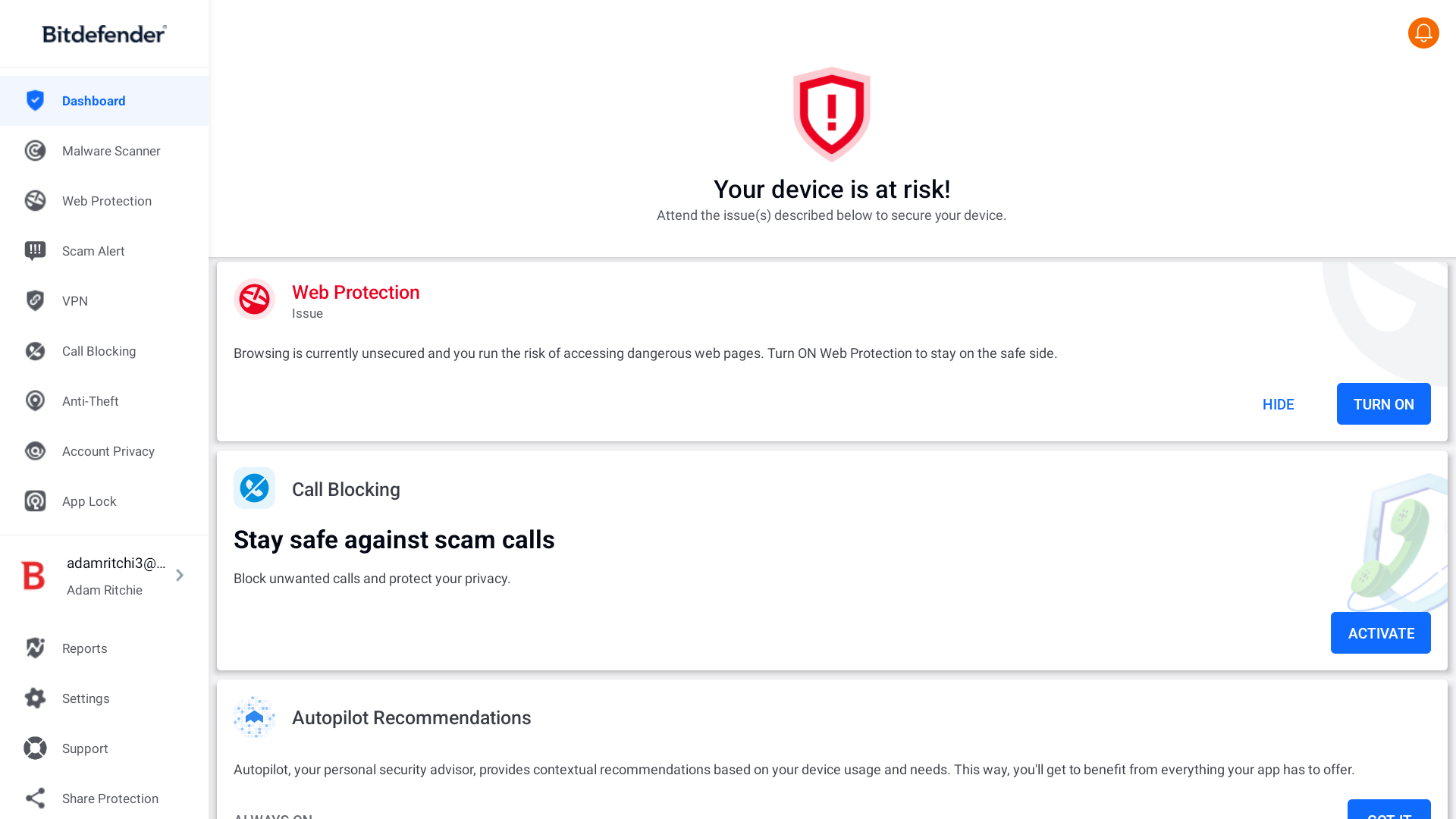
Bitdefender has a rather awkward interface. The text is often oddly small, and there’s way too much white space in many areas — I even had some trouble reading a few of the descriptions and instructions included within the app.

Where this provider truly excels is with its comprehensive anti-theft feature set. You can remotely lock or wipe your device if needed, and there’s a “scream” feature that triggers an alarm on your device to help you locate it.

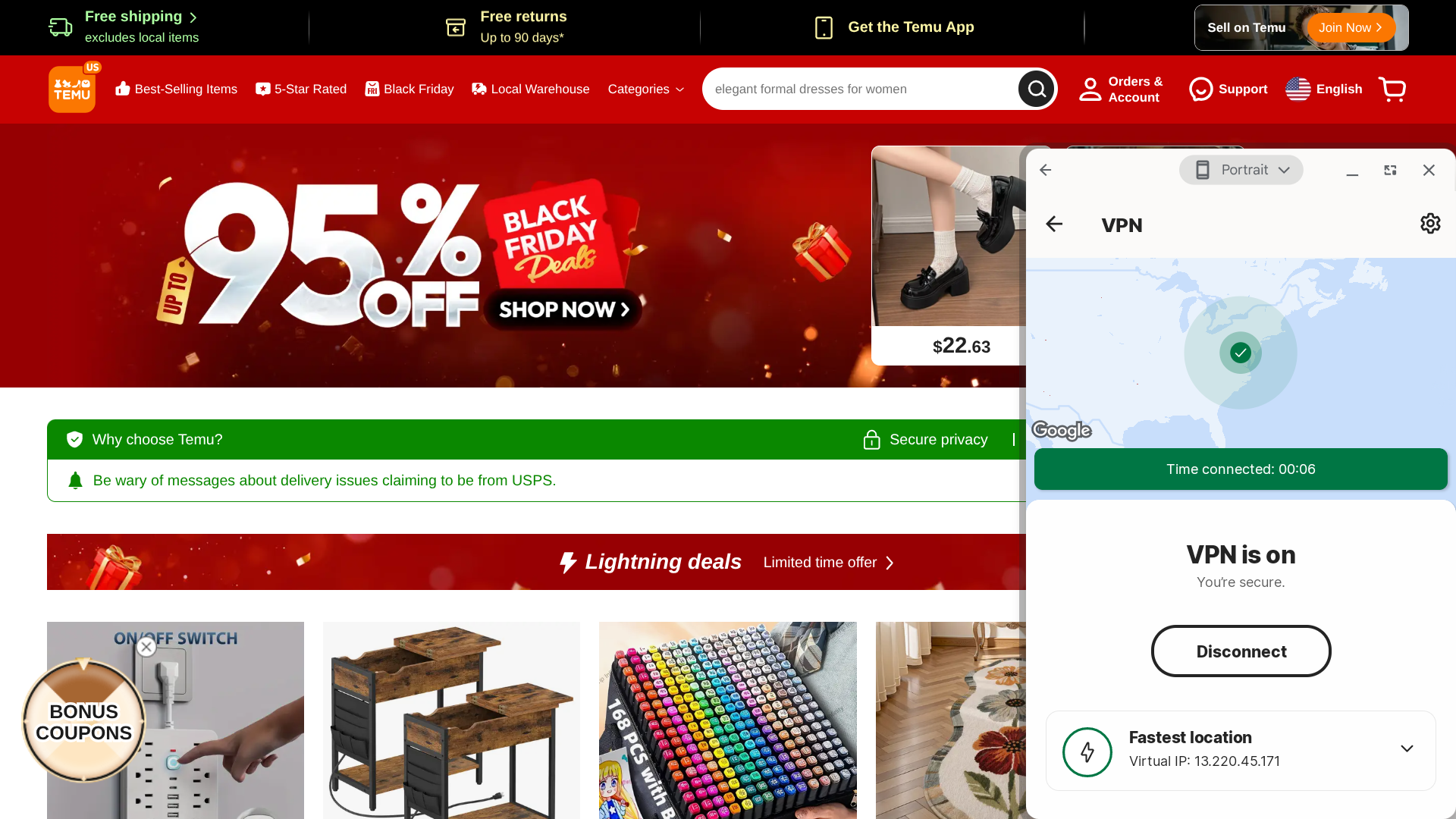
Also, all of Bitdefender’s antivirus plans allow you to access a VPN to help protect your privacy online.

Who is Bitdefender best for? 

As mentioned above, Bitfender has exceptional anti-theft capabilities. If that’s one of your biggest concerns, then you should strongly consider using this service.

Recent upgrades to Bitdefender:

One of Bitdefender’s latest features is call-blocking, which automatically blocks known threats, uses AI to identify risky phone numbers, and allows you to create custom block lists so that you don’t have to deal with constant spam calls.

Bitdefender’s pricing: 

Plans start at $24.99 for the first year ($49.99 per year after that) — this is the cost of Bitdefender Antivirus Plus for one device, which provides you with protection against viruses, malware, ransomware, and scams. Their more premium offerings allow you to extend your coverage to more devices and access additional features, such as a password manager and identity theft insurance.

Pros and cons of Bitdefender:

Pros

  • Powerful anti-theft capabilities
  • AI-powered call-blocking
  • AI-powered scam protection
  • Identity theft insurance is available

Cons

  • AV-Comparatives protection score is less than perfect
  • Interface design could use some improvements
  • No free version available
(4.42)
Learn More On TotalAV's official website
TotalAV
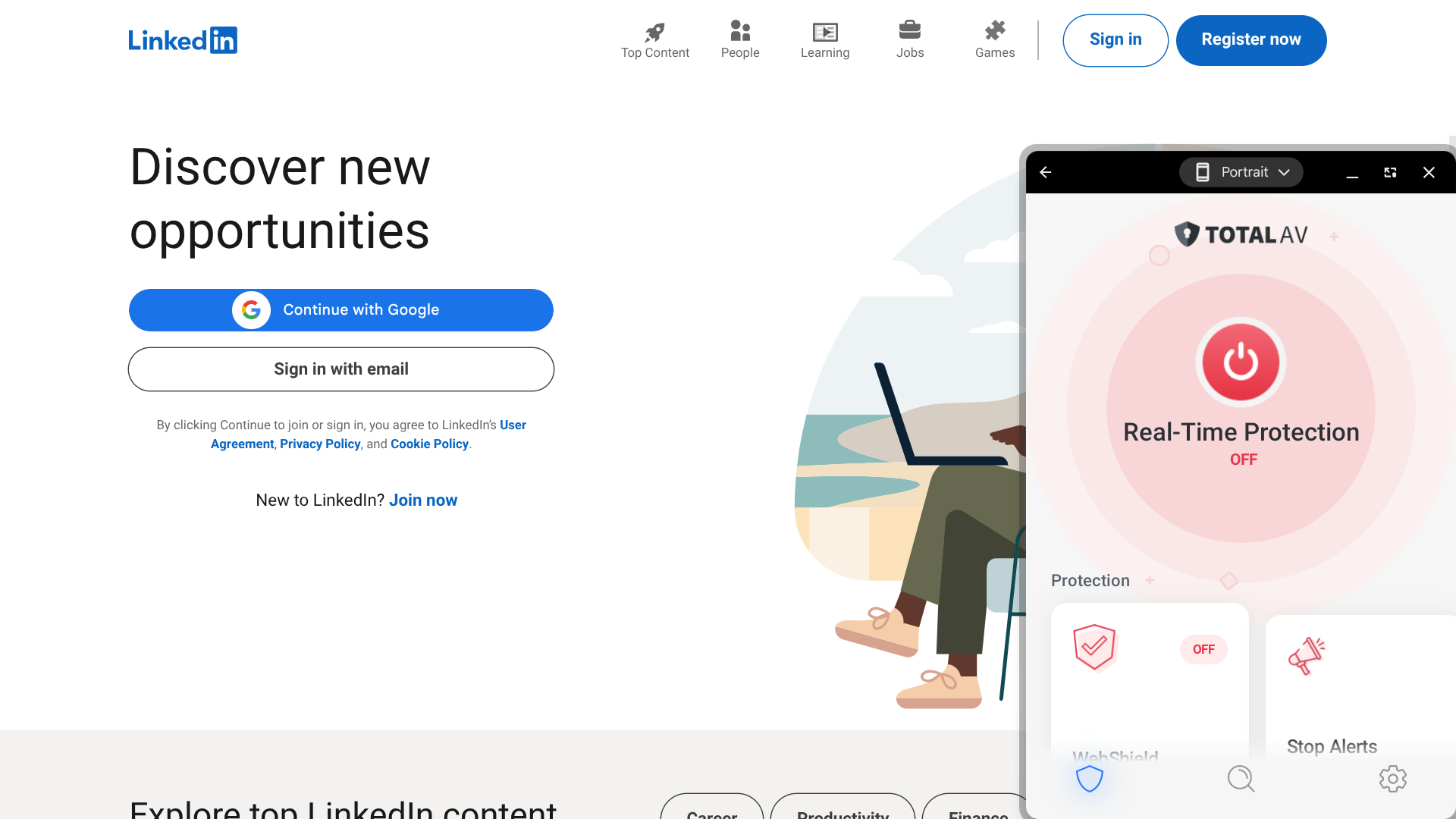
  • Easy-to-use antivirus with customizable Smart Scans
  • Powerful system cleanup and performance optimization tools
  • Built-in VPN, password manager, and WebShield protection
  • Clean, beginner-friendly apps across all devices
Starting Price (3.8/5)Security Performance (3.5/5)UX (5/5)Compatibility (5/5)Scan TimeIncluded Features (4.8/5)
$99 per yearAV-TEST: 99.9% protection

AV-Comparatives: 99.99% protection

SE Labs: 93% protection

App interface is user-friendly with a clean designWindows, macOS, Android, iOS, Chrome, Firefox1 minuteAd block, antivirus protection, breach scan, configurable Smart Scan, password manager, system optimization tools, VPN, WebShield

I found that even the free version of Windscribe offers fast connection speeds. With their Best Location feature, you can immediately connect to the exact server that should provide optimal performance.

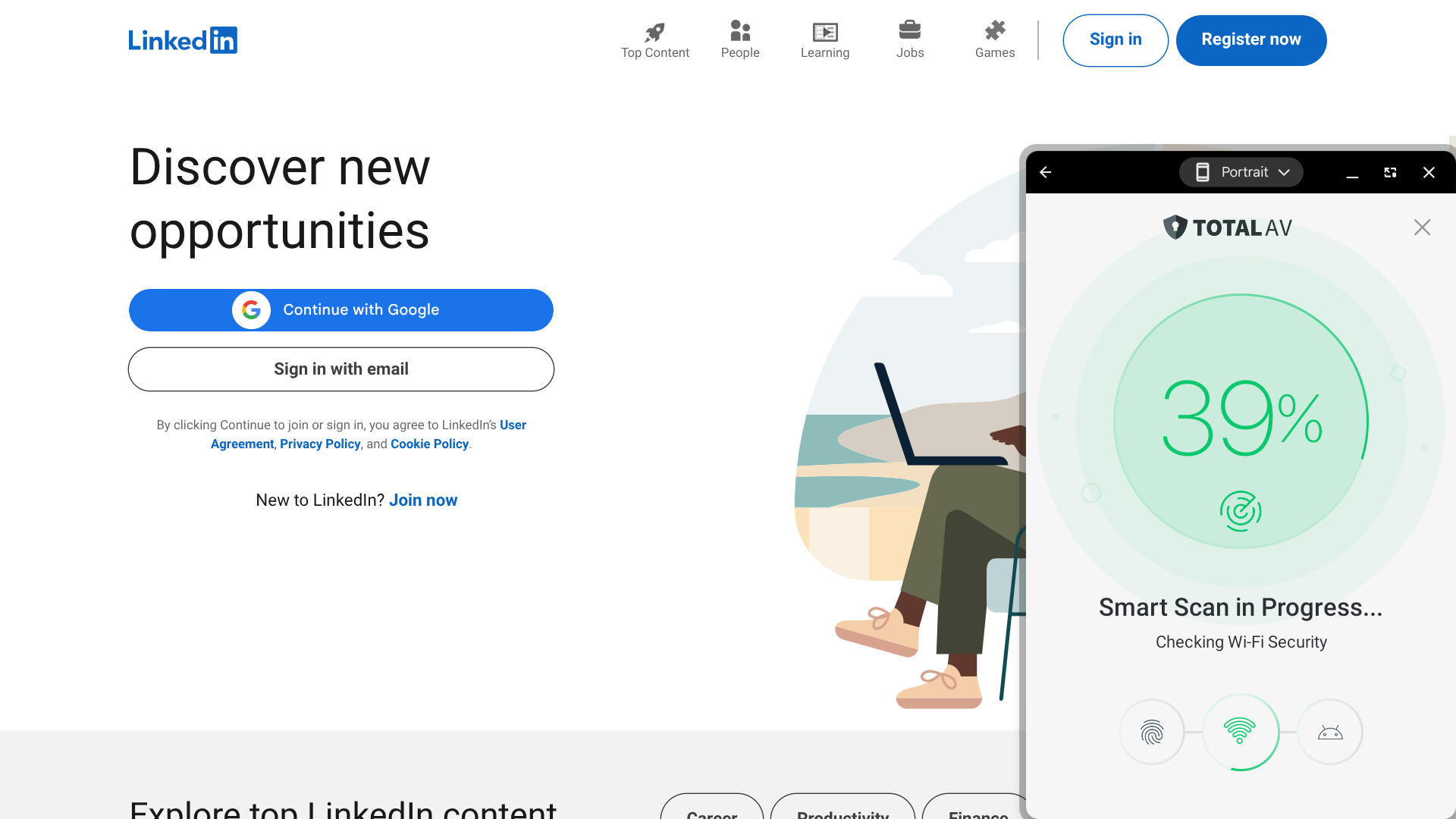
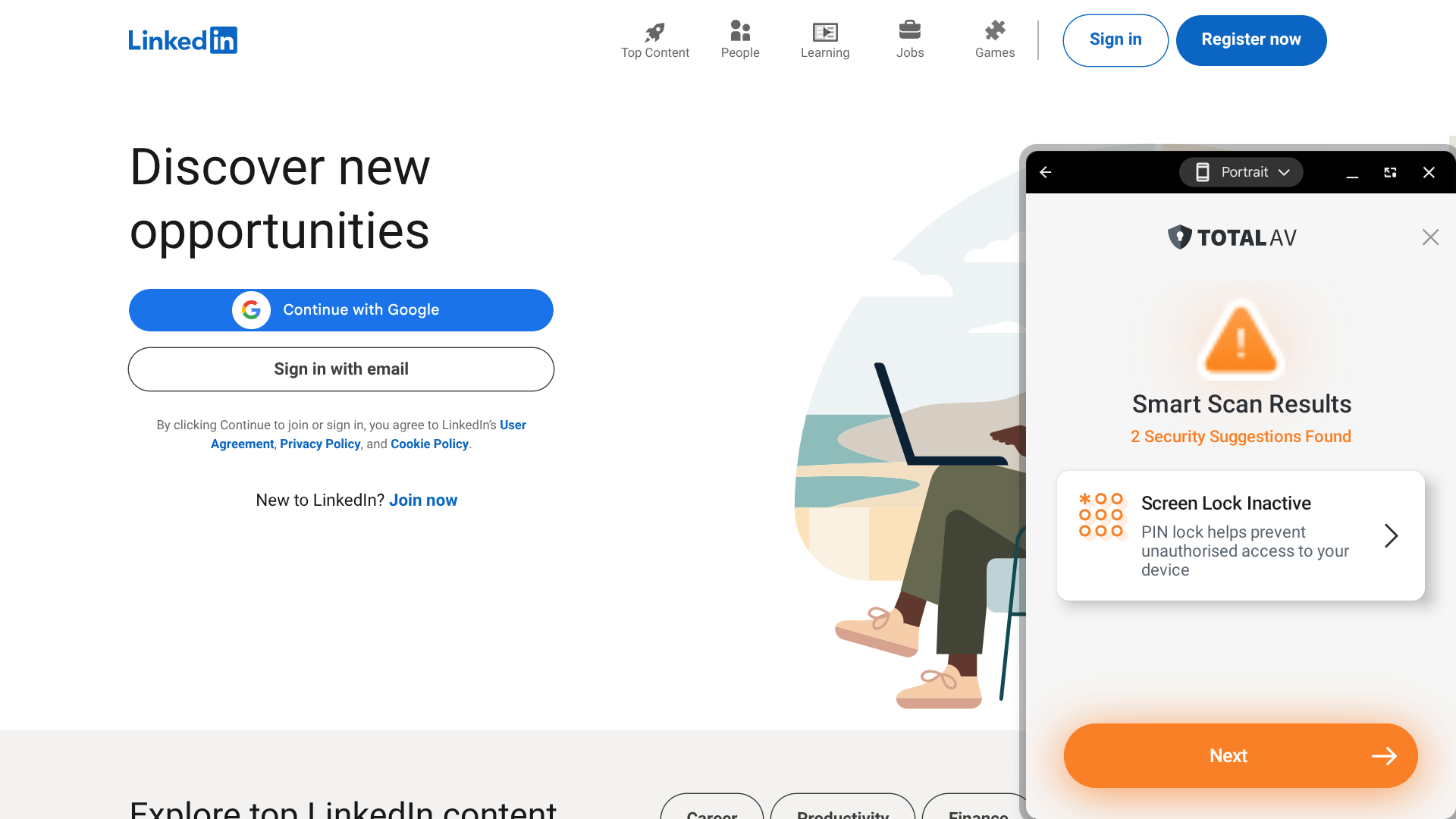
I like that TotalAV allows you to customize its scanning feature — it continuously checks for malware and viruses, and it can also be set up to review additional items such as wifi security.

Another notable feature is their system optimization tools, which you can use to clean up your photos, videos, contacts, and other files to free up storage space and improve performance.

However, it is worth noting that, compared to most of the other providers featured in this guide, TotalAV’s third-party testing scores are relatively low.

Who is TotalAV best for? 

If you’re interested in cleaning up your device in addition to antivirus protection, TotalAV offers all the tools you need.

Recent upgrades to TotalAV:

TotalAV recently updated the user interface of their mobile app — the latest version has a very polished design and is quite easy to navigate.

TotalAV’s pricing: 

TotalAV’s Premium plan ($99 per year) includes antivirus/scam protection, system optimization tools, and a browser cleaner, and it can be used on up to three devices. The Internet Security plan ($129 per year) also includes an ad blocker and can be used on up to six devices. Then there’s the Total Security plan ($149 per year), which adds on a VPN and password manager and can be used on up to eight devices.

Pros and cons of TotalAV:

Pros

  • Intuitive interface
  • Customizable scanning feature
  • Advanced system optimization tools

Cons

  • Third-party testing scores are relatively low
  • No free version available
  • No parental controls
(4.40)
Learn More On Webroot's official website
Webroot
  • ​​Ultra-fast scans that complete in seconds
  • All plans include a LastPass password manager
  • Strong web threat protection with identity monitoring
  • Lightweight software with minimal system impact
Starting Price (4.6/5)Security Performance (3.5/5)UX (4/5)Compatibility (5/5)Scan TimeIncluded Features (4.9/5)
$34.99 for the first year (then $49.99 per year)SE Labs: 97%App has a dated design, but is easy enough to navigateWindows, macOS, Android, iOS, Chrome, Edge, Safari, Firefox10 secondsAntivirus protection, dark web monitoring, finance monitoring, identity theft insurance, parental controls, password manager, text scam protection, VPN, web threat shield

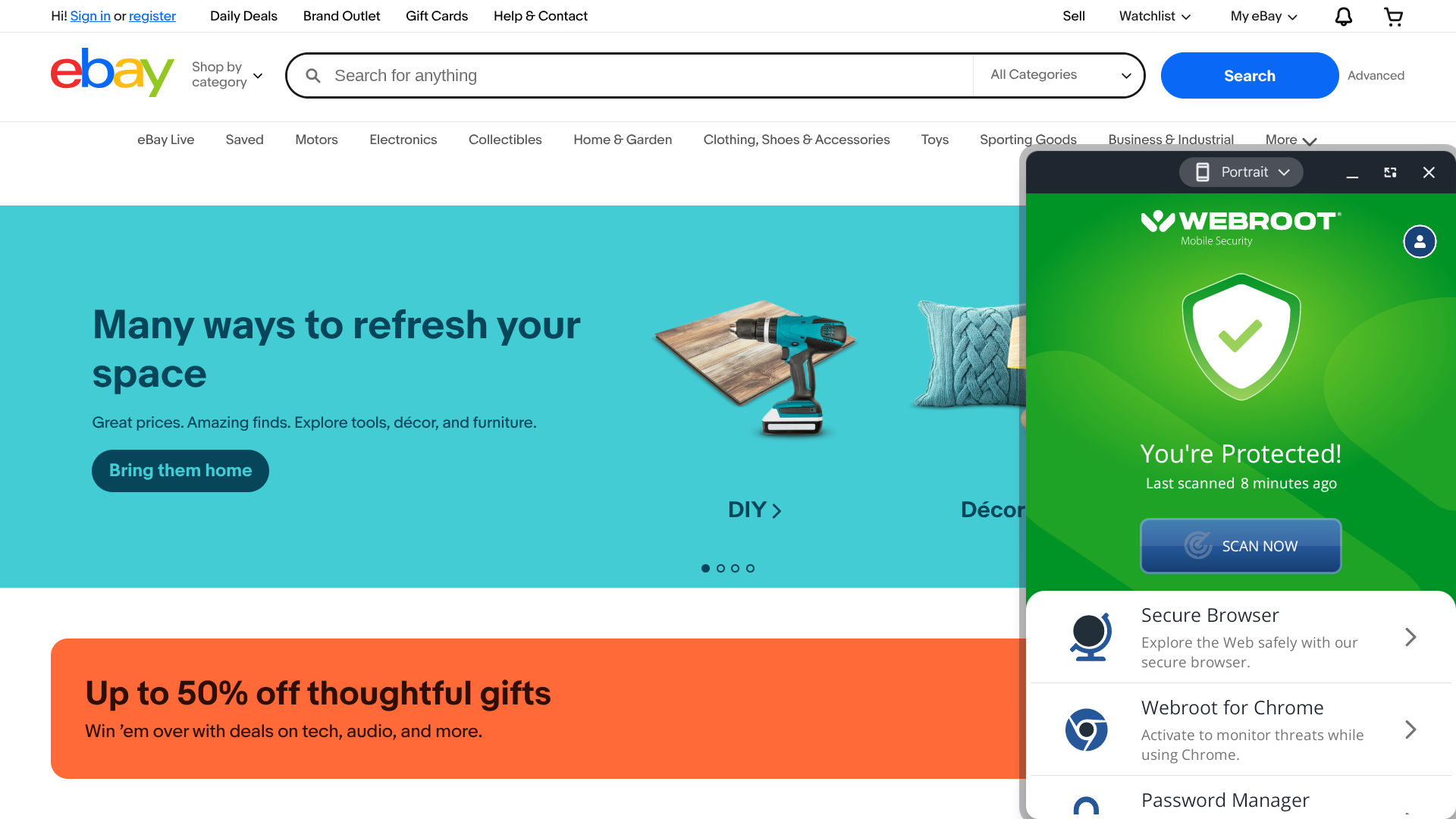
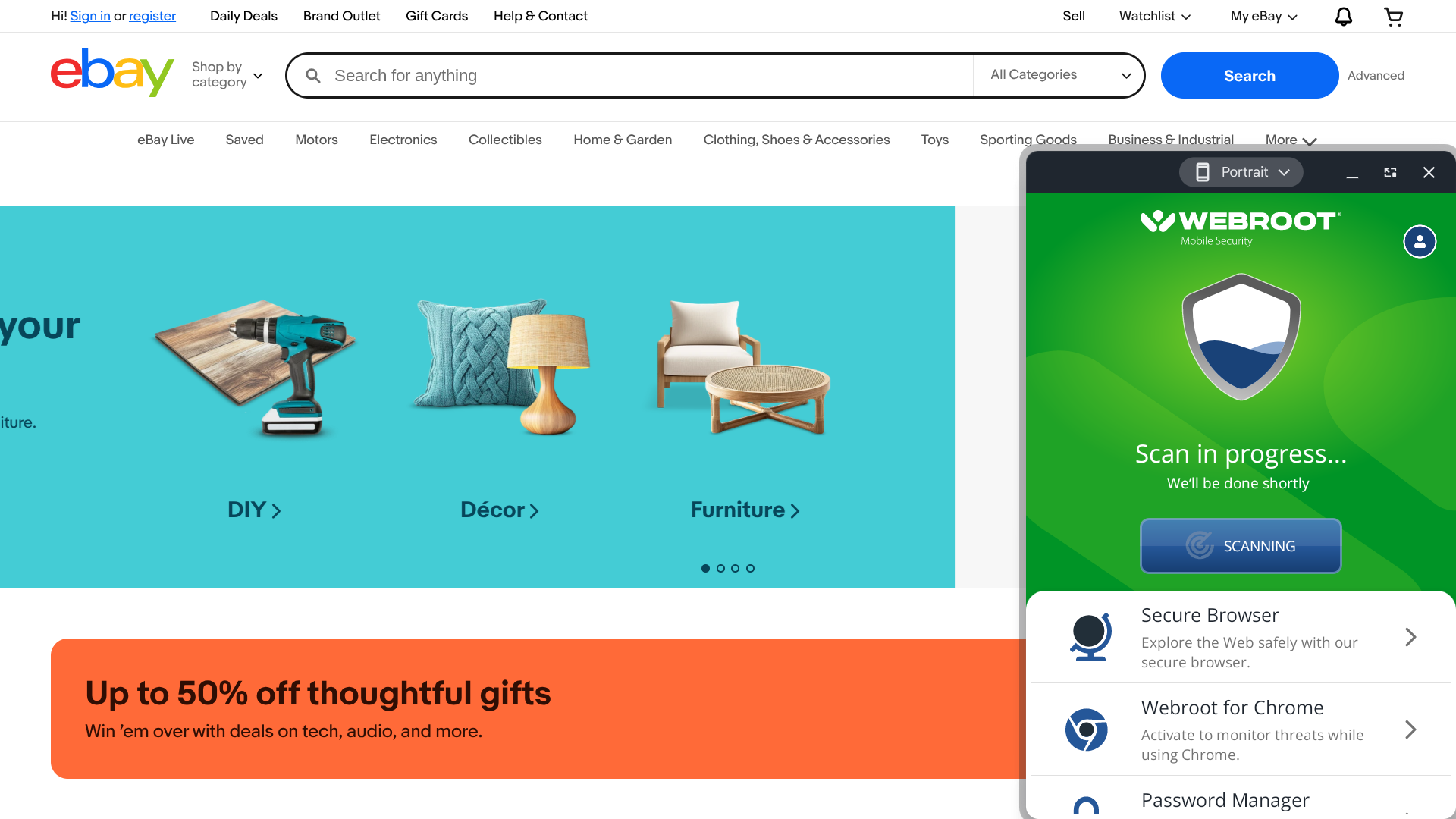
I was able to complete malware scans in just 10 seconds with this service. You won’t find faster scan speeds than that anywhere.

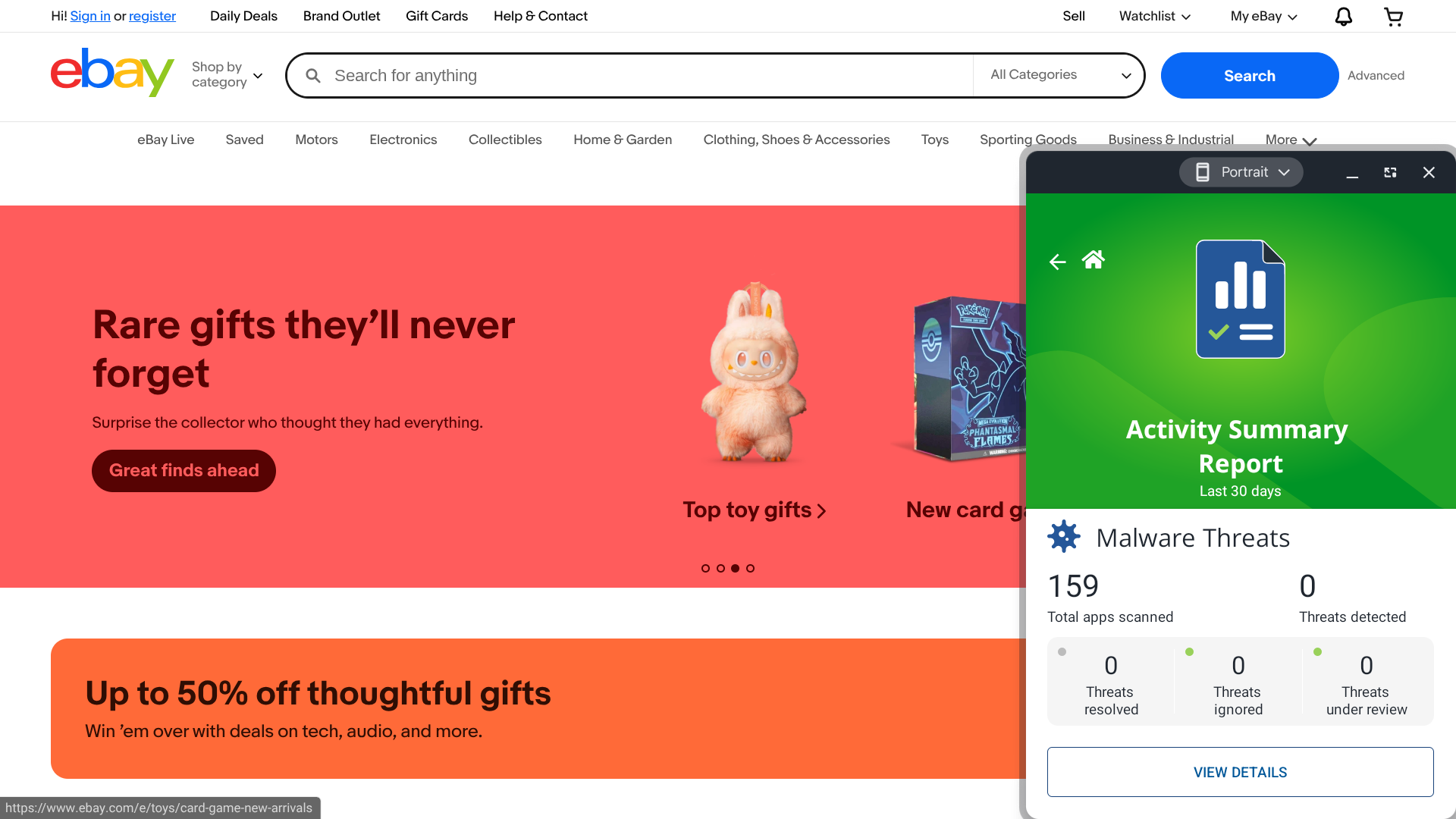
Webroot also offers a variety of additional features, including dark web monitoring, identity theft insurance, a VPN, and parental controls.

But there are a couple of downsides to using this provider. The app’s design is rather outdated — and, more importantly, they haven’t received the best marks from third-party testers.

Who is Webroot best for? 

All Webroot plans also include a LastPass subscription, which enables you to easily generate and store strong passwords. If you’re in the market for both an antivirus solution and a password manager, there’s a lot of value here.

Recent upgrades to Webroot:

Webroot’s latest feature is a text scam detector, though it is currently only available on the Android version of the app.

Webroot’s pricing: 

Webroot’s Essentials plan costs $34.99 for the first year ($49.99 per year after that) for one device, providing access to basic features such as malware protection and a web threat shield. Advanced features and coverage for multiple devices are available for an additional cost.

Pros and cons of Webroot:

Pros

  • Very fast scans
  • All plans come with a LastPass subscription
  • Identity theft insurance is available

Cons

  • Third-party testing scores are unimpressive
  • Outdated interface
  • No free plan available
(4.38)
Learn More On Aura's official website
Aura
  • All-in-one digital security with antivirus and identity protection
  • Advanced parental controls with screen time and content filtering
  • Data removal service and real-time financial monitoring
  • Monthly subscription option with generous identity theft insurance
Starting Price (4/5)Security Performance (3/5)UX (5/5)Compatibility (5/5)Scan TimeIncluded Features (4.9/5)
$15 per monthN/ASleek, easy-to-use interfaceWindows, macOS, Android, iOS, Chrome, Edge, Safari, Firefox1 minuteAdvanced parental controls, antivirus protection, call protection, credit protection, data removal service, identity theft insurance, password manager, transaction monitoring, VPN

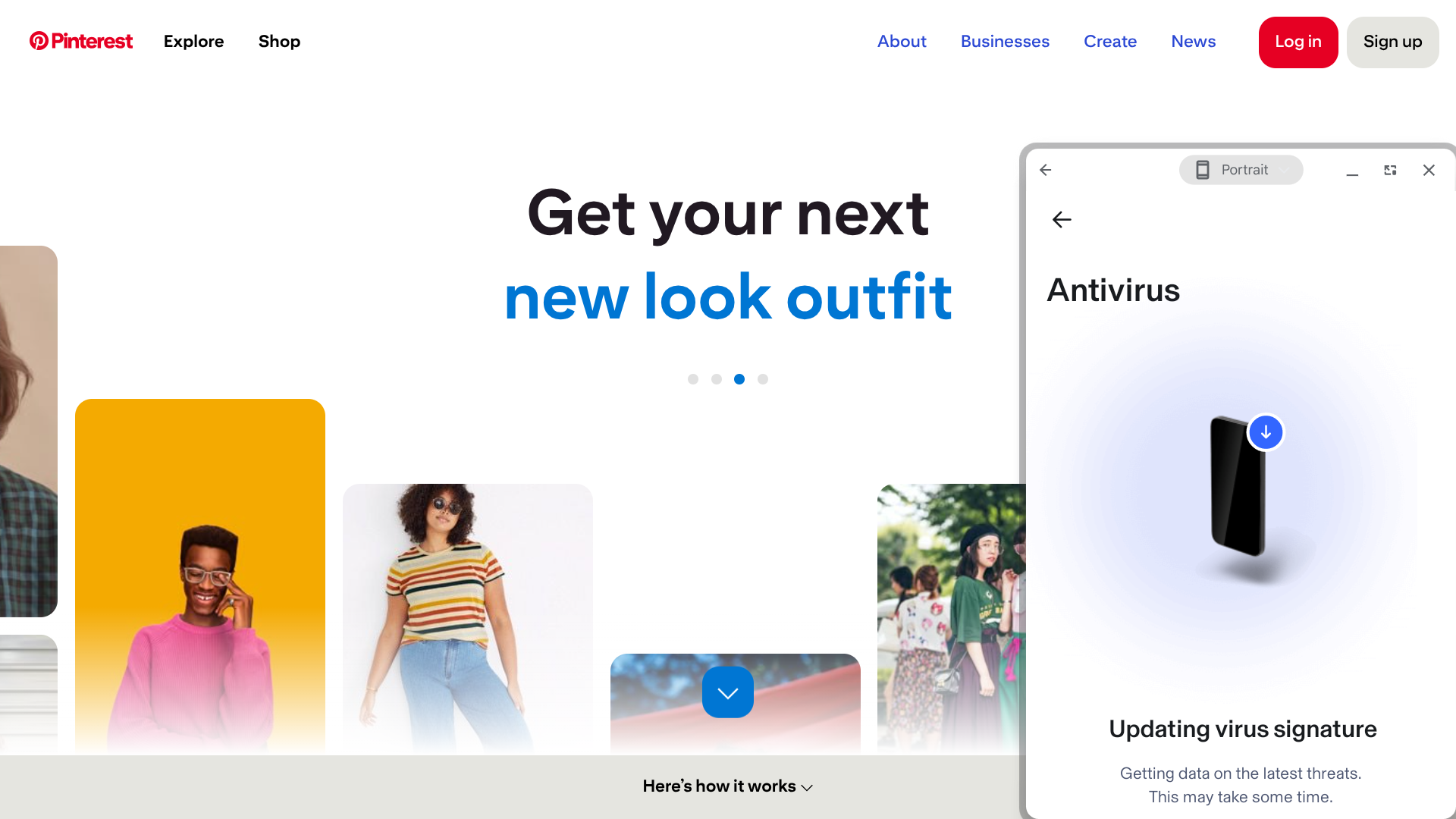
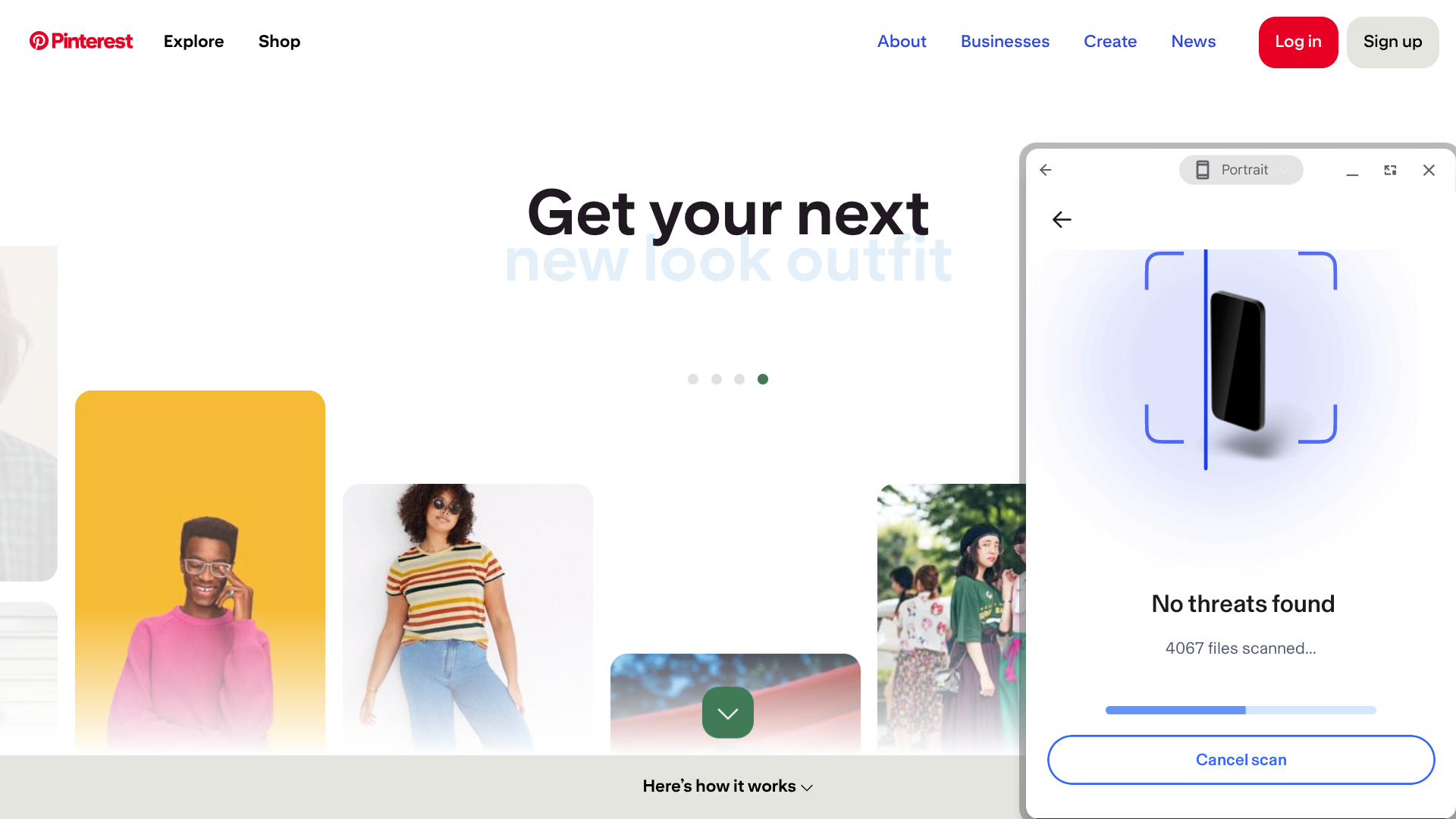
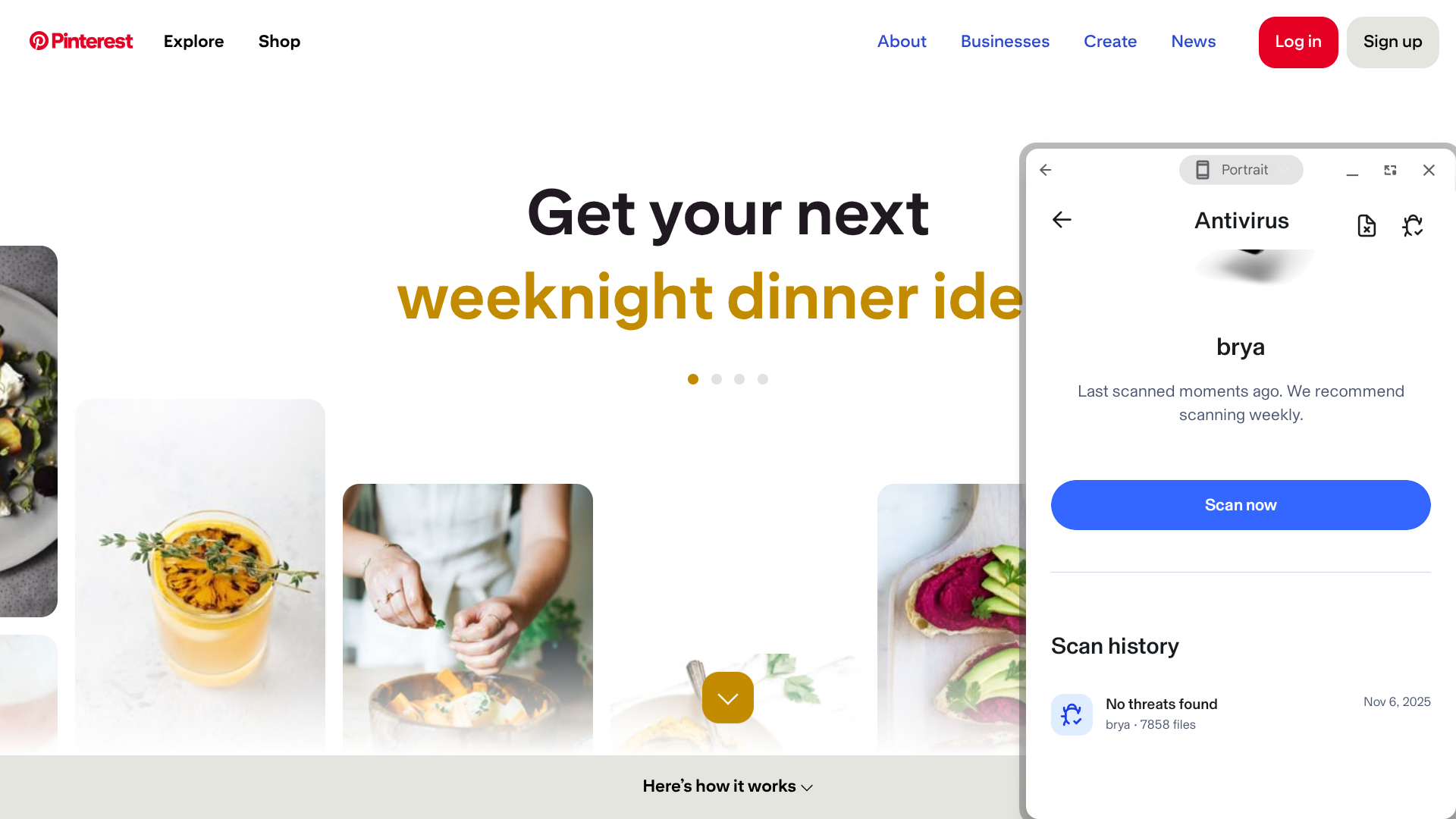
I had to wait over 10 minutes to get through my initial scan with Aura — first, the app had to update its “virus signature” and get data on the latest threats, and then the initial scan itself took another 5+ minutes. After that, though, it only took a minute or so to complete a scan.

A more significant drawback is that none of the major third-party testing services have evaluated Aura, so you can’t be as confident in this antivirus solution’s effectiveness compared to most other providers.

Aura does offer plenty of useful features, including transaction monitoring (get alerts when there’s unusual activity in your bank, credit card, or investment accounts), identity theft insurance (up to $5 million in coverage is available), and a built-in VPN (this feature includes a kill switch and split tunnelling capabilities).

Who is Aura best for? 

Aura is ideal for users with children, as it provides a particularly expansive set of parental controls. This includes content filtering, cyberbullying alerts, screen time limits, and online activity reports.

Recent upgrades to Aura:

In October 2025, Aura made significant enhancements to its data removal service, allowing you to remove your personal data from Google search results, and expanded its data broker opt-out automation to over 140 sites.

Aura pricing: 

Aura’s Individual plan ($15 per month or $144 per year) covers up to 10 devices and includes antivirus protection, a password manager, a VPN, data removal services, and $1 million in identity theft insurance. The Couple plan ($29 per month or $264 per year) includes all these features for up to 20 devices and increases the identity theft insurance coverage to $2 million. Finally, the Family plan ($50 per month or $384 annually) covers unlimited devices and also includes parental controls, call protection, and up to $5 million in identity theft insurance.

Pros and cons of Aura

Pros

  • Intuitive interface
  • Extensive parental control capabilities
  • Allows you to pay on a month-to-month basis
  • Identity theft insurance is available

Cons

  • Has not been evaluated by the major third-party testers
  • First scan may take a while
  • Device compatibility is lacking compared to most other providers
  • No free plan available

How I Rated the Best Antivirus Software

As mentioned above, there are a lot of antivirus software providers out there — to determine which ones most deserved to be featured in this guide, I thoroughly researched and personally tested each of the top services to evaluate them based on what’s most important:

Security performance and system impact

Antivirus software should protect you from a wide variety of threats, including trojans, spyware, ransomware, phishing attempts, and zero-day attacks. I looked up independent lab scores from AV-TEST, AV-Comparatives, and SE Labs to confirm how these services perform. For providers that haven’t been evaluated by major testing labs, I also reviewed verified user feedback on Trustpilot to assess real-world reliability and satisfaction. I also ran scans myself to see how long they take and if they slowed down my system at all.

UX

Some antivirus programs have sleek, modern designs, while others appear more outdated. I awarded extra points if the app offers a customizable theme, as many users prefer a dark background over a light one (or vice versa). At the very least, it should be easy for you to navigate the user interface and understand scan results.

Plans and pricing

All of the services featured in this guide offer either a free trial or a money-back guarantee, so you’ll be able to try them out yourself without making any financial commitment. Some of these providers offer a completely free version of their service as well — and I made sure to verify that the providers with only paid plans are truly worth the cost. I also evaluated overall value, taking into account bundled security features like VPNs, identity protection, and other tools that can make a plan more cost-effective than antivirus software alone.

Compatibility

I only reviewed antivirus software that is available on all four of the major operating systems: Windows and macOS for desktops and Android and iOS for mobile devices (most of these services also have extensions for popular web browsers like Chrome and Firefox). And I verified that these providers offer plans that cover multiple devices, as the majority of users have at least two machines (a computer and a smartphone) that they need to protect.

Included features

I prioritized services that provide additional security tools beyond antivirus software, such as cloud backup, password management, parental controls, Wi-Fi security analysis, dark web monitoring, and identity theft insurance. When evaluating the price of a service, it’s important to consider exactly what you’re getting for it — a plan that looks expensive on the surface might actually be a great deal compared to buying all the tools that it comes with separately.

Other Security Considerations for 2026

Security is more important than ever in 2026 as cyber threats continue to evolve. AI-powered malware, advanced phishing scams, and large-scale data breaches now target not just devices, but personal identities, online accounts, and financial information. While antivirus software is a critical first line of defense, protecting yourself today requires a broader, layered security approach.

To stay fully protected in 2026, consumers should consider a security suite that includes:

  • VPN services to encrypt internet traffic, protect privacy, and secure connections on public Wi-Fi
  • Password managers to generate and store strong, unique passwords that prevent account takeovers
  • Identity theft protection to monitor data breaches, dark web activity, and financial fraud, with recovery support if your identity is compromised
  • Data removal services to opt out of data broker sites that sell or expose personal information
  • Parental control software to monitor screen time, filter content, and protect children online
  • Ad blockers and scam filters to reduce exposure to malicious ads, trackers, and phishing attempts
  • Credit monitoring to alert you to unauthorized credit inquiries or accounts opened in your name

Many of the best antivirus providers now bundle several of these tools into all-in-one security suites, offering stronger protection and better value than antivirus software alone.

FAQs: Antivirus Software

  • What does antivirus software actually protect against?

    Antivirus software protects your devices from malicious programs, including viruses, ransomware, spyware, and phishing attacks. Modern antivirus suites use real-time scanning, heuristic analysis, and cloud-based threat detection to identify and stop both known and emerging threats before they cause damage.

  • How do I choose the best antivirus software for my needs?

    Start by considering your device type, number of users, and how you use the internet. Look for antivirus software with strong independent lab scores, minimal system slowdown, and additional features such as ransomware protection or parental controls. It’s also important to compare pricing and renewal policies, as costs can vary significantly after the first year.

  • Do I need antivirus protection on a Mac or mobile device?

    Yes. While macOS and mobile systems have built-in protections, they’re not immune to online threats. Phishing scams, identity theft attempts, and malicious websites can still compromise your data. A good antivirus app adds layers of defense and can help protect all your connected devices under one plan.

  • How often should I run antivirus scans?

    Most antivirus programs automatically scan your system in real time and schedule full scans weekly or monthly. However, it’s a good idea to manually run a deep scan any time you install new software, notice unusual behavior, or connect external drives or USBs.

  • What’s the difference between an antivirus and a VPN?

    Antivirus software protects your device from malware and cyberattacks, while a VPN (virtual private network) protects your data in transit by encrypting your internet connection. Many premium antivirus suites now include VPN functionality for all-in-one privacy and security.

  • Are free antivirus programs worth using?

    Free antivirus programs offer basic protection but typically lack advanced features, such as ransomware defense, identity monitoring, and multi-device coverage. They can be a good starting point, but for complete protection and faster support, a paid plan from a reputable brand is generally a better long-term choice.

author-img

About The Password Manager, Gunnar Kallstrom:

Kallstrom, The Password Manager, is a Cyber Team Lead for a Department of Defense (DOD) contracting company in Huntsville, Alabama, and has worked as a Computer Network Defense (CND) Cyber Analyst. An author and content creator for a cybersecurity academy, Kallstrom spent nearly 15 years in the Army as a musician before entering the cybersecurity field.

He holds a bachelor’s degree in music from Thomas Edison State University and a master’s in organizational development and leadership from the University of the Incarnate Word.

Kallstrom has completed several CompTIA courses, including Security+, Network+, A+ Core 1, and A+ Core 2. He earned a Computing Technology Industry Association (CompTIA) Security+ Certification. Additionally, he has completed the Cyber Warrior Academy program with more than 800 hours of hands-on, intensive, and lab-driven technical training in cybersecurity methods and procedures.

Passionate about all things cyber, Kallstrom was a speaker on a panel at the 2022 InfoSec World conference, giving a talk entitled “Hacking into a Cyber Career – True Stories.” Kallstrom is also a mentor to entry-level cybersecurity candidates seeking to break into the field. When he’s not working, he still enjoys playing guitar and fishing (not phishing).