

By:Gunnar Kallstrom , Updated March 9, 2026 Head of Information Systems and Cybersecurity Research
Updated March 9, 2026With a VPN, you’ll be able to route your internet traffic through an encrypted tunnel to a private server, effectively hiding your IP address and online activity from everyone else (even your own internet service provider).
This will allow you to better protect your privacy, avoid cybercrime, access geo-restricted content, and potentially find better deals when shopping online.
Considering all these benefits, you might expect VPNs to be somewhat expensive. But in fact, they tend to be quite affordable — some are even available for free. In this guide, I’ll walk you through everything you need to know about the best free VPNs on the market right now.


AES-256 encryption, no-logs policies, kill switches, and advanced protections like multi-hop and threat blocking.
Large worldwide server coverage ensures reliable speeds and access to geo-restricted content.
Works across desktop and mobile devices, browsers, and often smart TVs or routers.
Fair pricing with trials or money-back guarantees, plus intuitive apps that are easy to use.
| Starting Price (4.8/5) | Security (5/5) | Server Coverage (5/5) | UX (4.7/5) | Compatibility (4.6/5) | Connectivity (4.8/5) | Top Features |
|---|---|---|---|---|---|---|
| Free | No-logs policy, kill switch, double VPN/multi-hop | 15,000+ servers in over 120 countries | App is sleek and highly customizable | MacOS, Windows, Linux, iOS, Android, Chromebook, Apple TV, Android TV, Fire TV, Chrome/Firefox Browsers | Up to 10 devices can be connected at once | — NetShield filter — VPN connection profiles — Password manager — Encrypted email — Secure cloud storage |
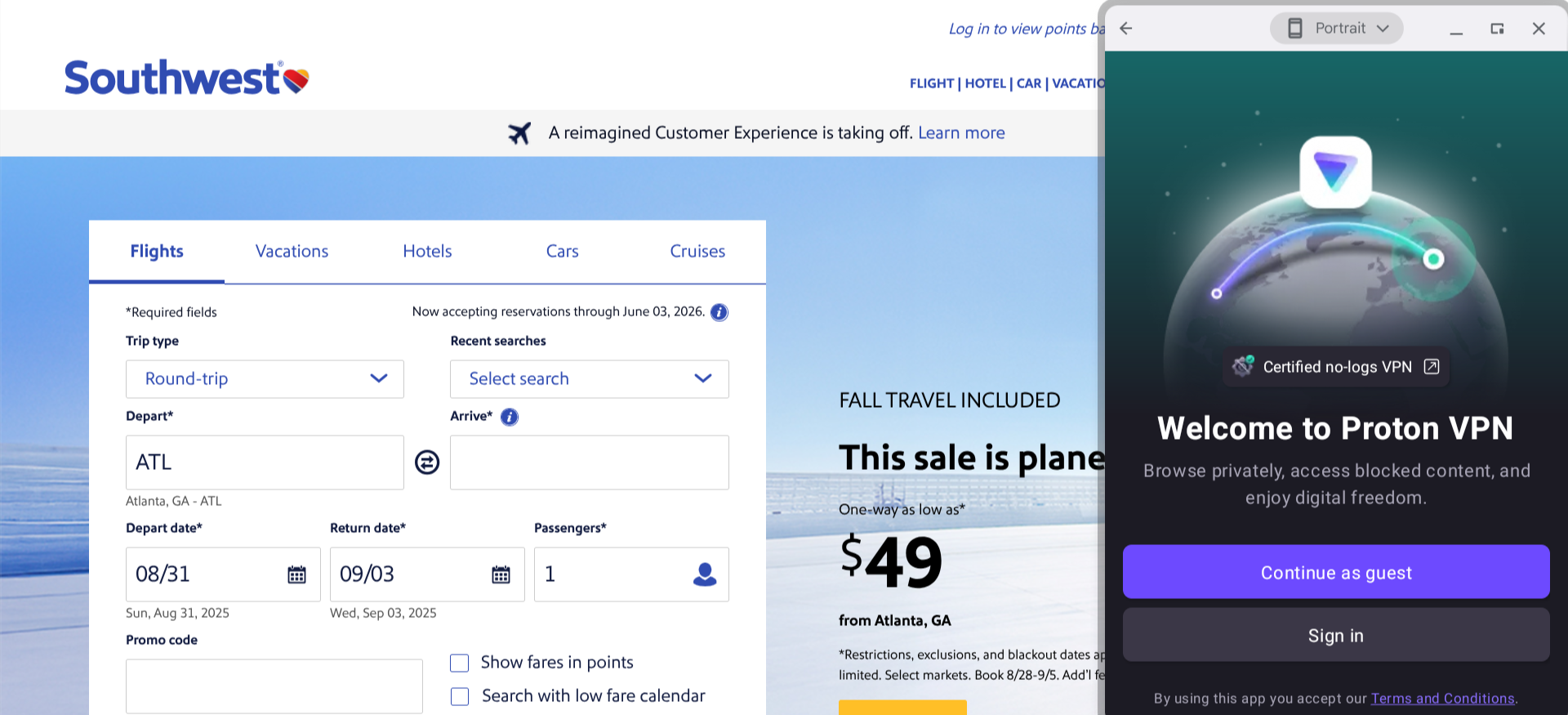
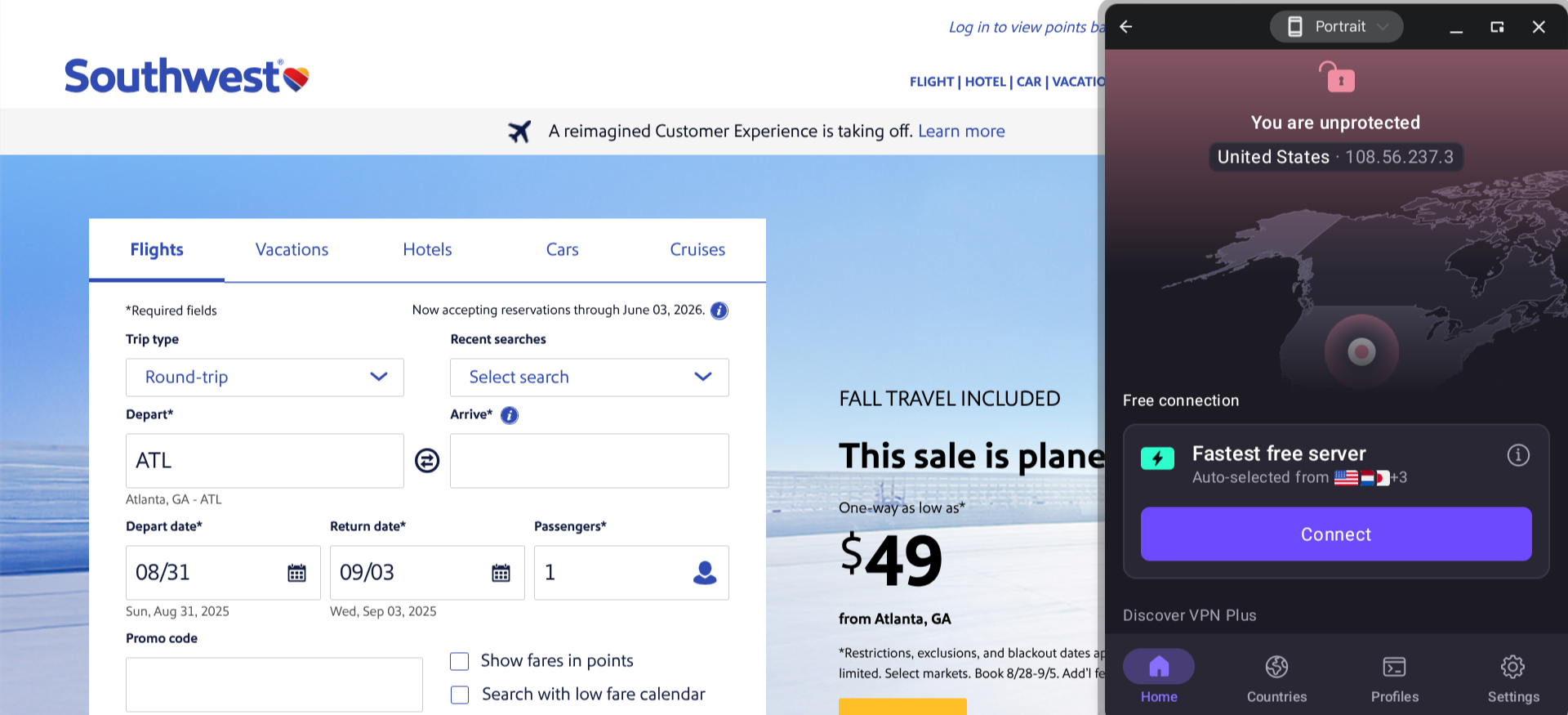
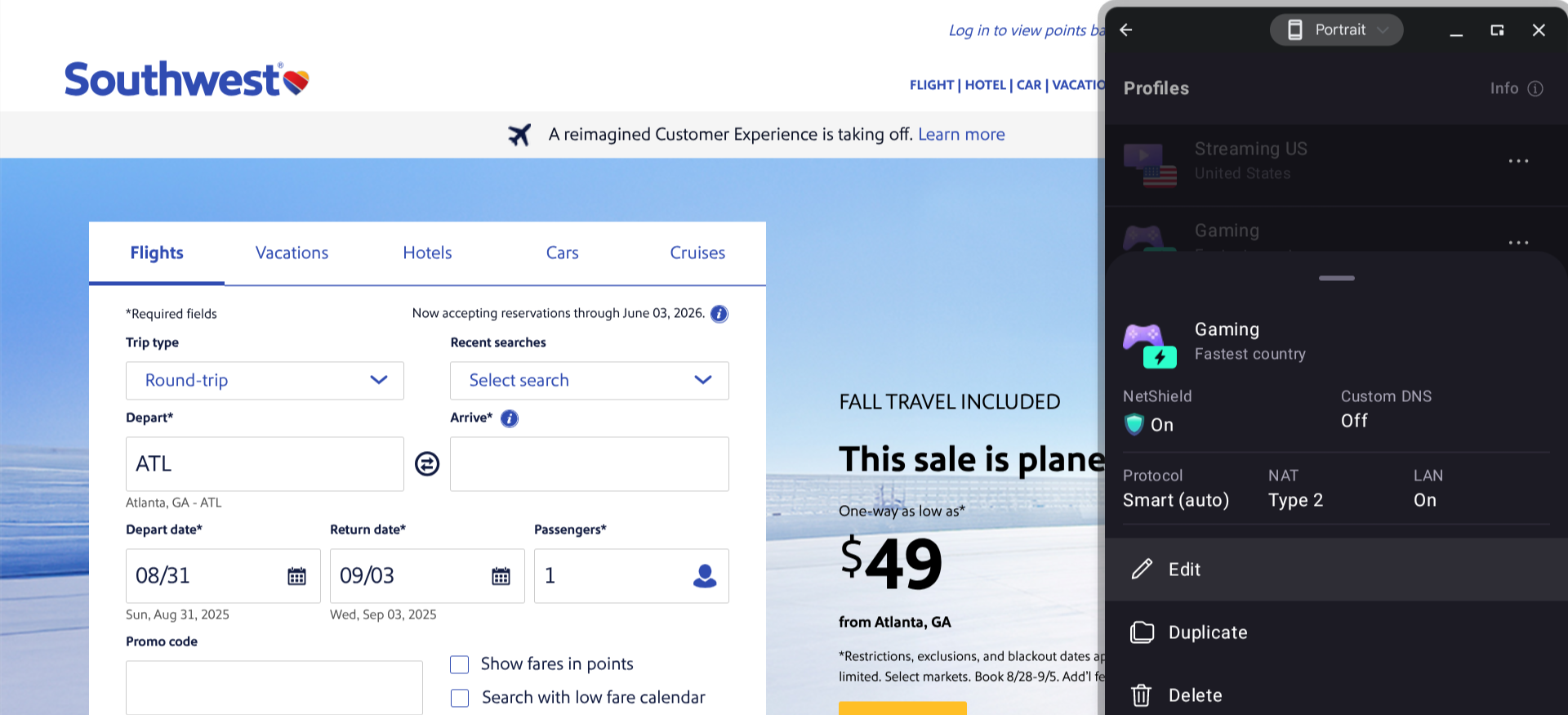
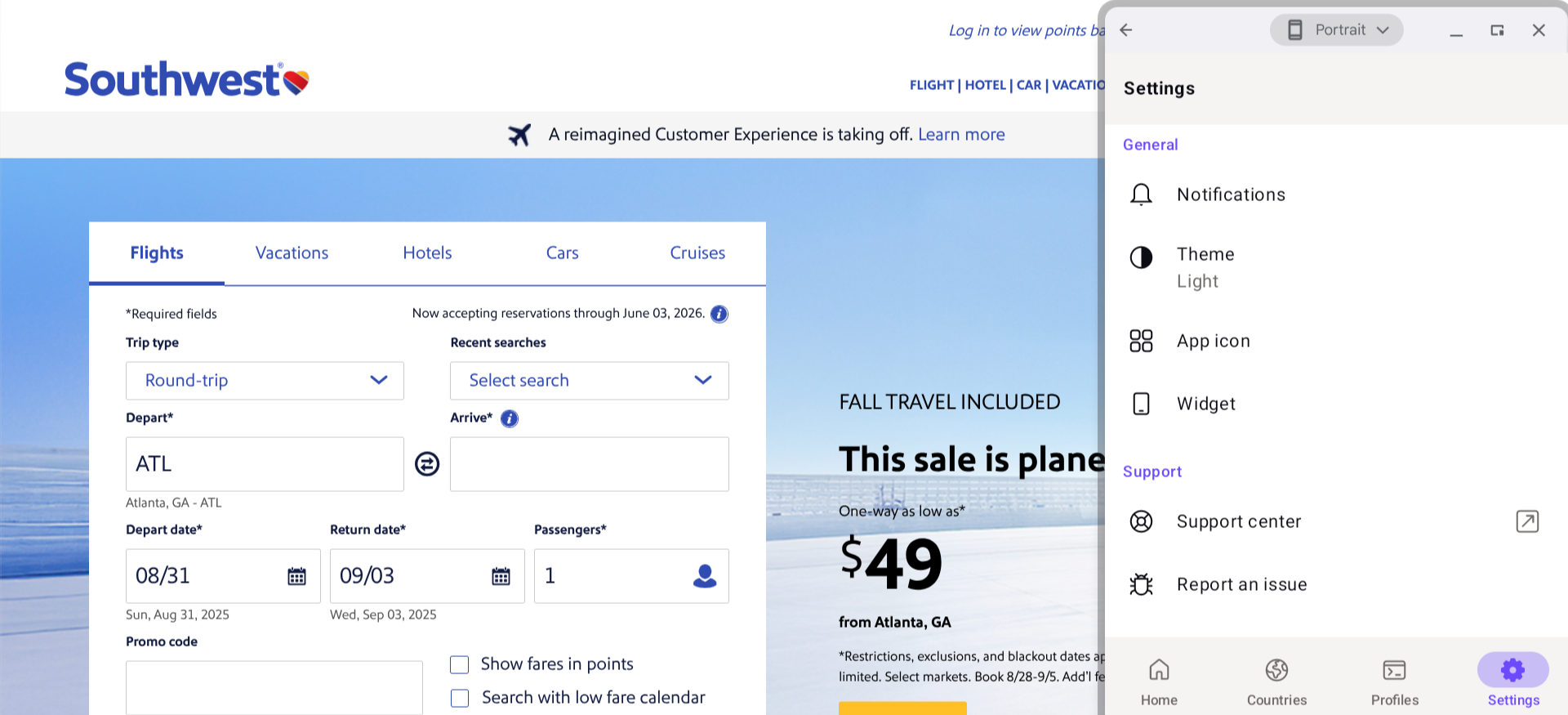
In addition to offering a completely free plan, this provider also allows you to use their service without signing in — it’s one of the only VPNs available that doesn’t require you to create an account. They offer free password management, cloud storage, and private email services as well.
Another benefit is that Proton VPN has a particularly sleek, easy-to-use interface, with several customization options for the app’s appearance.
Of course, there are some limitations that come with Proton VPN’s free plan. You can’t connect more than one device at a time, and you’ll only have access to a fraction of Proton VPN’s servers. Also, free users will have their connection speed throttled a bit, though I found it’s still fast enough for most online activities.
Who is Proton VPN best for?
If you’re only planning to use a VPN for general web browsing, rather than more demanding activities such as gaming or streaming HD video, the free version of Proton VPN can give you everything you need.
Recent upgrades to Proton VPN:
Proton VPN previously only allowed free users to connect to servers in five locations: the Netherlands, Japan, Romania, Poland, and the United States. Recently, they added five more locations for free users: Mexico, Canada, Switzerland, Norway, and Singapore. While Proton VPN doesn’t allow free users to choose which server they’re using (it just connects you to the closest/fastest option), additional locations will improve the performance for many people.
Proton VPN’s Pricing:
Proton VPN offers two premium plans: VPN Plus and Proton Unlimited. VPN Plus ($9.99 per month) gives you higher speeds and more servers, and lets you connect up to 10 devices at once. Upgrading to Proton Unlimited ($12.99 per month) unlocks premium features for its password manager, cloud storage, and private inbox services. Both premium plans offer discounts for those who sign up for a year or two of service upfront.
Pros and cons of Proton VPN:
| Starting Price (5/5) | Security (5/5) | Server Coverage (4.5/5) | UX (4.2/5) | Compatibility (5/5) | Connectivity (4.5/5) | Top Features |
|---|---|---|---|---|---|---|
| Free | No-logs policy, kill switch, double VPN/multi-hop | 2,600+ servers in 57 countries | Somewhat clunky, but functional enough | MacOS, Windows, Linux, iOS, Android, Volla OS, Freifon, Routers, Apple TV, Fire TV, Android TV, Game Consoles, Browser Extensions | Up to 10 devices can be connected at once | — SmartGuard filter — Streaming-optimized servers — Accepts hundreds of cryptocurrencies through a partnership with KuCoin Pay — Pricing guarantee locks in your rate forever |
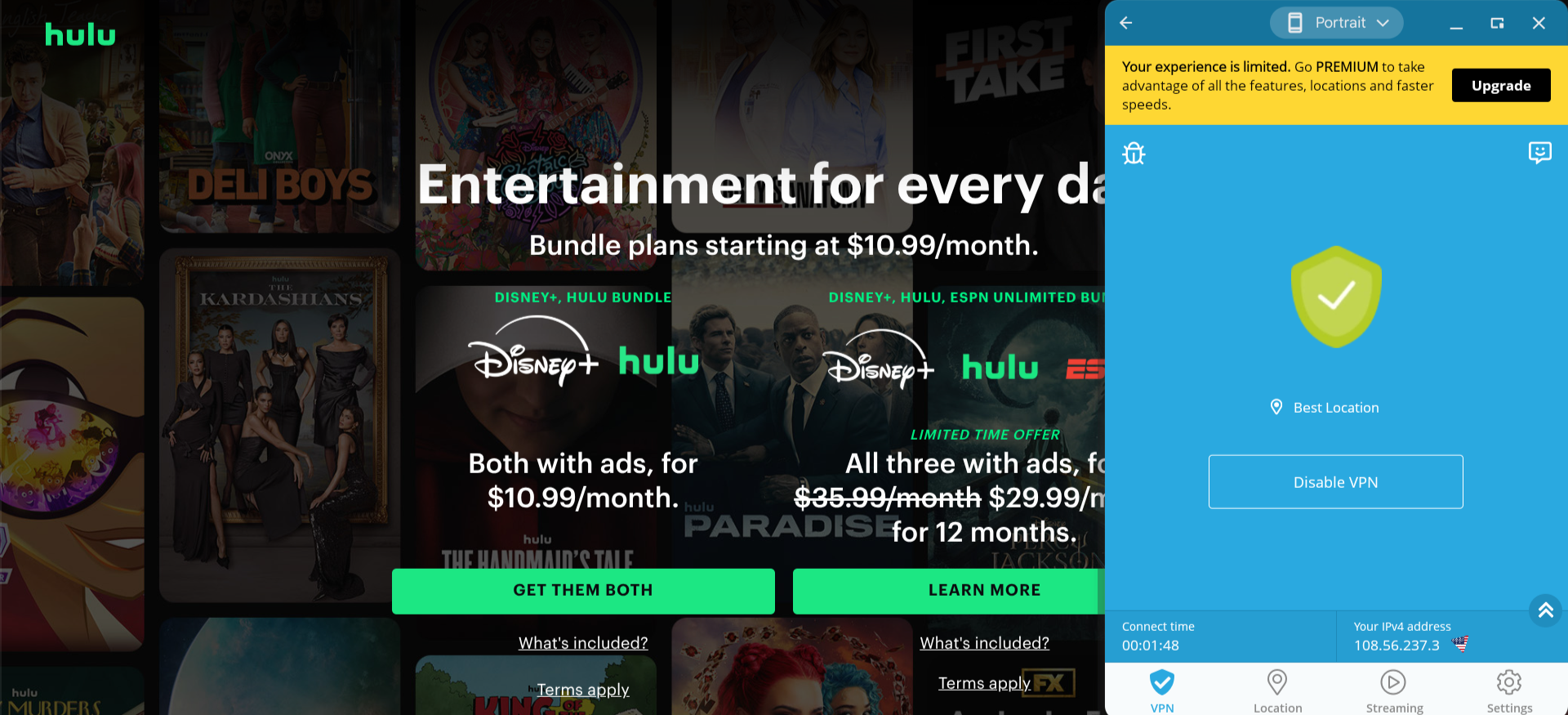
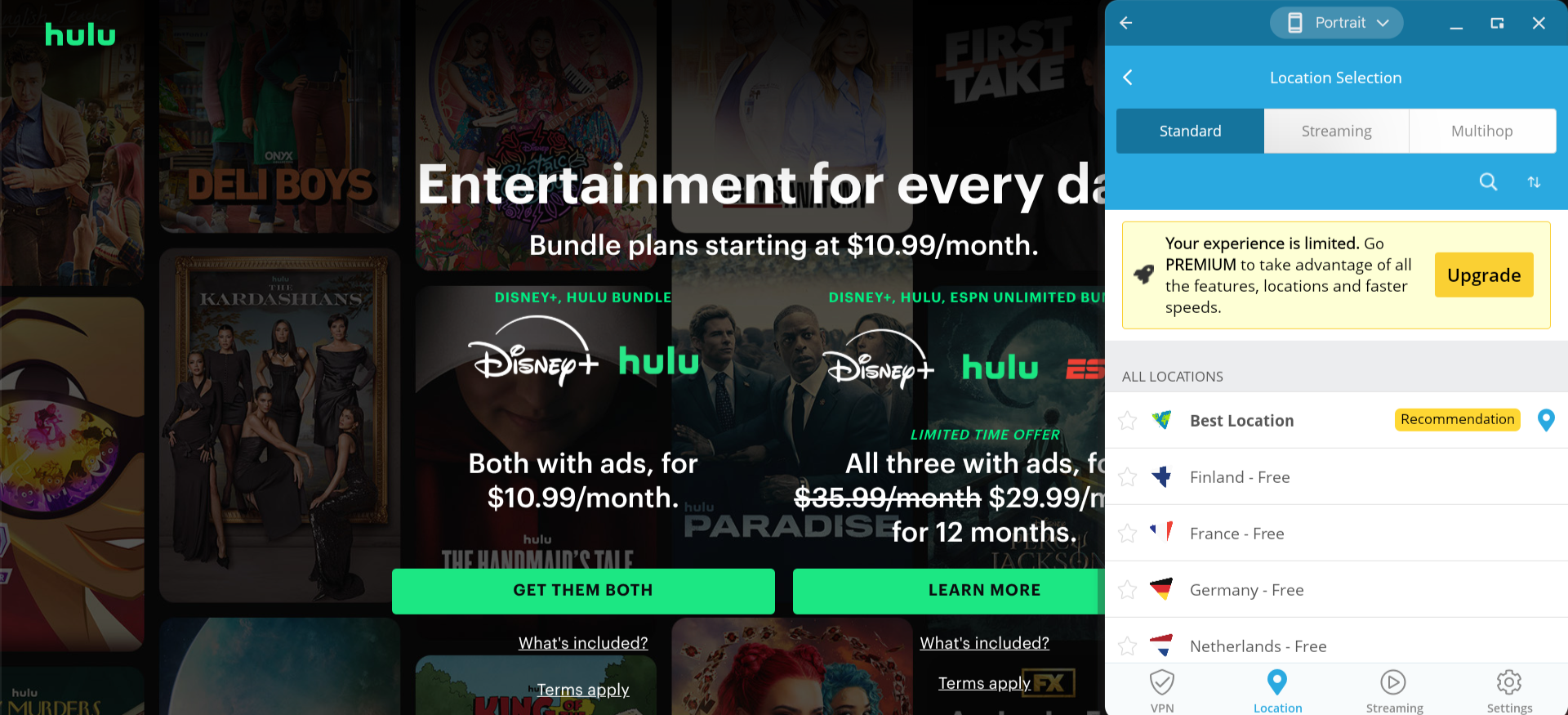
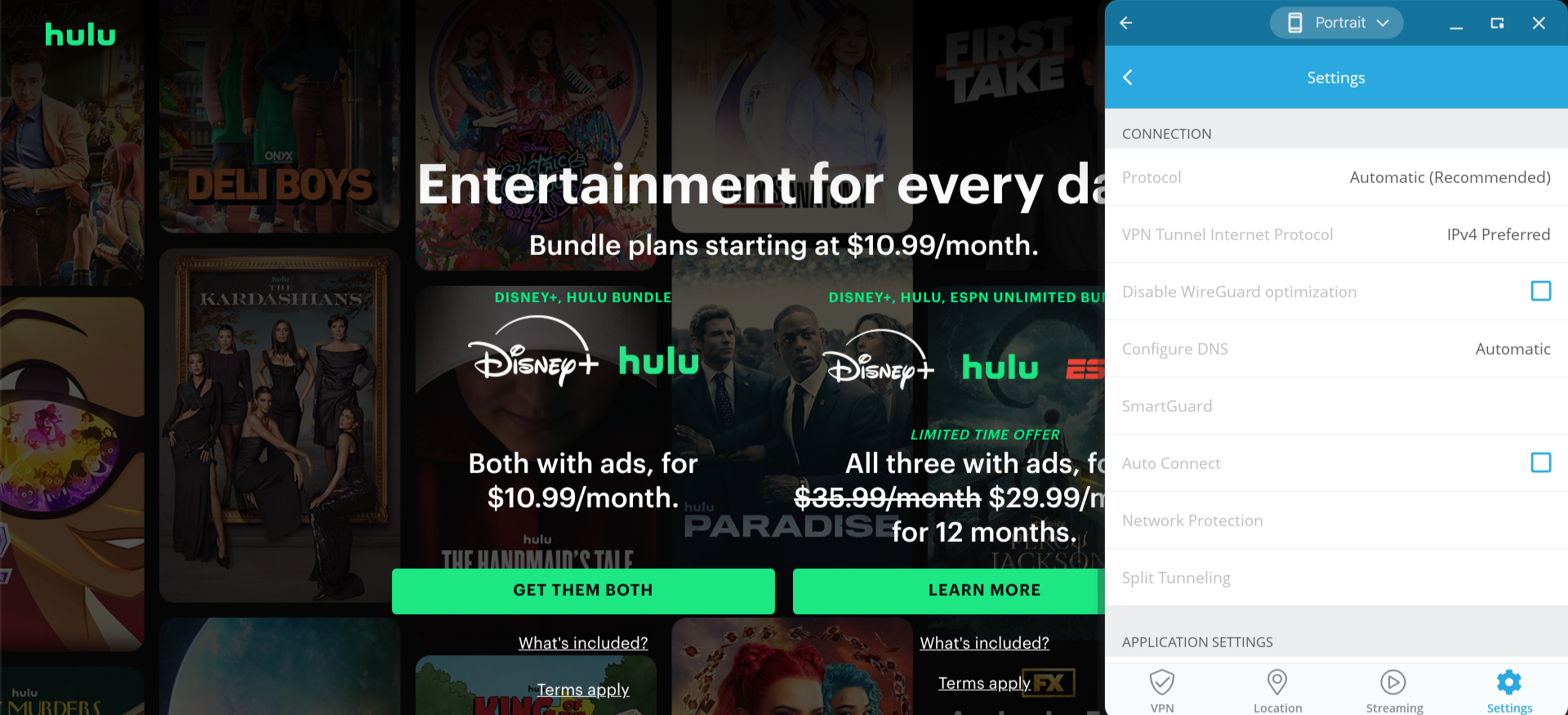
The free version of Hide.me offers unlimited data, though speeds are restricted. Also, free users can access only eight server locations and can connect to only one device at a time.
And I must say, the design of this app could definitely use an update. It has an amateurish feel, and the text is even a bit hard to read in some areas.
On the plus side, Hide.me checks all the boxes when it comes to online privacy, with a no-logs policy and strong security features, including a kill switch and double VPN/multi-hop capabilities. Premium users get access to streaming-optimized servers as well.
Who is Hide.me best for?
The streaming-optimized servers make this provider a great match for those who plan to mostly use their VPN for watching TV shows, movies, sports, etc.
Recent upgrades to Hide.me:
Last year, Hide.me announced a partnership with KuCoin Pay, allowing it to now accept over 800 cryptocurrencies as payment options.
Hide.me’s Pricing:
Upgrading to the premium version of Hide.me unlocks faster speeds, more servers, streaming support, and other exclusive benefits. You’ll also be able to connect up to 10 devices at once rather than just one. It’s $11.99 per month on a month-to-month basis, and you can get a significant discount by paying for a year or two of service in advance. Once you subscribe, you will always be able to renew at the same price and duration.
Pros and cons of Hide.me:

| Starting Price (5/5) | Security (4/5) | Server Coverage (4.3/5) | UX (4.9/5) | Compatibility (4.9/5) | Connectivity (5/5) | Top Features |
|---|---|---|---|---|---|---|
| Free | No-logs policy | Servers located in 85 different countries | App is user-friendly and highly customizable | MacOS, Windows, Linux, iOS, Android, Fire TV, Android TV, Apple TV, Routers, Chrome/Firefox/Edge Browsers | Connect unlimited devices at once | — Start on boot — R.O.B.E.R.T. filter — ScribeForce team accounts — Lazy login for TV apps |
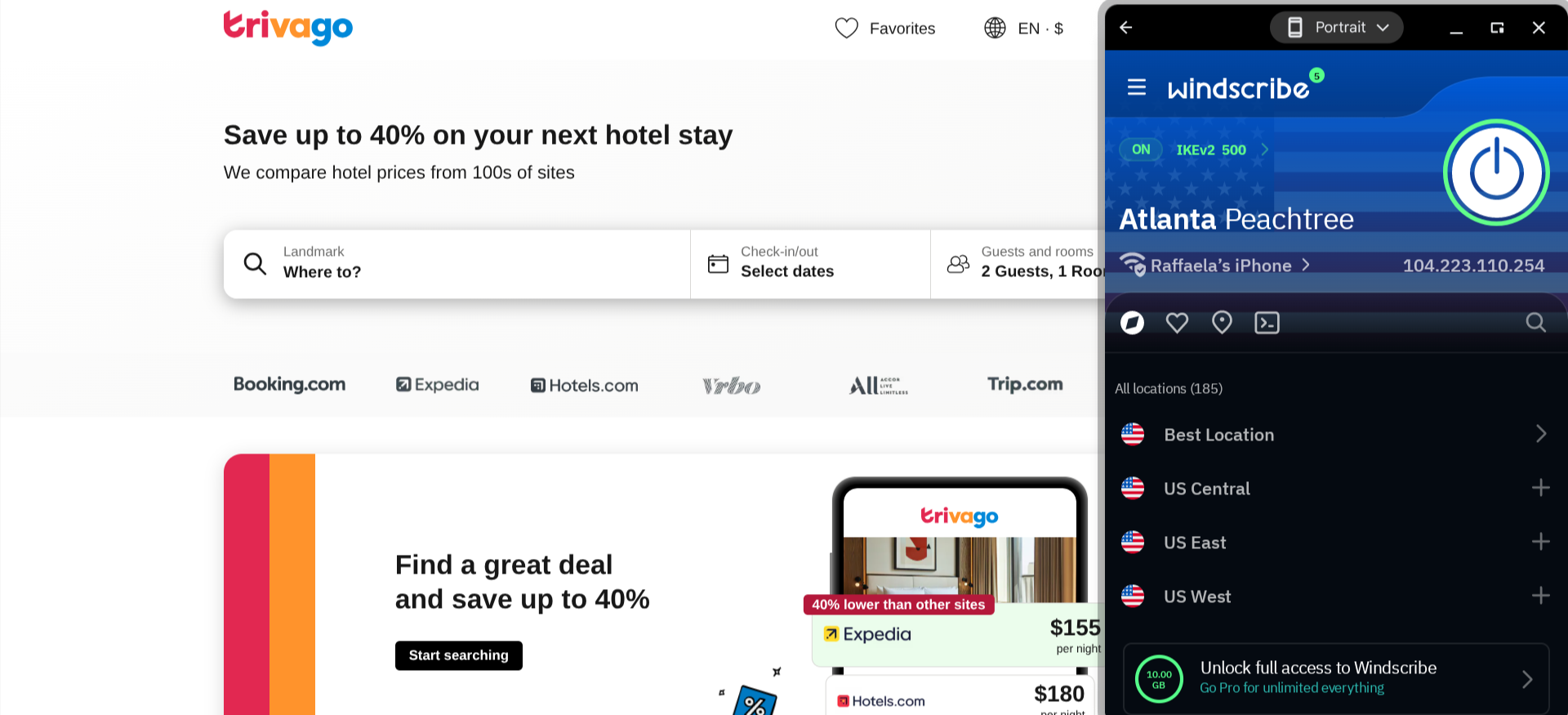
Windscribe doesn’t throttle speeds for free users, though your bandwidth is capped unless you upgrade to a paid plan (the cap is currently set at an initial allowance of 10 GB, plus 2 GB per month after that).
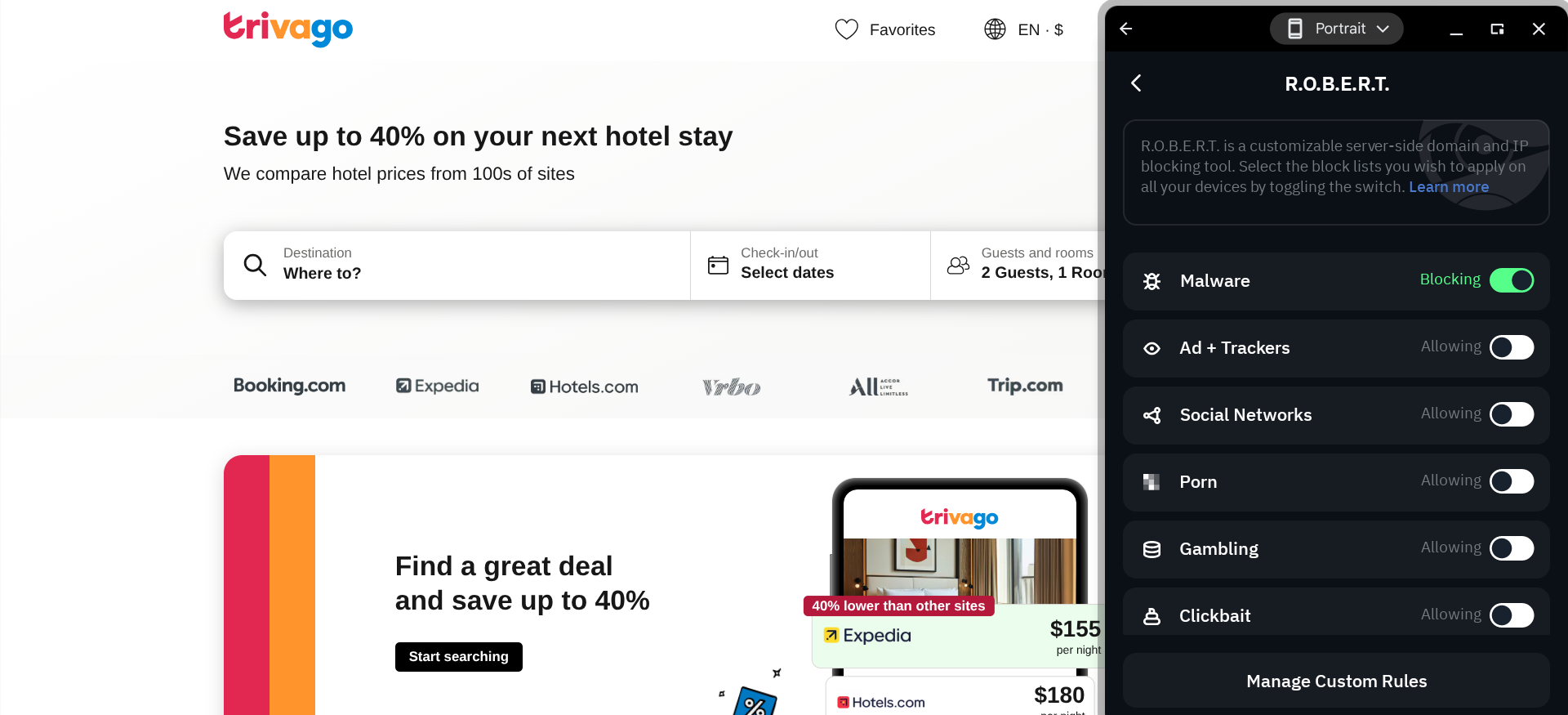
I was impressed to see that free users have access to all of Windscribe’s features. This includes advanced tools like the R.O.B.E.R.T. filter, which lets you create a custom blacklist of exactly which types of content you want to block from your connection (malware, ads, trackers, gambling sites, etc.).
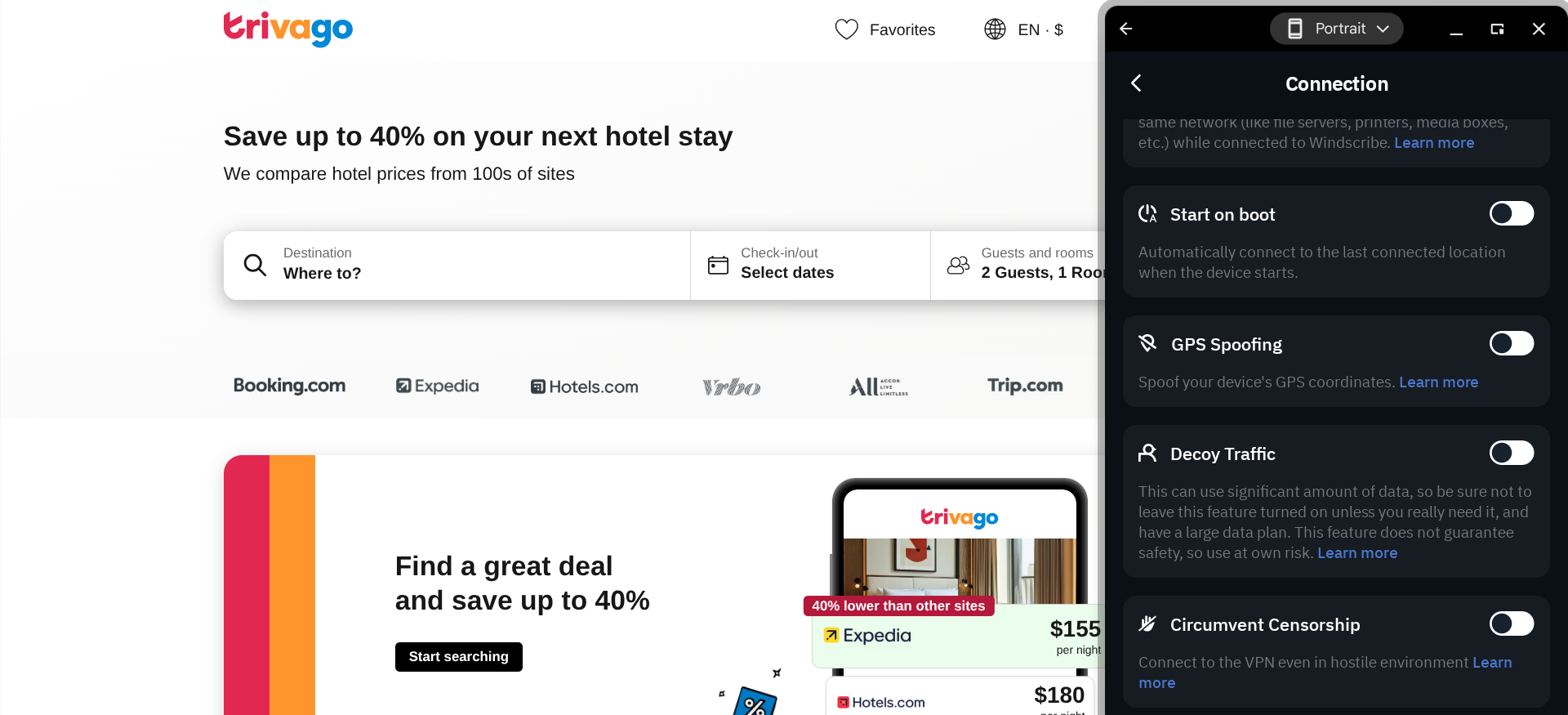
But I should note that Windscribe is missing a couple of key security features — there’s no kill switch or double VPN/multi-hop capability. One workaround is a setting that automatically establishes a VPN connection whenever you start up your device, which will help prevent you from accidentally browsing the web unprotected and at least somewhat make up for the lack of a kill switch.
Who is Windscribe best for?
The free plan’s data cap is fairly generous — if you only plan to use your VPN for a moderate amount of time each month anyway, then Windscribe is a fast, feature-rich option that doesn’t have to cost you anything at all.
Recent upgrades to Windscribe:
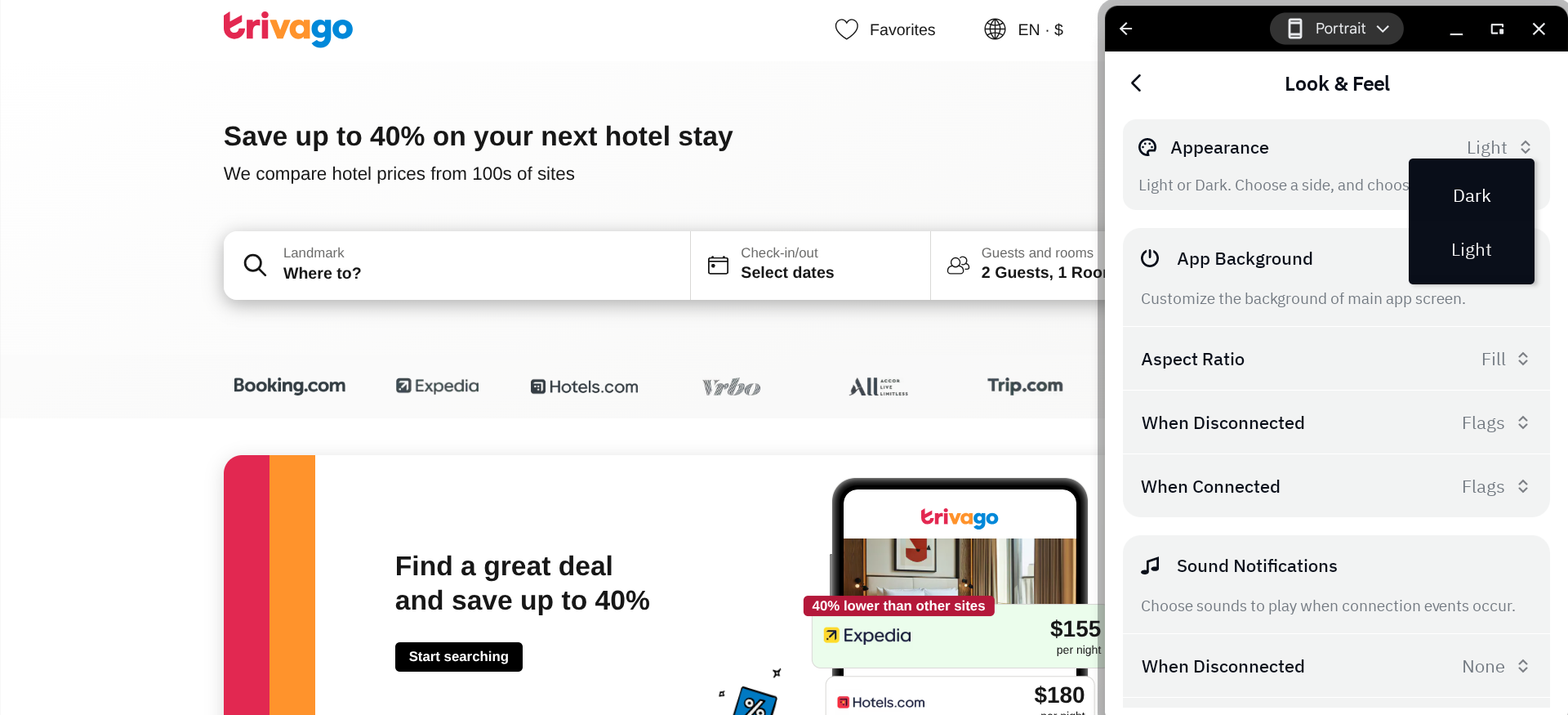
Last year, Windscribe made its user interface much more customizable. You can now upload your own background, rename server locations, and even add sound effects.
Windscribe’s Pricing:
The premium version of Windscribe offers unlimited bandwidth. There’s a Build Your Plan option that costs $1 per month per server you want access to (minimum of three servers). You also have the option of paying $9 per month (or $69 per year) to access all of Windscribe’s servers.
Pros and cons of Windscribe:

| Starting Price (5/5) | Security (4.5/5) | Server Coverage (4.5/5) | UX (4/5) | Compatibility (4.2/5) | Connectivity (5/5) | Top Features |
|---|---|---|---|---|---|---|
| Free | No-logs policy, kill switch | 8,000+ servers in over 45 countries | While it has a fun design, this app’s interface could use some work | MacOS, Windows, iOS, Android, Chrome/Firefox Browsers | Connect unlimited devices at once | — Proactive security alerts — User-level permissions — Domain sign-up — Centralized team billing |
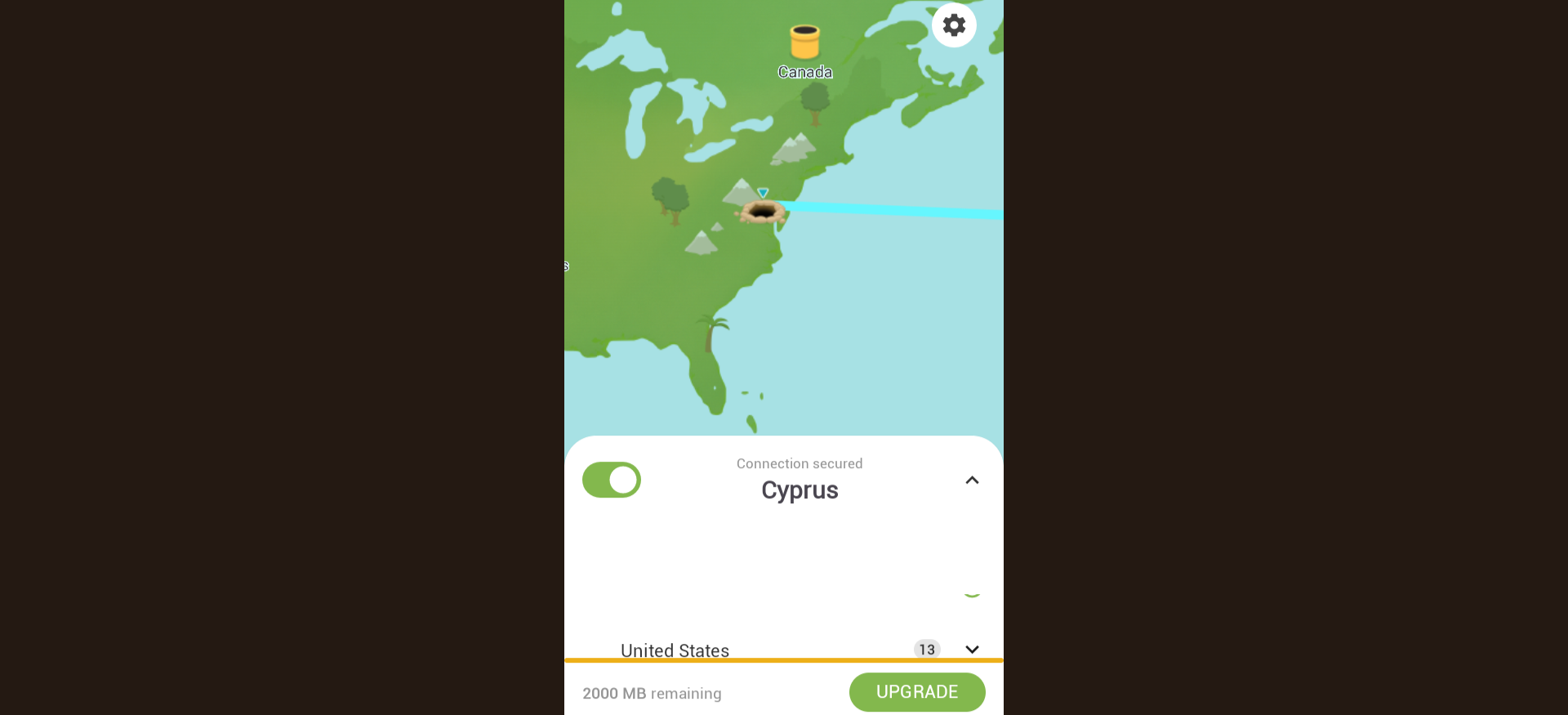
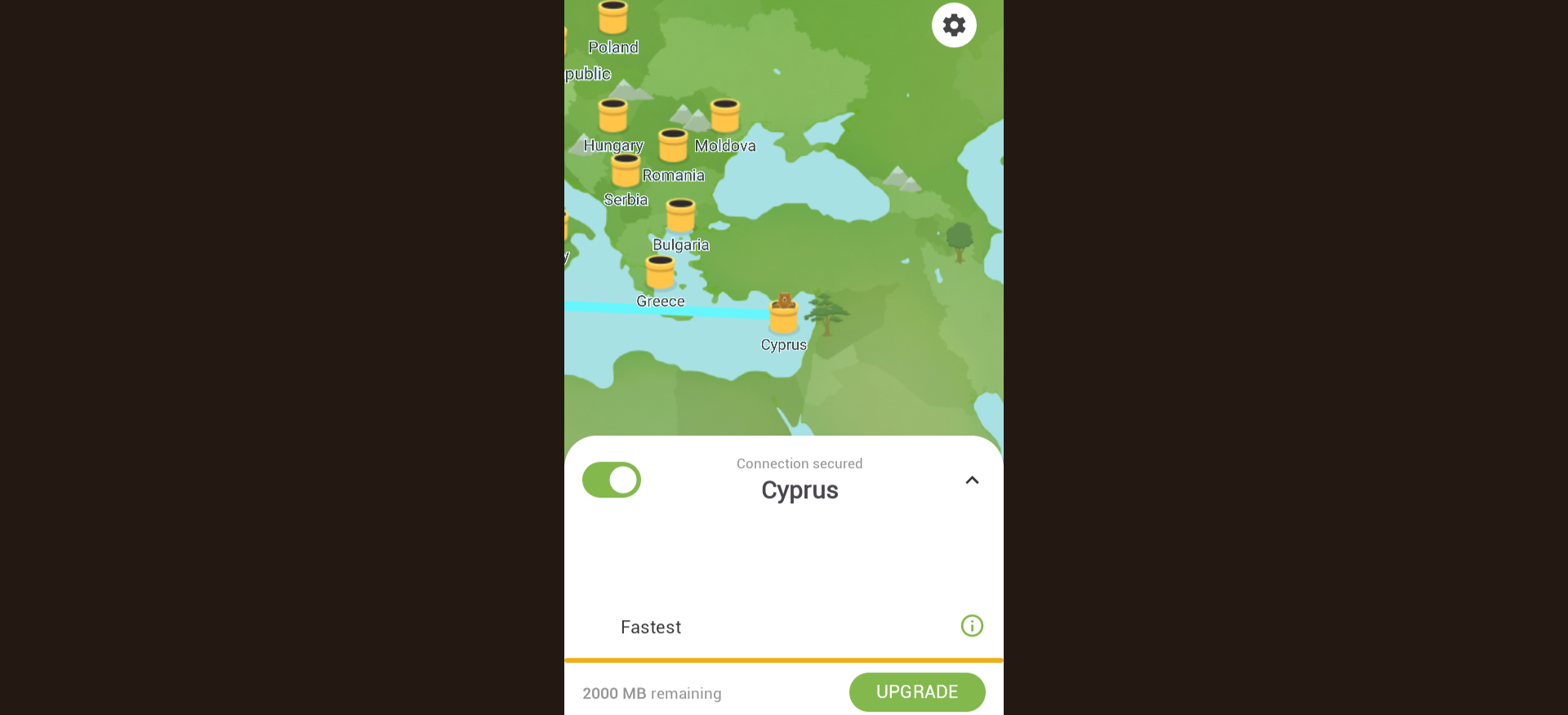
TunnelBear’s interface certainly stands out from all the other VPN apps I tested — the centerpiece of the app is a cartoon map, and whenever you establish a connection, you’ll see a bear tunnelling into the ground at your current location and then popping out of the ground at the location of whichever proxy server you’re connecting to.
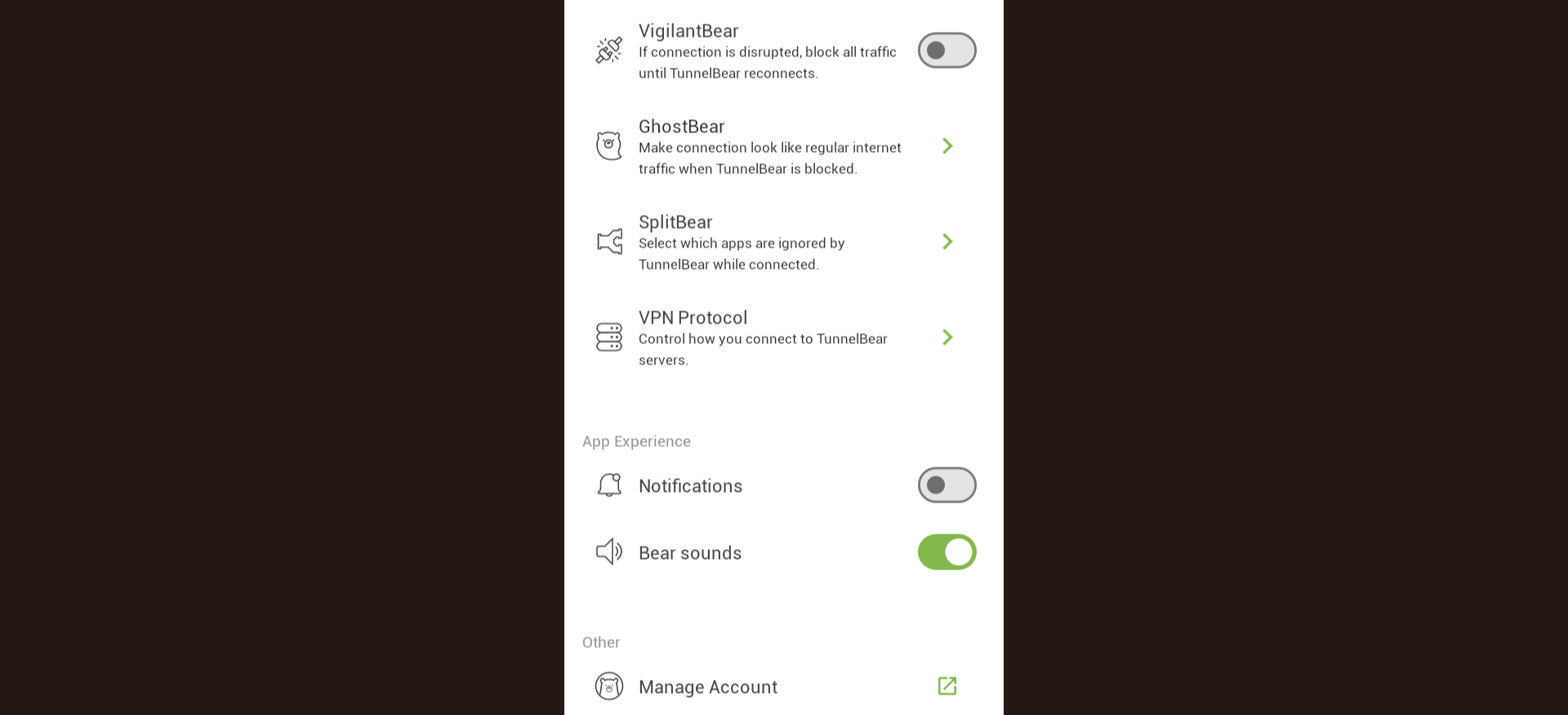
While the concept of this design is fun, the execution could be better. For one thing, some of the graphics are a little blurry. And at least on the Chromebook version of the app I tested, the only display option just doesn’t look right, as it takes up the entire screen but has wide black bars on both sides. But overall, it wasn’t too difficult for me to set up my connection and navigate through all the settings.
Free users are restricted to 2 GB of bandwidth per month, and the features are limited as well (e.g., premium users get access to country selection and split tunnelling, but free users don’t).
Who is TunnelBear best for?
One of the best things about TunnelBear is its accommodations for business users — with its Teams plan, you’ll get access to features like centralized billing and account management tools that make it much easier for organizations to address their VPN needs.
Recent upgrades to TunnelBear:
In March 2026, TunnelBear released extensive updates to its browser extension, with the code being completely refactored for stronger security.
TunnelBear’s Pricing:
TunnelBear’s Unlimited plan, which lifts the data cap and provides you with access to all features and servers, is $9.99 per month on a month-to-month basis (long-term discounts are also available). The Teams plan is $69 per year per user.
Pros and cons of TunnelBear:
| Provider | Best Free VPN Overall Score (4.82) Starting Price Free Money-Back Guarantee 30-day Server Network 15,000+ servers in over 120 countries Simultaneous Connections Up to 10 devices Platform Compatibility MacOS, Windows, Linux, iOS, Android, Chrome, Firefox, Chromebook, Android TV, Apple TV No-logs Policy  Kill Switch Split Tunneling Double VPN/Multi-hop Torrenting Support | Score (4.73) Starting Price Free Money-Back Guarantee 30-day Server Network 2,600+ servers in 57 countries Simultaneous Connections Up to 10 devices Platform Compatibility MacOS, Windows, Linux, iOS, Android, Volla OS, Freifon, Routers, Apple TV, Fire TV, Android TV, Browser Extensions, Game Consoles, Smart TVs No-logs Policy Kill Switch Split Tunneling Double VPN/Multi-hop Torrenting Support | Score (4.57) Starting Price Free Money-Back Guarantee 7-day Server Network Servers in 85 countries Simultaneous Connections Unlimited devices Platform Compatibility MacOS, Windows, Linux, iOS, Android, Fire TV, Android TV, Apple TV, Chrome/Firefox/Edge Browsers, Routers No-logs Policy Kill Switch  Split Tunneling Double VPN/Multi-hop Torrenting Support | Score (4.62) Starting Price $4.00 per month Money-Back Guarantee 30-day Server Network 8,000 servers in 45 countries Simultaneous Connections Unlimited devices Platform Compatibility MacOS, Windows, iOS, Android, Chrome, Firefox No-logs Policy Kill Switch Split Tunneling Double VPN/Multi-hop Torrenting Support |
|---|---|---|---|---|
| Score | (4.82) | (4.73) | (4.57) | (4.62) |
| Starting Price | Free | Free | Free | $4.00 per month |
| Money-Back Guarantee | 30-day | 30-day | 7-day | 30-day |
| Server Network | 15,000+ servers in over 120 countries | 2,600+ servers in 57 countries | Servers in 85 countries | 8,000 servers in 45 countries |
| Simultaneous Connections | Up to 10 devices | Up to 10 devices | Unlimited devices | Unlimited devices |
| Platform Compatibility | MacOS, Windows, Linux, iOS, Android, Chrome, Firefox, Chromebook, Android TV, Apple TV | MacOS, Windows, Linux, iOS, Android, Volla OS, Freifon, Routers, Apple TV, Fire TV, Android TV, Browser Extensions, Game Consoles, Smart TVs | MacOS, Windows, Linux, iOS, Android, Fire TV, Android TV, Apple TV, Chrome/Firefox/Edge Browsers, Routers | MacOS, Windows, iOS, Android, Chrome, Firefox |
| No-logs Policy | | | | |
| Kill Switch | | | | |
| Split Tunneling | | | | |
| Double VPN/Multi-hop | | | | |
| Torrenting Support | | | | |
| Learn more | Learn More On Proton VPN’s official website | Learn More On Hide.me’s official website | Learn More On Windscribe’s official website | Learn More On TunnelBear’s official website |
I thoroughly researched (and personally tested) each VPN service featured in this guide to ensure they are truly worth recommending. Specifically, I focused on the following six factors, which I believe are the most important things to look for when evaluating a VPN:
At the very least, a VPN should have a no-logs policy — this means they don’t store your data, so they couldn’t hand over any information about you to third parties even if they wanted to.
I also prioritized providers that offer a kill switch (which automatically turns off your internet connection when the VPN connection is lost) and double VPN/multi-hop capability (which routes your traffic through multiple private servers for extra protection). Many providers offer additional security features as well, such as malware filtering and password management.
The closer you are to a VPN provider’s private server, the better the performance will be. Therefore, the more servers a VPN provider has in its network, the more likely it is that you will get great performance. Also, being able to access servers in many different countries will give you more options for accessing geo-restricted streaming content and shopping deals.
It shouldn’t take a computer science degree to figure out how to use a VPN app. I made sure that all the options featured in this guide are easy to install, set up, and operate, no matter how tech-savvy you are.
While many VPNs provide a free trial or money-back guarantee, the options covered below are some of the only ones that offer a completely free plan that can be used indefinitely. Of course, they also offer premium plans that give you access to benefits such as faster speeds, more bandwidth, additional server options, and advanced features.
I only considered VPNs compatible with Windows, macOS, Android, and iOS, which will cover most internet-connected devices. The VPNs I selected are also compatible with more niche platforms and offer browser extensions as well.
You probably have at least a couple of devices that you personally use on the internet (your phone, laptop, TV, etc.). And if you want to include multiple people on your VPN plan, the number of devices that need to be covered becomes much larger — it may even run into the double digits. So, I looked for options that allow you to connect at least 10 devices at once, though ideally, there would be no limits in this regard.
The best free VPN depends on what you need most. Proton VPN is often considered the best overall free VPN because it offers unlimited bandwidth and strong security features. Other solid options include Windscribe for customization and Hide.me for privacy-focused features.
Some free VPNs are safe, but many are not. Reputable providers like Proton VPN, Windscribe, and Hide.me use strong encryption, no-logs policies, and transparent privacy practices. However, some free VPNs may collect user data or display ads, so it’s important to choose a trusted provider.
Most free VPNs limit certain features to encourage upgrades. Common restrictions include slower speeds, limited server locations, bandwidth caps, or fewer device connections. Paid plans usually unlock faster performance and more server options.
Free VPNs can sometimes slow down your connection because their servers are shared among many users. Some providers also intentionally limit speeds on free plans. However, high-quality services like Proton VPN and Windscribe still provide usable speeds for browsing and streaming.
Streaming with a free VPN is possible, but it may be limited. Some services restrict access to streaming-optimized servers or cap bandwidth, which can affect video quality. Paid VPN plans typically provide better streaming performance and access to more content libraries.
Yes, Proton VPN is one of the few free VPN services that offer unlimited bandwidth on its free plan. However, the free version offers fewer server locations and slower speeds than the premium plans.
If you plan to use a VPN frequently, upgrading to a paid plan is often worthwhile. Paid VPNs typically offer faster speeds, more server locations, better streaming support, and additional security features.

About The Password Manager, Gunnar Kallstrom:
Kallstrom, The Password Manager, is a Cyber Team Lead for a Department of Defense (DOD) contracting company in Huntsville, Alabama, and has worked as a Computer Network Defense (CND) Cyber Analyst. An author and content creator for a cybersecurity academy, Kallstrom spent nearly 15 years in the Army as a musician before entering the cybersecurity field.
He holds a bachelor’s degree in music from Thomas Edison State University and a master’s in organizational development and leadership from the University of the Incarnate Word.
Kallstrom has completed several Computing Technology Industry Association (CompTIA) courses, including Security+, Network+, A+ Core 1, and A+ Core 2. He earned a CompTIA Security+ Certification. Additionally, he has completed the Cyber Warrior Academy program with more than 800 hours of hands-on, intensive, and lab-driven technical training in cybersecurity methods and procedures.
Passionate about all things cyber, Kallstrom was a speaker on a panel at the 2022 InfoSec World conference, giving a talk entitled “Hacking into a Cyber Career – True Stories.” Kallstrom is also a mentor to entry-level cybersecurity candidates seeking to break into the field. When he’s not working, he still enjoys playing guitar and fishing (not phishing).